Introdução

  1. E2YBrJHLIh2ZOcBy
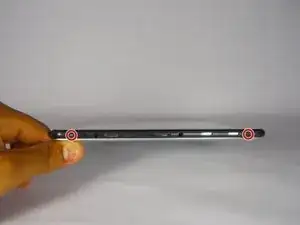
    • Remove 2 black 4 cm Phillips screws on either side of the bottom of the device.

  2. bUfHpYc6Ykjo5my3
    bUfHpYc6Ykjo5my3
    iIMfoQqOXKox5xwe
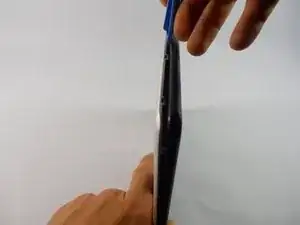
    • Use the plastic opening tools and the spudger around the outside of silver metal back plate on the device to pry off the back plate.

  3. qPQmcnmoNwJvGSFJ
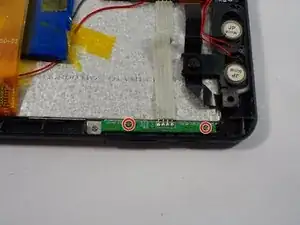
    • Remove 2 silver 4 cm Phillips screws in the top right side of the device.

  4. oNKGgcxDYs5OGDbo
    oNKGgcxDYs5OGDbo
    eXULKZSxC6itgmHi
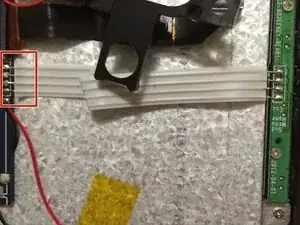
    • Cut 4 wire flex cable connecting the motherboard to the volume controls.

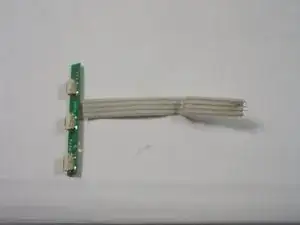
    • Remove volume control buttons.

Conclusão

To reassemble your device, follow these instructions in reverse order.

Edward Insogna

Membro desde: 23/03/15

626 Reputação

0 comentários