Introdução

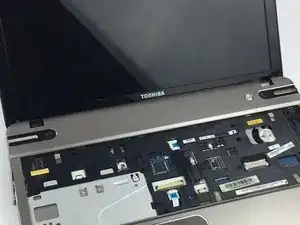
The laptop screen, most of which are made of glass, is the physical surface on which visual information is presented. Sometimes screens can become faulty or can become damaged from an accident. Luckily, laptop screens are replaceable and below are the instructions to replace the screen of your Toshiba Satellite P855-S5102 Laptop.

  1. UlsmRqBUdBrVDAJT
    UlsmRqBUdBrVDAJT
    OaAEfMGdJqDBeQcD
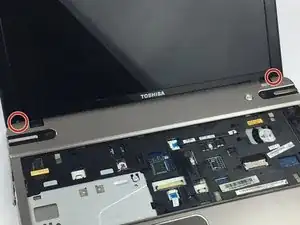
    • Remove the two F3 screws on the bottom part of the screen using Phillips #0 Screwdriver.

  2. KQNISqfQ1L5S2XDN
    KQNISqfQ1L5S2XDN
    MXiX4RIyZXTMZGIQ
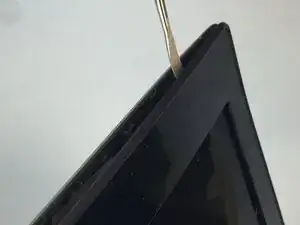
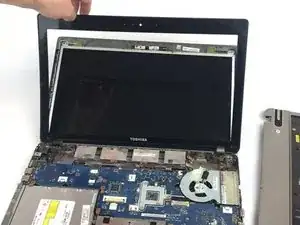
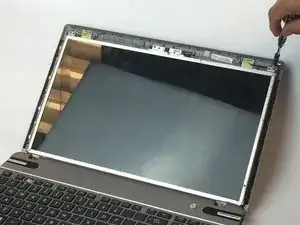
    • Using a plastic opening tool, pry the border around the screen off.

  3. iROBMKouglmrRyjE
    iROBMKouglmrRyjE
    Ht5XhlA1xi64WmhK
    W6r1cI16s3yJUHsU
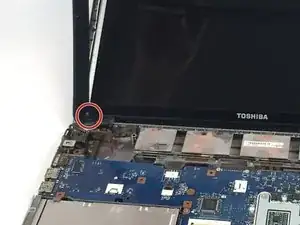
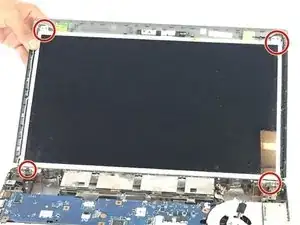
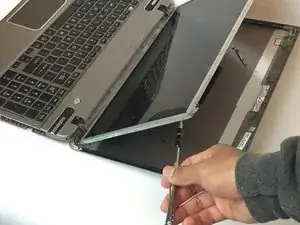
    • Using a Phillips #1 screwdriver, carefully remove all four F3 screw on each corner of the screen.

  4. ky16ADY5vcQ4MHDU
    ky16ADY5vcQ4MHDU
    MPYGuldt3hkICc4O
    lqHFAPeV2MhSZYUW
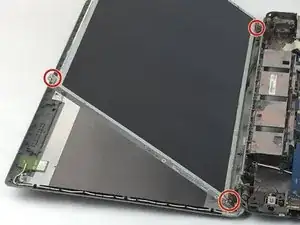
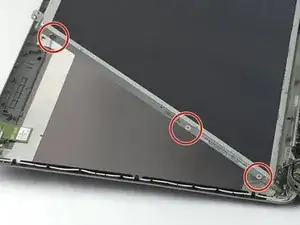
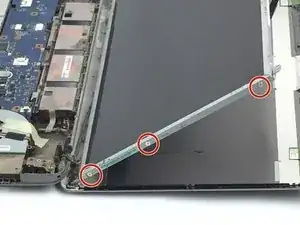
    • Using a Phillips #1 screwdriver, remove the three F2 screws on both sides of the screen.

  5. FAMFdZaNGITn42pX
    FAMFdZaNGITn42pX
    eDcPXcJ5SDxHBsjD
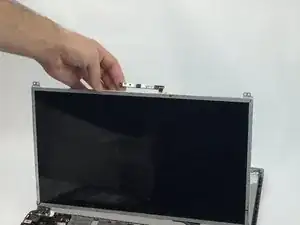
    • Carefully lift up the screen for an easier removal of the webcam. Then gently remove the connector by sliding it out of the webcam.

  6. TLeEdqTB5FiWV2IM
    TLeEdqTB5FiWV2IM
    LLsWUGh4QkFJ3EYQ
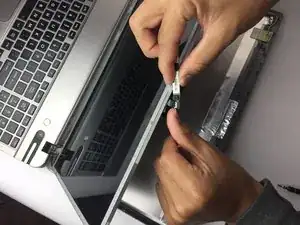
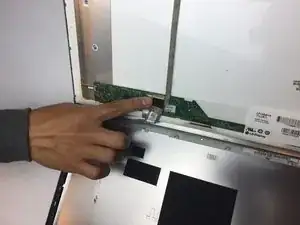
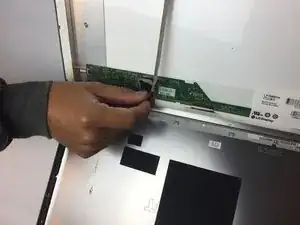
    • Remove the tape holding the sliding connector, then gently pull it out.

Conclusão

To reassemble your device, follow these instructions in reverse order.

Rodrigo

Membro desde: 25/01/18

133 Reputação

0 comentários