Introdução
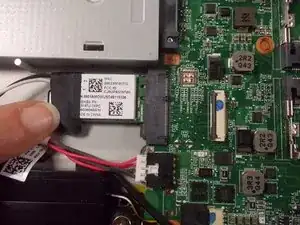
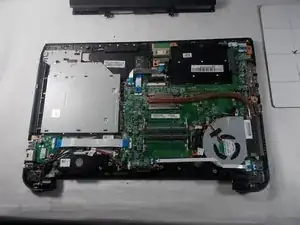
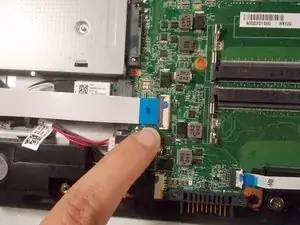
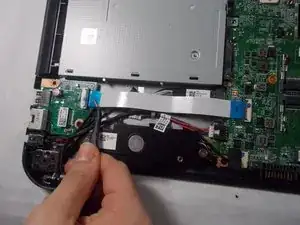
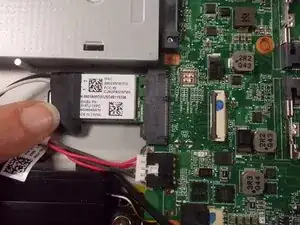
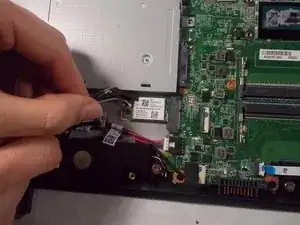
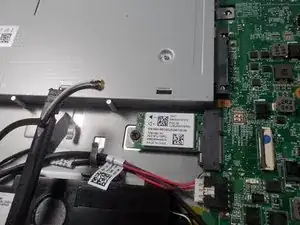
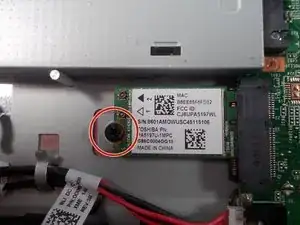
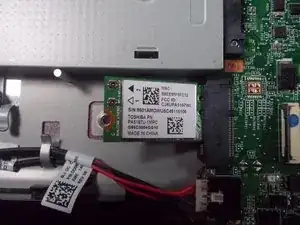
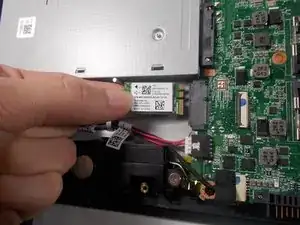
This guide will help you replace the wireless card if it is not functioning adequately. It will instruct you to remove the cover to the wifi to gain access to the card and then replace it.


-
-
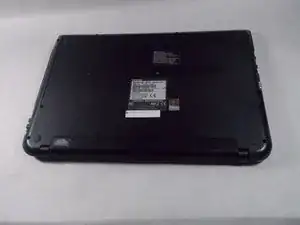
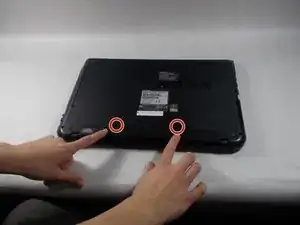
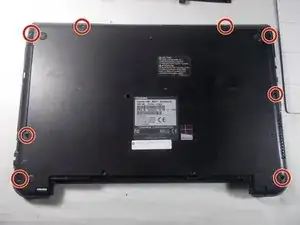
Remove all 6.5 mm Philips head screws on the back cover of the laptop with a Philips #00 screwdriver.
-
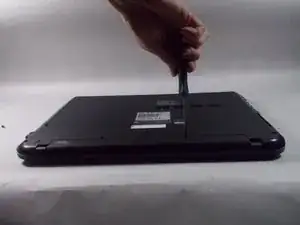
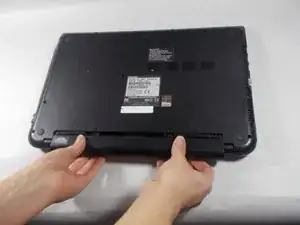
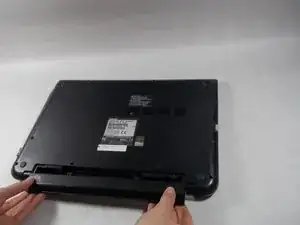
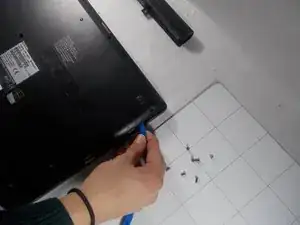
Use the plastic opening tool to remove the back cover from the laptop.
-
Conclusão
To reassemble your device, follow these instructions in reverse order.
