Introdução
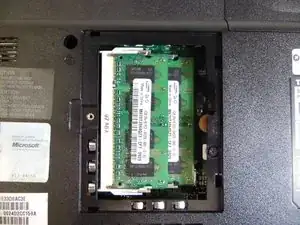
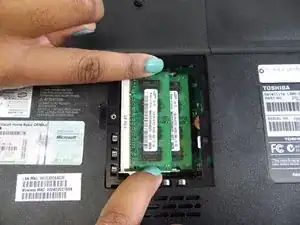
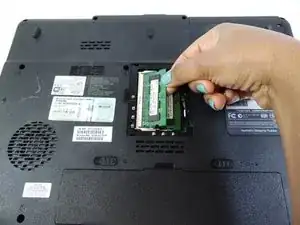
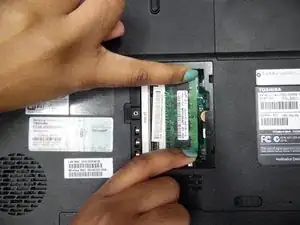
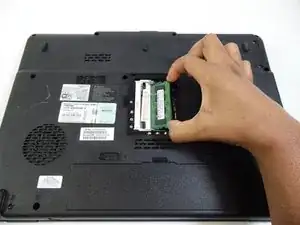
A quick and easy way to learn how to replace the RAM in your Toshiba Satellite.
Ferramentas

-
-
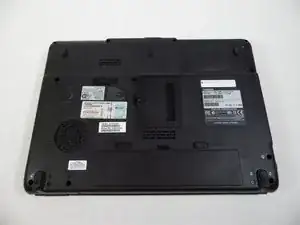
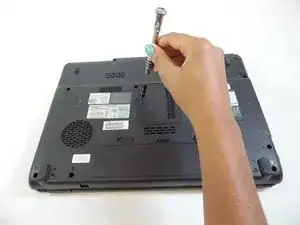
Unscrew the screw marked "4"with PH1 screwdriver.
-
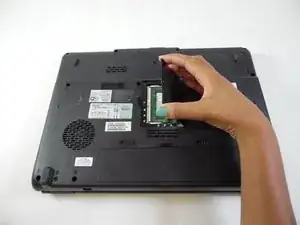
Remove cover by lifting up and pulling it out.
-
Conclusão
To reassemble your device, follow these instructions in reverse order.
