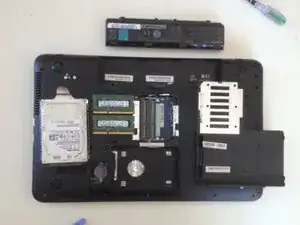
Introdução
Ferramentas


-
-
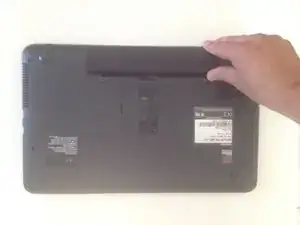
Switch off the laptop and remove the battery
-
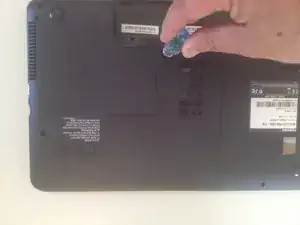
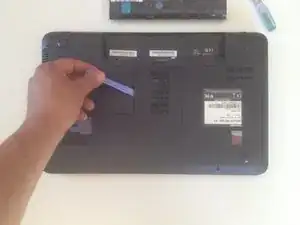
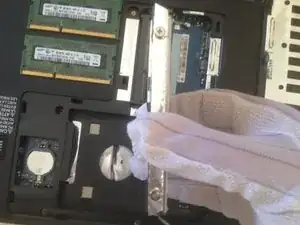
Remove the HDD / Memory cover, secured by one Phillips screw.
-
-
-
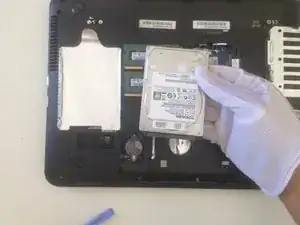
Remove the metal folio secured by 4 Phillips screws and transfer it to the new HDD.
-
.
-
-
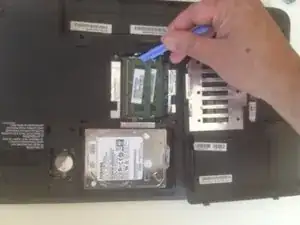
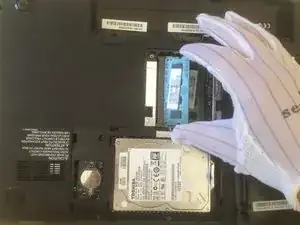
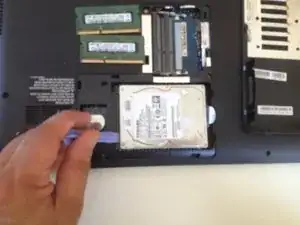
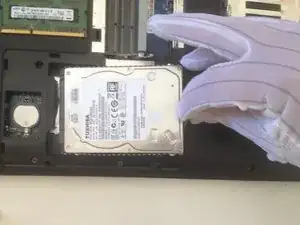
Conclusão
To reassemble your device, follow these instructions in reverse order.

5 comentários
hi what is the maximum amount of memory this laptop will take
16 GB but some older version of this model(C850) takes up only up to 8 GB max
@stephenmell u can find the details and specs about the laptop here:
Hey @ifixit @zfix team, i myself am a mobile/pc/laptop technician.while adding repair/replacement/upgrade guide like this..also plz add the specs and max capacity of the laptops thanks coz its difficult to find for some older laptops. It would be helpful for technicians like us aswell as normal people who own the laptops and wants to upgrade/replace themselves.
Thanks
theflashsalesmobile -