Introdução
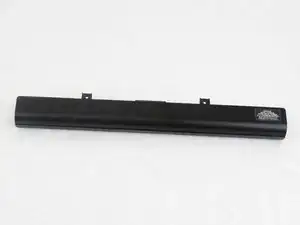
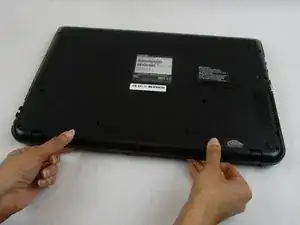
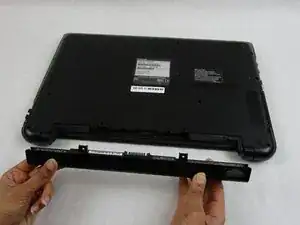
If the laptop is having internal software issues or Windows has warned that the battery has reached extremely low capacity, use this guide to remove and replace the battery.
Ferramentas


-
-
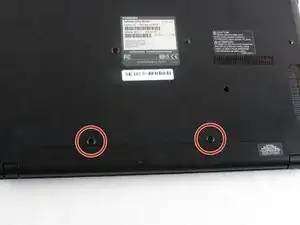
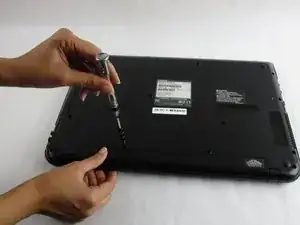
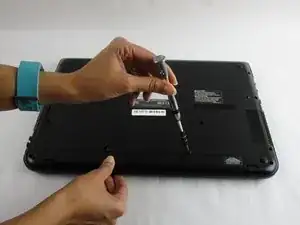
Use a Phillips #1 screwdriver (PH1 bit) to remove the two 7 mm screws that secure the battery.
-
Conclusão
To reassemble your device, follow these instructions in reverse order.