Introdução
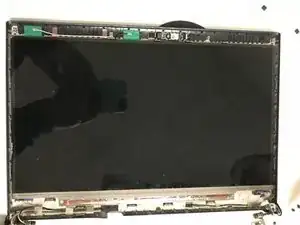
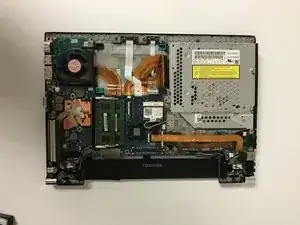
In this guide we will remove the screen from a Toshiba Portege R835-P56X
Ferramentas


-
-
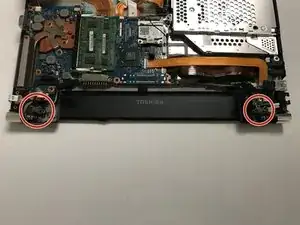
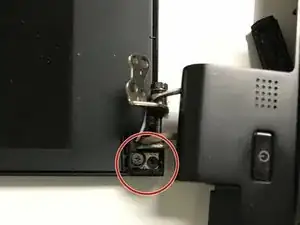
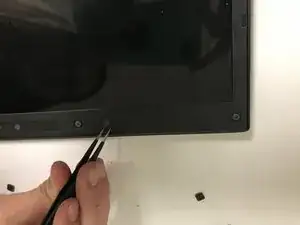
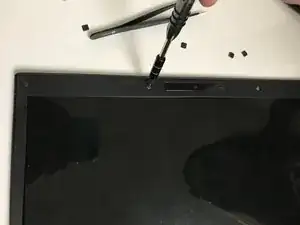
Remove the screw from the metal hinges in the top corners of the laptop as shown in the picture.
-
-
-
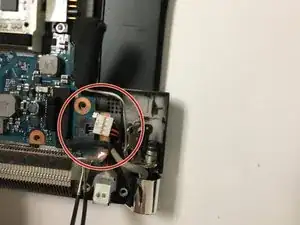
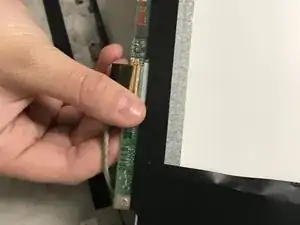
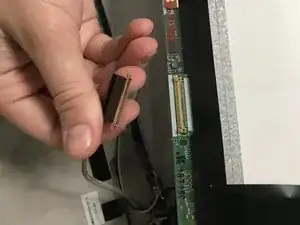
Disconnect the white plug with red and black wires located on the right-most upper corner with the chrome hinges pointed farthest away from you.
-
-
-
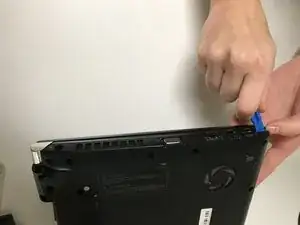
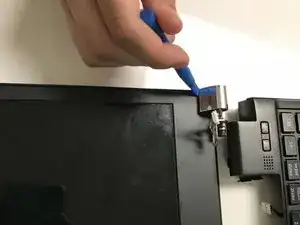
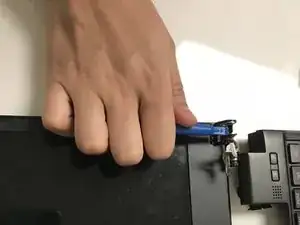
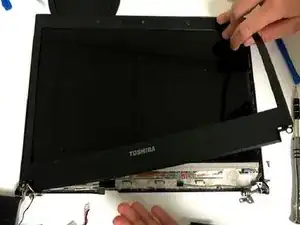
Remove the chrome hinges using the blue prying tool. The hinges should pop right off without must effort.
-
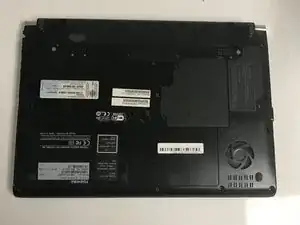
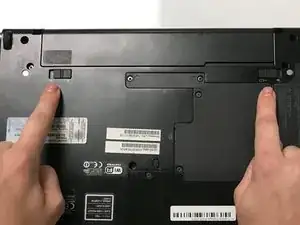
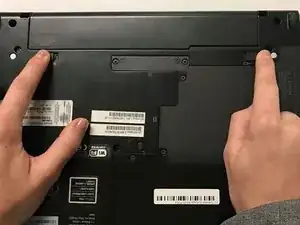
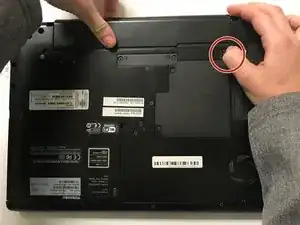
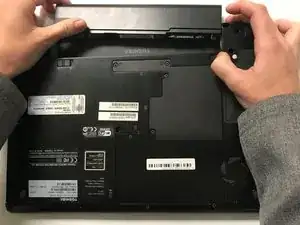
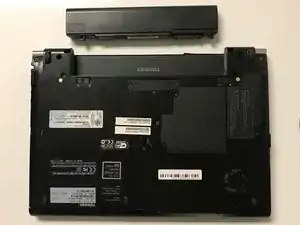
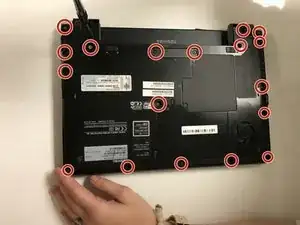
To reassemble your device, follow these instructions in reverse order.

Um comentário
Unfortantly, Step 4 is wrong, you actually have to remove all screws and there is another screw under the covers that's needed to be removed before the back will come off. Thankfully I figured this out, otherwise, with the steps that were provided I could of damaged the back! Please be careful!