Introdução
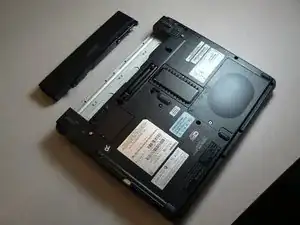
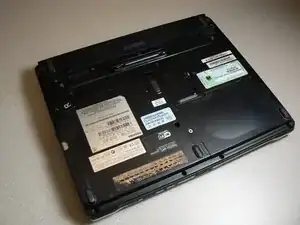
If your laptop is having trouble turning on or is dying suddenly it is likely due to an issue with the battery. Batteries in the Toshiba Portégé M300 provide power and can degrade or break over time. Due to this degradation it is sometimes required to replace the battery. This guide will go through the steps needed to replace the battery of a Toshiba Portégé M300.
Warning:
- Always turn off the power and unplug the device before handling the battery
-
-
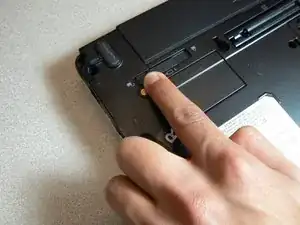
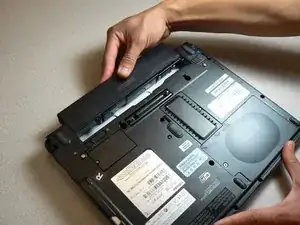
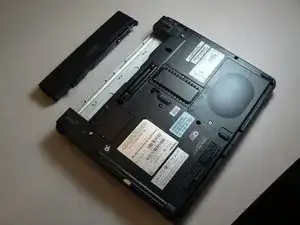
Slide the lock on the left side to the unlock position.
-
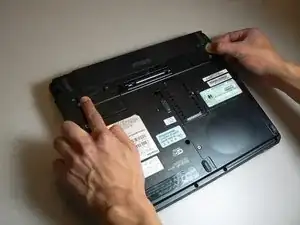
Slide the lock on the right side to the unlock position until there is a clicking sound.
-
Conclusão
To reassemble your device, follow these instructions in reverse order. Take your e-waste to an R2 or e-Stewards certified recycler.
