Introdução
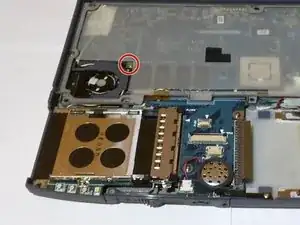
Replacing the fan for this laptop is simple and only requires a screwdriver and a plastic opening tool.
Ferramentas

-
-
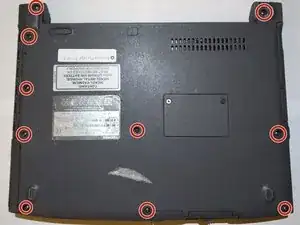
Begin by removing the battery and flipping the laptop over so you can see the screws.
-
Use a Phillips head screwdriver to remove the screws on the back.
-
-
-
Flip the laptop back over and carefully open it.
-
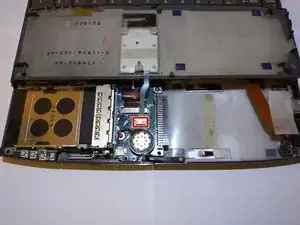
Lift up the bottom panel where the mouse click buttons are.
-
Use the spudger to disconnect the ribbon cable from the bottom of the panel.
-
-
-
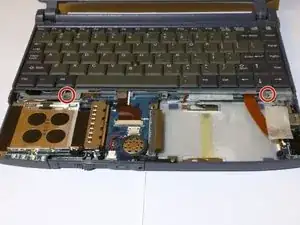
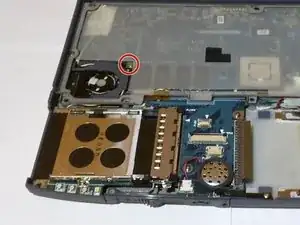
Use the same sized Phillips head screwdriver from before to remove the two screws that hold the keyboard in place.
-
Then, simply lift the keyboard up and slide it down and out.
-
Conclusão
To reassemble your device, follow these instructions in reverse order.
