Introdução
How to replace the CR2032 lithium cells from a TI-30X Plus and how to reset it after losing power.
Ferramentas

Peças

-
-
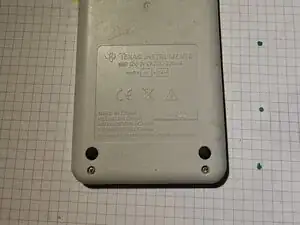
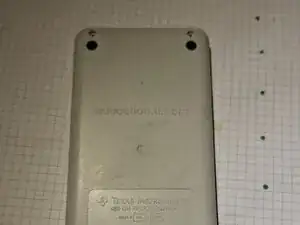
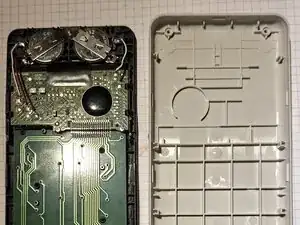
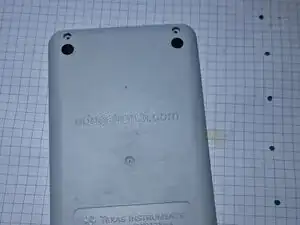
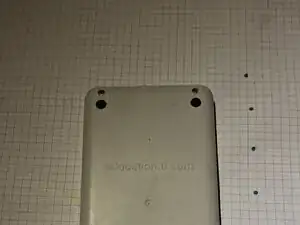
Use a bit of force to separate the lighter colored plastic back from the front panel. There are 3 clips on each side and 1 clip on the top and bottom. A spudger can come in handy here, but by carefully applying some force it can be opened non-destructively.
-
-
-
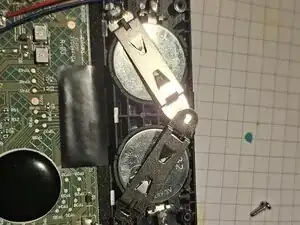
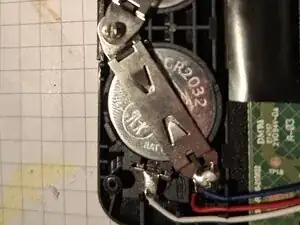
Remove the screw that holds the two top battery contacts together and remove the two upper contacts. (Be careful with the left one as it's soldered to a rather fragile wire.)
-
-
-
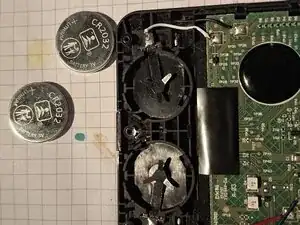
Use a plastic stick or a flat head screwdriver to remove the batteries. And replace the old ones with new lithium CR2032 cells.
-
-
-
Put the metal contacts back on by putting them under the plastic hook on one side and screwing them in place. Also make sure the wire coming from the battery contact is put back in it's place, going trough a little cutout in the plastic.
-
-
-
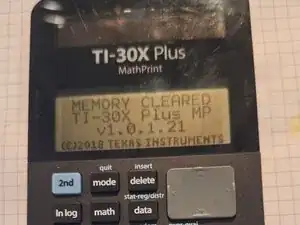
To test if the new batteries work and to reset the calculator, flip it around and press the 'on' and 'clear' buttons simultaneously. After releasing the buttons a "MEMORY CLEARED" screen should appear.
-