Introdução
A defective wheel that won't scroll is a common issue among computer users, and those using the Tecknet wireless mouse (M003) are no exception. By following this guide, you will learn the steps to replacing the scrolling wheel in your Tecknet wireless mouse.
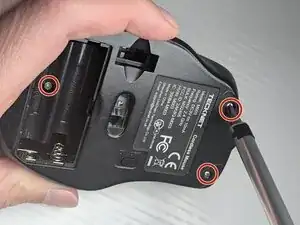
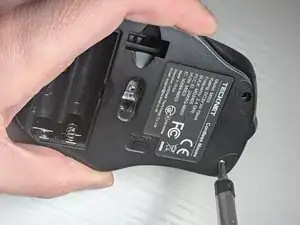
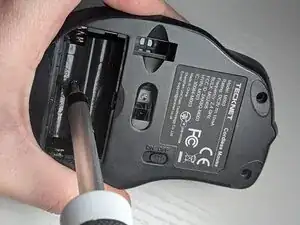
The process requires minimal technical ability: if you know how to use a screwdriver and change out batteries, you can easily come to know how to fix a stuck mouse wheel. You will begin by locating and removing three screws, then separating the case into two halves so you can work on the interior.
Replacing the wheel itself is almost as simple as pulling it out and pushing a new one in - but it may not even be necessary. Most mouse scrolling problems can be solved by simply cleaning the wheel or removing debris from the cradle. At step 5, you will have an opportunity to see if cleaning solves the issue. If it doesn't, proceed with step 6: replacing the wheel itself.
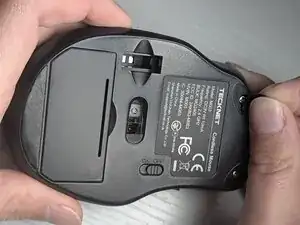
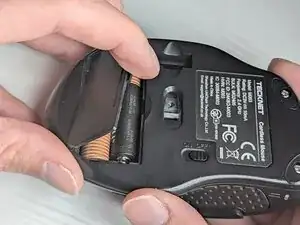
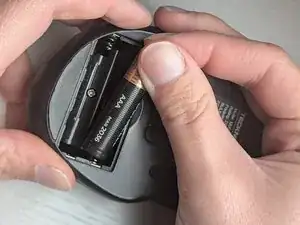
Before beginning the repair, make sure your device is powered off.
Ferramentas

-
-
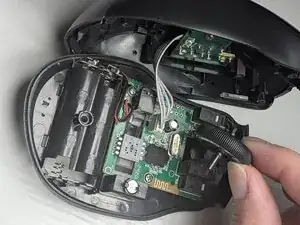
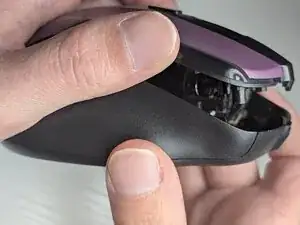
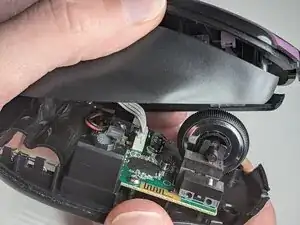
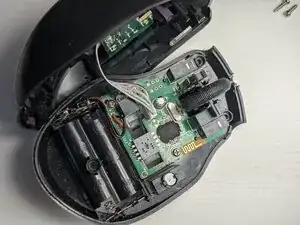
Carefully separate the top and side panels from the bottom cover.
-
Put the bottom on a flat surface and set the top and side panels to the left of it.
-
-
-
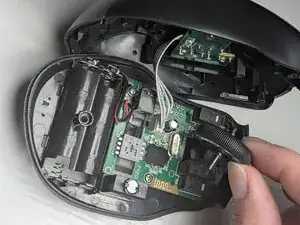
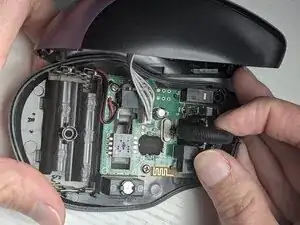
Gently push the wheel left and right until you free its axle from the cradle's socket.
-
Once the axle is free, lift the wheel from the cradle and remove the defective scrolling wheel.
-
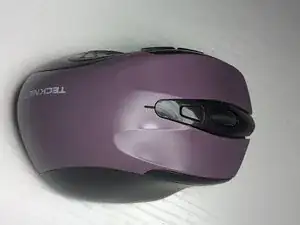
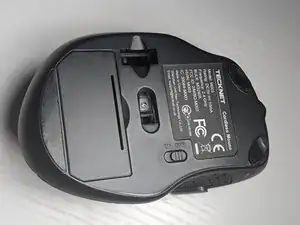
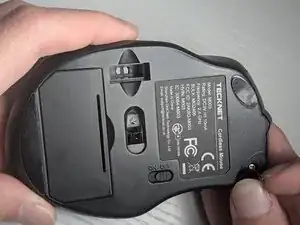
To reassemble your device, follow these instructions in reverse order. Take your e-waste to an R2 or e-Stewards certified recycler.