Introdução
-
-
Turn off your phone by holding down the hang up button and pressing power off
-
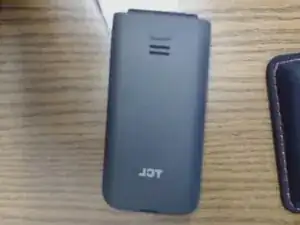
Turn the phone over
-
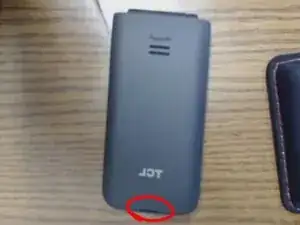
Put your thumb in the thumb hole on the bottom of the phone
-
-
-
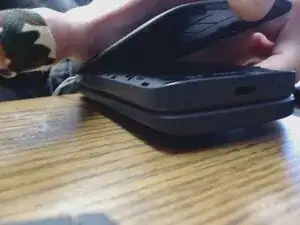
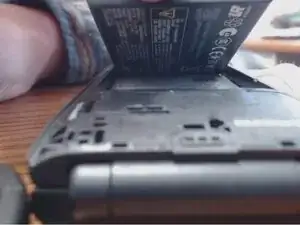
Put your thumb in the thumb hole on the bottom of the battery
-
Lift it without puncturing the battery
-
-
-
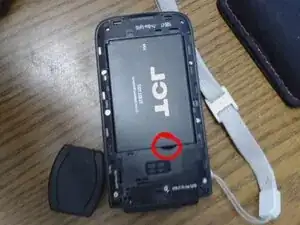
Press down on the circled flap carefully. Do not use too much force, as that could risk breaking it. The left side is the sim card and the right side is the SD card slot.
-
-
-
Slide the new sim card/sd card into the slot.
-
This Phone cannot take a microsd card bigger than 512 gb, so make sure you buy accordingly
-