Introdução
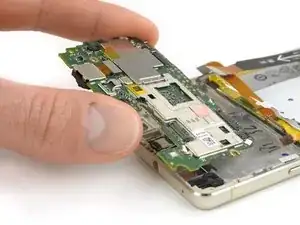
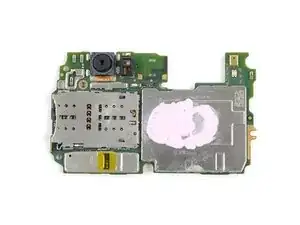
Use este guia para substituir a placa-mãe de seu Huawei P9 Lite.
Ferramentas


-
-
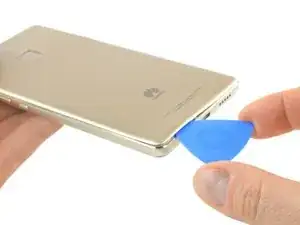
Use uma palheta de abertura para desencaixar a tampa traseira, começando pelo canto inferior.
-
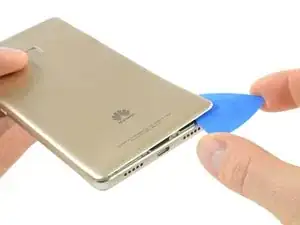
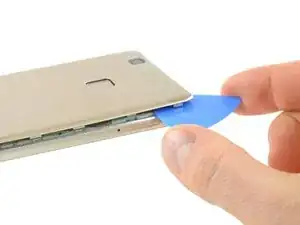
Abra caminho no sentido horário e faça alavanca cuidadosamente em cada uma das abas de plástico.
-
-
-
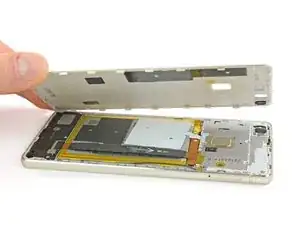
Quando a tampa traseira não estiver mais presa ao adesivo, você pode abri-la completamente com a mão.
-
-
-
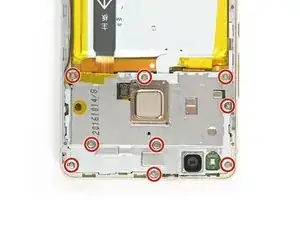
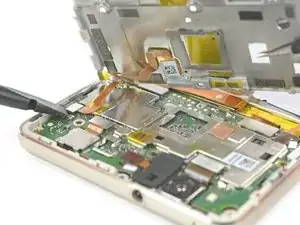
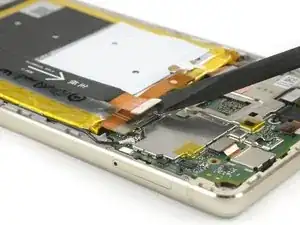
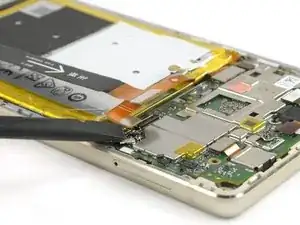
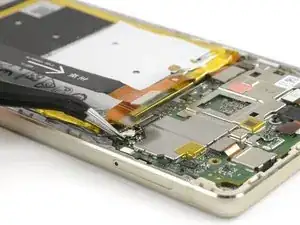
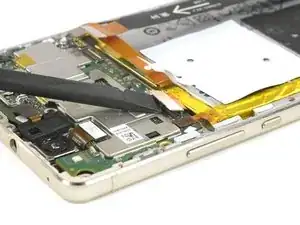
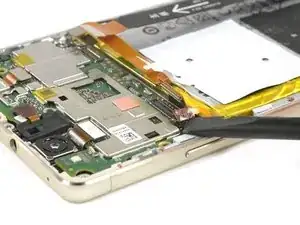
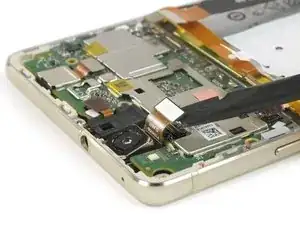
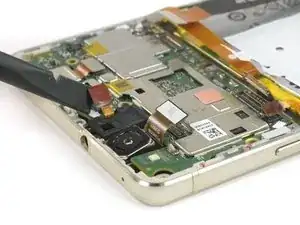
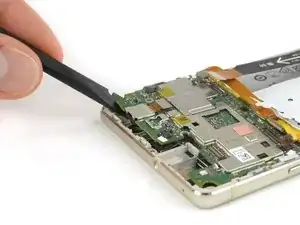
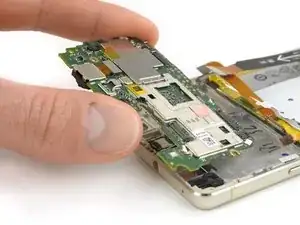
Use uma espátula para desconectar o sensor de impressão digital da placa-mãe.
-
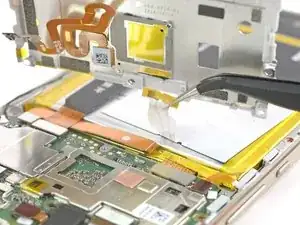
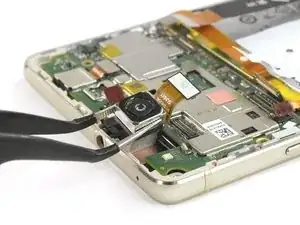
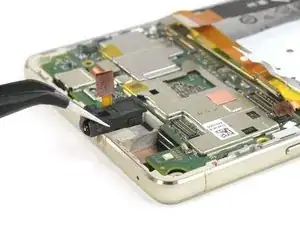
Destaque o cabo da antena NFC da placa metálica.
-
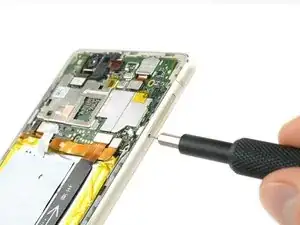
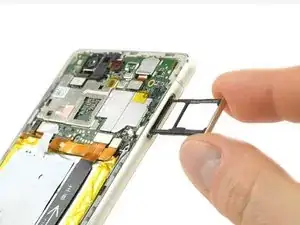
Conclusão
Para montar novamente seu dispositivo, siga essas instruções na ordem inversa.

Um comentário
Aslam-0-alaikum
Sir p9lite ka motherboard mil jya ja to plz bta da kitny ka ha
What could you use instead of an opening pick??
Alfredo -
Like, could a guitar pick wor? Or anything else?
Alfredo -
A guitar pick will also do.
Tobias Isakeit -
what can still be used besides guitar pick
Tarshia Thompson -
I had a hard time to open the back cover by opening pick. Then I used little, really little knife at first, and I continue to opening back cover using opening pick.
Andy B -
Heating up aroud the finger sensor to loosen the square adhesive tape ..
Hishamchohan -
If you do not have any picks, You can also adapt an old credit or utility card by cutting it in to thirds. Then with some fine emery or sand paper, rub a sharp point on the one edge of the card. This will help you get access to the clips that hold the rear cover on. The one i did yesterday had quite a lot of adhesive around the edge & around the finger print sensor. Another tip with an old credit card is to cut it in to narrow strips to insert in to where you have separated the cover from the frame to stop it getting stuck to the adhesive again.
gazza667 -