Introdução
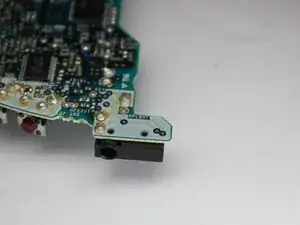
This is a guide showing the steps required to remove and replace the audio jack of a Sony Walkman D-EJ360. The audio jack interacts with external devices to transmit the analog audio signal from the Walkman.
Failure of the audio jack can make inserting an external device impossible if the internal conductors break down. The internals can also become lodged with debris. Symptoms of a failed audio jack include no audio, low audio, noisy audio, or a loose connection.
Replacement of the audio jack is rather difficult. This repair requires soldering to remove the display. A ventilated space is required to complete this repair.


-
-
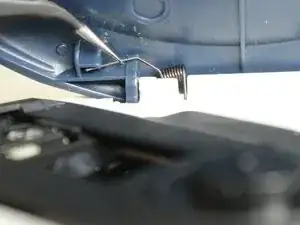
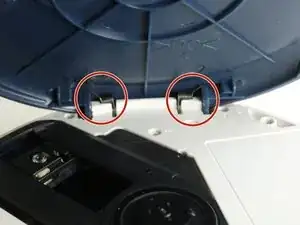
Grip the thin end of each spring using a pair of tweezers, slide it out of the lid notch, then press down on the main coil to release and remove it.
-
-
-
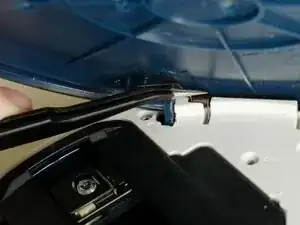
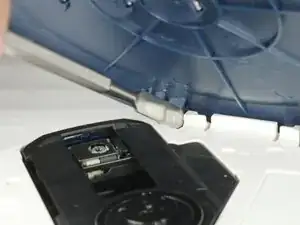
Insert the metal spudger in the crevice between the blue lid and the white body of the Walkman.
-
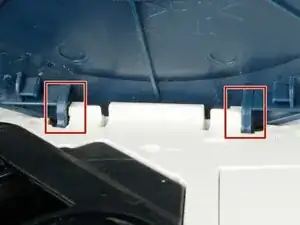
There is a notch where the lid is held under to stay in place. With the spudger, push the blue lid portion down and out.
-
Repeat the same tactic on the other side. The other side should become easier to pop off.
-
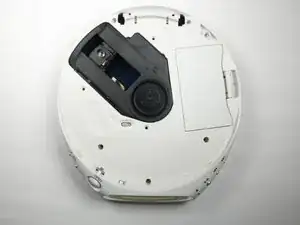
Remove the lid.
-
-
-
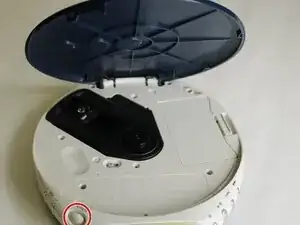
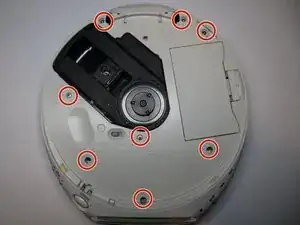
Remove the eight 6.1 mm screws using a Phillips #00 screwdriver.
-
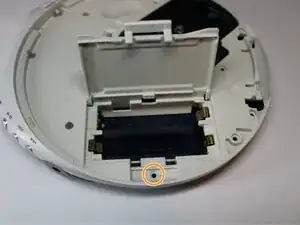
Open the battery cover to reveal the last screw.
-
Remove the ninth 6.1 mm screw using a Phillips #00 screwdriver.
-
-
-
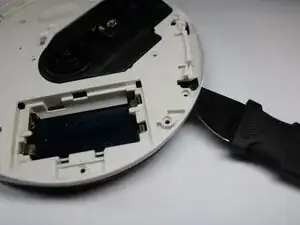
Insert a Jimmy into the seam between the upper and lower cases and pry apart.
-
Avoid initially prying near buttons, or the laser assembly.
-
Pry until the there is an audible click. The halves should visibly separate roughly 1/4 in.
-
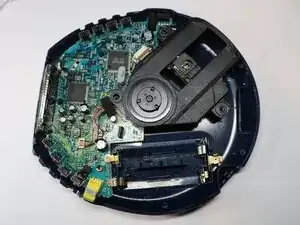
Work around the seam in a circular path, separating the halves completely.
-
-
-
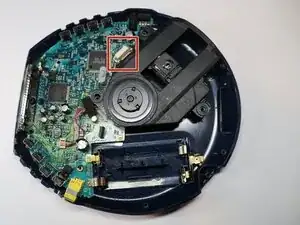
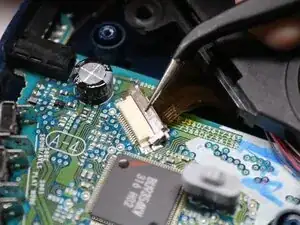
Using tweezers, gently lift the the locking flap on the laser module ribbon connector.
-
Gently remove the ribbon cable from the connector.
-
-
-
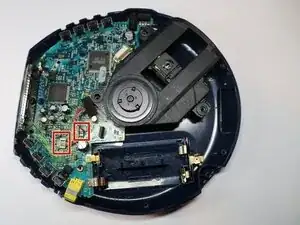
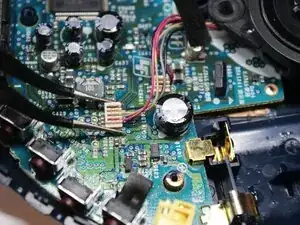
Using tweezers, squeeze the upper half of the four wire connector, and lift straight up to remove the connector.
-
Repeat the step for the two wire connector.
-
-
-
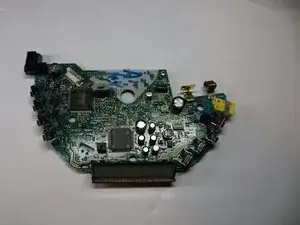
Lift the board on the same side as the battery terminals, and slide the board out diagonally.
-
-
-
Apply flux to the solder joints of the damaged audio jack.
-
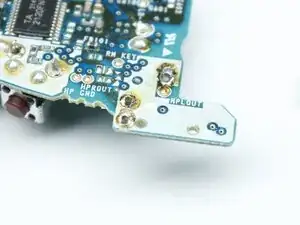
Heat the solder joint using soldering iron until liquid, and use a desoldering pump to suck the solder away from the terminal. There should be a visible void between the terminal and the motherboard.
-
Clean the hot end of the soldering iron between each joint. this will help reduce any excess solder from filling the joint. This can be done with either a wet sponge or brass/copper shavings.
-
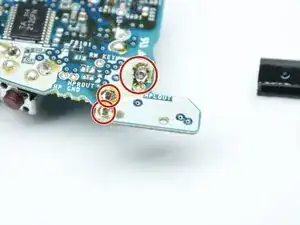
Repeat for the 3 joints of the audio jack.
-
-
-
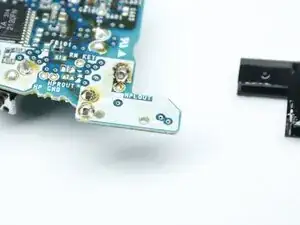
Use tweezers to remove the audio jack from the motherboard. There may be a small remanent of solder holding the terminal. You may need to lightly torque the jack side to side in order to get it to free up.
-
Caution, the board and audio jack may still be hot. Avoid setting the terminal on a flammable or heat sensitive surface.
-
-
-
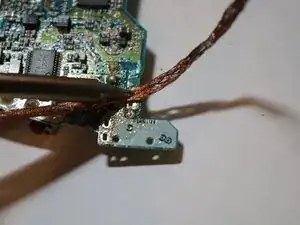
Apply flux to traces, place solder wick on traces, and press soldering iron against the solder wick and carefully scrub the traces for about 3-5 seconds.
-
-
-
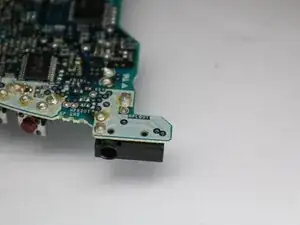
Press the new audio jack pins into the through holes of the motherboard.
-
Apply flux to the three traces of the audio jack.
-
Apply a small amount of solder to the hot end of the soldering iron until a small drop of solder is on the iron.
-
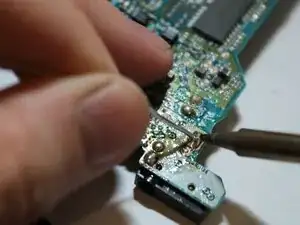
Press said drop of solder against the pins of the audio jack. If the solder flows, the the trace will have no gaps around the terminal pin. You may need to add additional solder to the trace to make a strong connection.
-
Make sure to not bridge any traces on the audio jack or the jack will not function. Try not bump any adjacent electronics to the audio jack.
-
If too much solder is on the trace, or a trace gets bridged, clean the soldering iron, apply flux to the solder joint, and use the scolding iron to wick up some of the solder. It may take multiple attempts to remove the excess solder. Make sure to clean the hot end between each attempt.
-
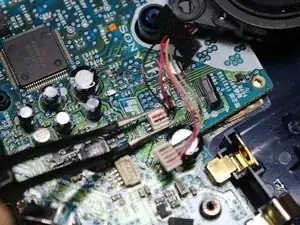
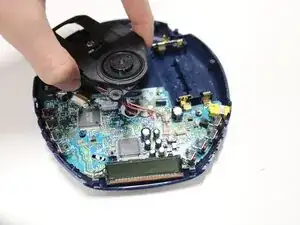
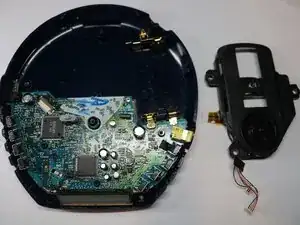
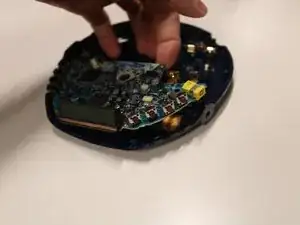
To reassemble your device, follow these instructions in reverse order.
