Introdução
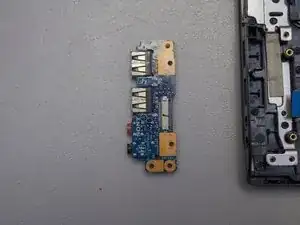
This guide will help you replace the Sony VAIO SVE14AJ16L I/O Card on your laptop. An I/O card is an important piece that represents the relationship between inputs and outputs in a computer system. I/O cards play a vital role as a link between a computer and external devices, spanning from monitors to keyboards. When an external device sends a signal, it is received by the I/O card, triggering a corresponding action. If you notice that what you input into your computer is not outputting correctly, your I/O card needs to be replaced. In this tutorial, we will guide you through the safe replacement of your device's Sony VAIO SVE14AJ16L I/O Card.


-
-
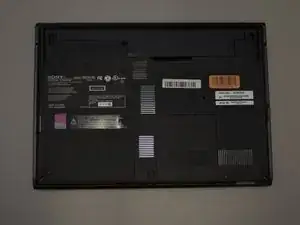
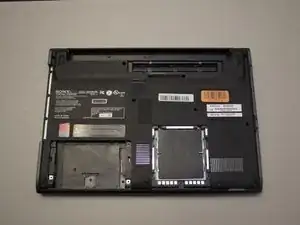
Remove the battery, hard drive cover, and RAM cover.
-
Unscrew the two Phillips screws to remove the hard drive from the computer
-
-
-
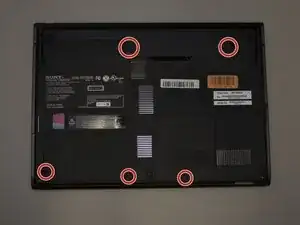
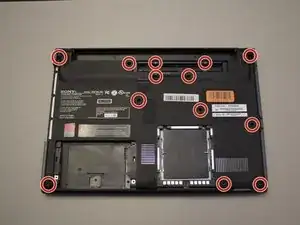
Remove the 13 Phillips #0 screws.
-
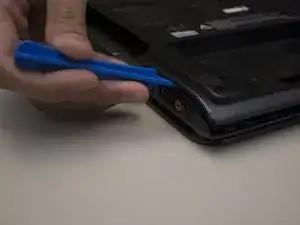
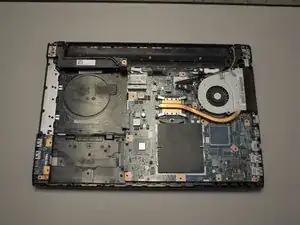
Carefully pry apart the clipped-on bottom panel of the laptop to expose the internal of the laptop using the iFixit opening tool.
-
-
-
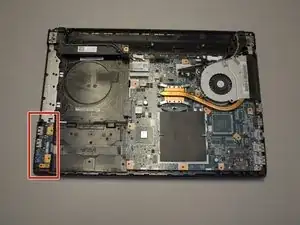
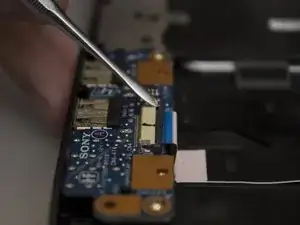
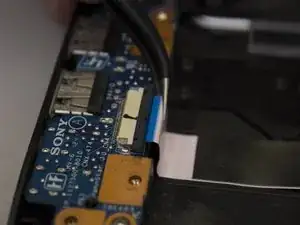
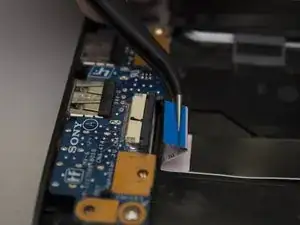
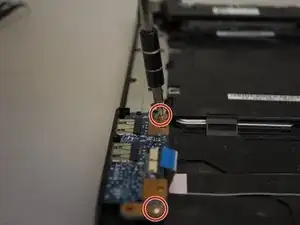
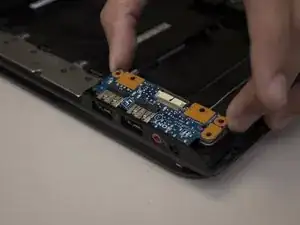
Remove the two screws on the corners of the I/O card using a Phillips #0 screwdriver.
-
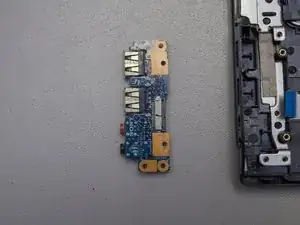
Lift the edge of the card up and away from the laptop, then pull it away from the side ports.
-
To put Humpty Dumpty together again, follow these instructions in the reverse order.
