Introdução

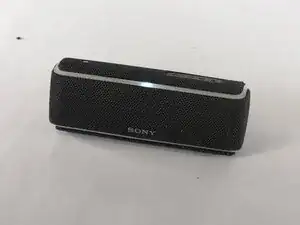
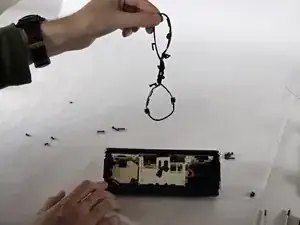
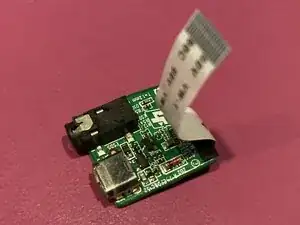
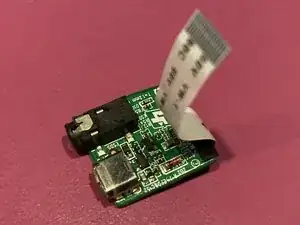
This is a guide for replacing the audio-port and charging-port board on the Sony SRS-XB21 Bluetooth speaker. The device has an audio port on the back, allowing for both Bluetooth and wired connectivity options, and the circuit board with this audio-port also includes the charging-port.

  1. irvQtIXQWTQL3NGx
    • Turn the speaker off and disconnect any charging cables.

  2. NGBFrB4Op1X5e6f4
    NGBFrB4Op1X5e6f4
    sIvwBqTBYbYI1Y6q
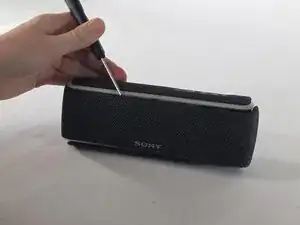
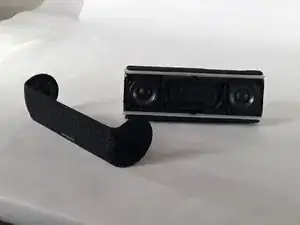
    • Gently run an opening tool along the seam where the grille meets the body.

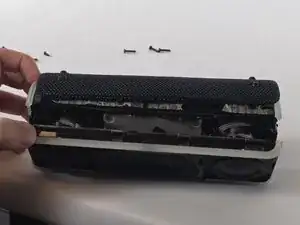
    • Lift the grille off slowly.

  3. XYM2jQtgiG4gWYHI
    XYM2jQtgiG4gWYHI
    cwHiLjUmmlwFkQl1
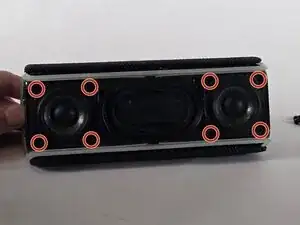
    • Remove the four screws from the corners of each speaker using a Phillips #1 screwdriver.

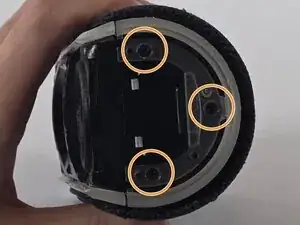
    • Remove the three screws from each endcap using a Phillips #1 screwdriver.

  4. YFPb1XhCcKePuPHa
    YFPb1XhCcKePuPHa
    OACZiwfwGofN1mlB
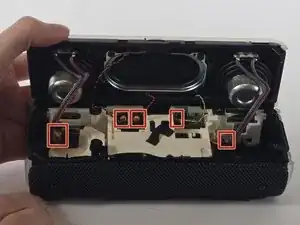
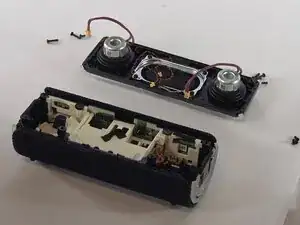
    • Pull up the speaker housing carefully, as there are wires still connected.

    • Disconnect all of the cables connected to the speaker.

  5. YY4kLCiJj4RSEdiq
    • Remove the front panel assembly.

  6. yOqBKBsv3k3EXsca
    • Remove the rubber gasket around the edge of the battery housing.

  7. YOv3uLLxsYtmH14Y
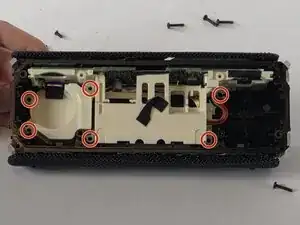
    • Remove the six screws from the battery housing using a Phillips screwdriver.

  8. lhvOBKji2heahpXb
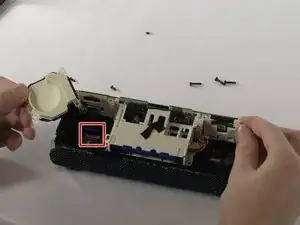
    • Remove the plastic covering for the motherboard.

    • Unclip and disconnect the ribbon cable connected to the motherboard.

  9. XVlbZVNZCjTEtbjD
    XVlbZVNZCjTEtbjD
    yb15TBeKjTJksXTl
    mABWuTtMEXmnIoIr
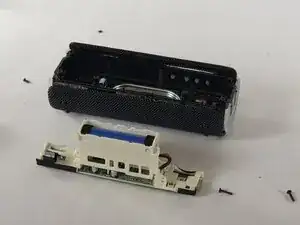
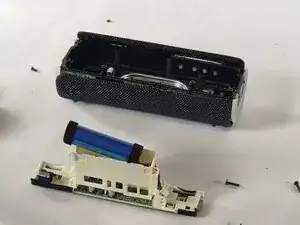
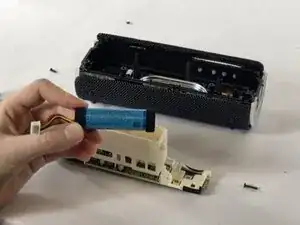
    • Remove the battery housing.

    • Remove the battery from the housing.

  10. KiAYVvskwwxQQJRN
    KiAYVvskwwxQQJRN
    vrEVWblbLxgqhDmB
    W5RWAUWmPZdDT3Fw
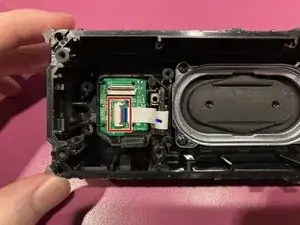
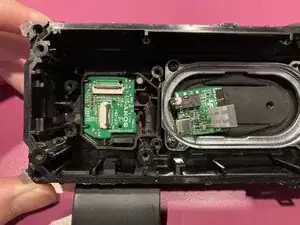
    • Unclip the ribbon cable and disconnect the I/O board from the other circuit board.

Conclusão

To reassemble your device, follow these instructions in reverse order.

Joey_Clements

Membro desde: 04/11/25

73 Reputação

0 comentários