Introdução
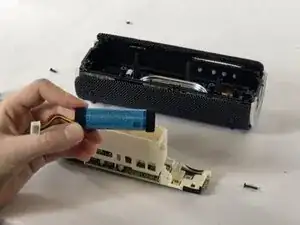
This will be help guide you step by step on replacing the internal battery for the Sony SRS-XB21. Over time the battery may weaken causing the play time to be sighnificantly shorter and charging issues.


-
-
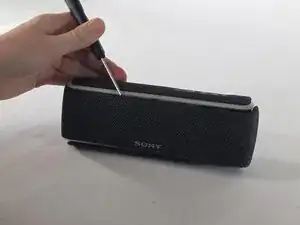
Gently run an opening tool along the seam where the grille meets the body.
-
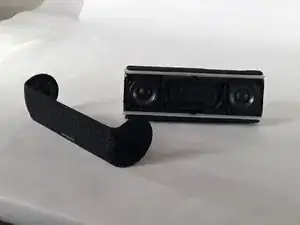
Lift the grille off slowly.
-
-
-
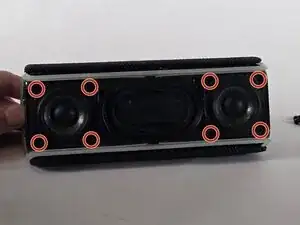
Remove the four screws from the corners of each speaker using a Phillips #1 screwdriver.
-
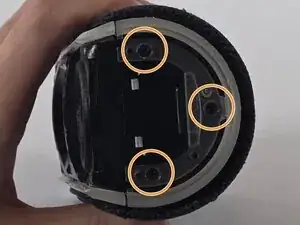
Remove the three screws from each endcap using a Phillips #1 screwdriver.
-
-
-
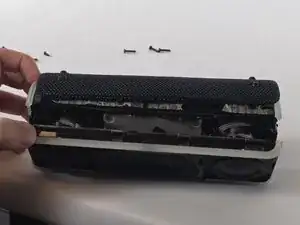
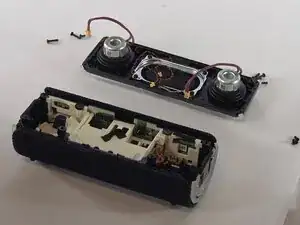
Pull up the speaker housing carefully, as there are wires still connected.
-
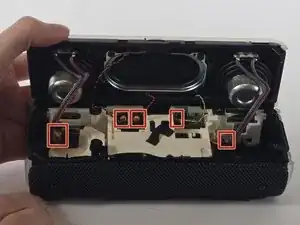
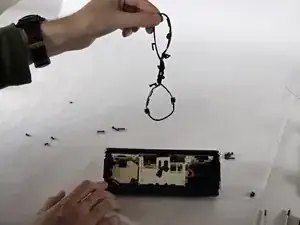
Disconnect all of the cables connected to the speaker.
-
-
-
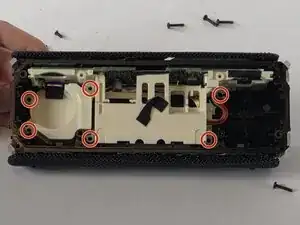
Remove the plastic covering for the motherboard.
-
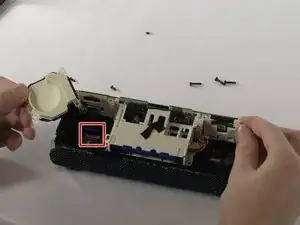
Unclip and disconnect the ribbon cable connected to the motherboard.
-
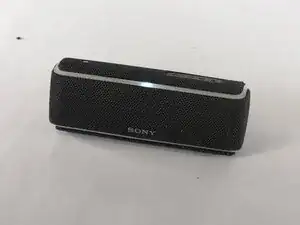
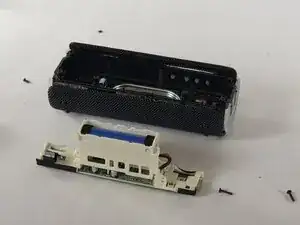
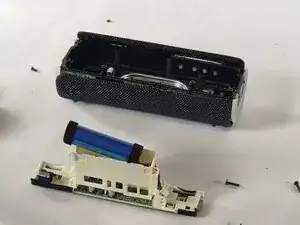
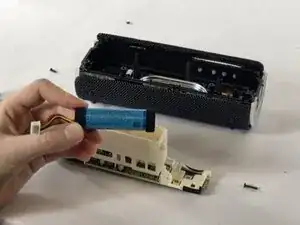
To reassemble your device, follow these instructions in reverse order.
