Introdução
Ferramentas

-
-
Turn the camera so the back side, beneath the viewfinder, is facing you.
-
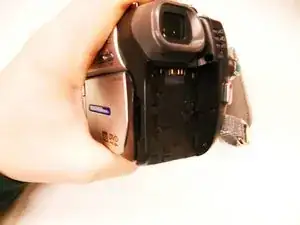
Locate the battery pack compartment.
-
Press the small release button near the battery compartment.
-
While pressing the button, slide the switch forward to unlock the battery.
-
-
-
Carefully pull the battery pack out of the compartment.
-
To reinsert, align the battery pack with the compartment.
-
Slide the battery back into the camera until it clicks securely into place..
-
-
-
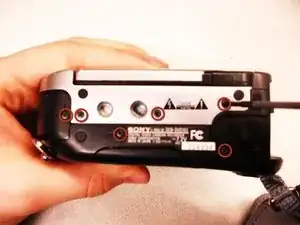
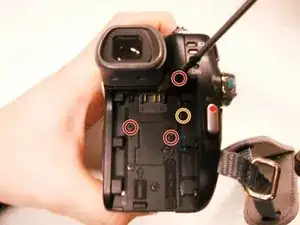
Remove the three 4.5 mm screws beneath the battery.
-
Remove the 2.9 mm screw from the right corner.
-
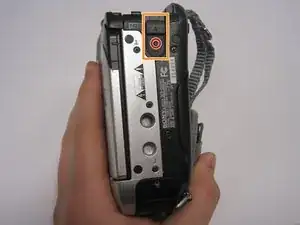
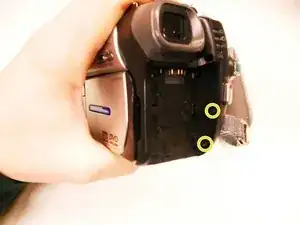
Remove the two 4.5 mm screws from the battery's right wall.
-
-
-
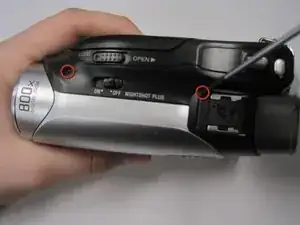
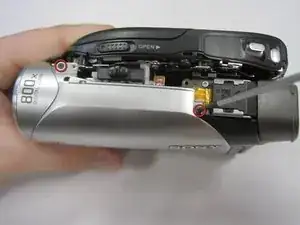
Remove the two 4.5 mm screws at the top of the camera.
-
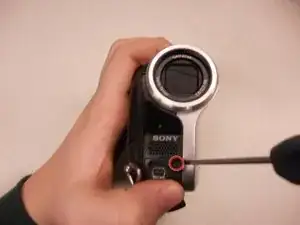
Remove the 4.5 mm screw from the disk side of the camera (next to the lens).
-
-
-
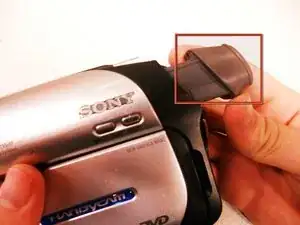
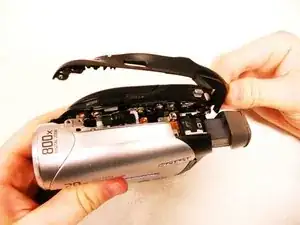
Gently pull apart the outer silver case and screen.
-
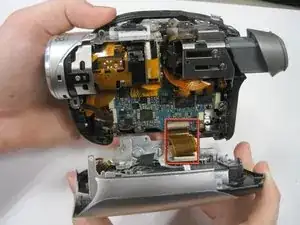
Remove the copper wire strip to detach the case from the camera.
-

To reassemble your device, follow these instructions in reverse order.
