Introdução
Occasionally the LCD screen or the Back light on the camera will be cracked or simply stop working. This page outlines how to disassemble the camera in order to install replacement parts for any broken pieces.
Ferramentas

-
-
Turn the camera so the back side, beneath the viewfinder, is facing you.
-
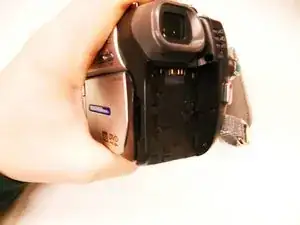
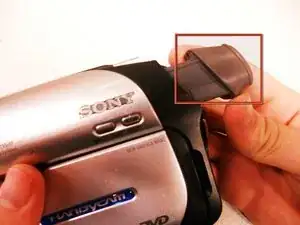
Locate the battery pack compartment.
-
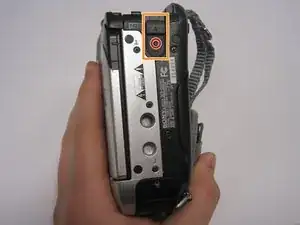
Press the small release button near the battery compartment.
-
While pressing the button, slide the switch forward to unlock the battery.
-
-
-
Carefully pull the battery pack out of the compartment.
-
To reinsert, align the battery pack with the compartment.
-
Slide the battery back into the camera until it clicks securely into place..
-
-
-
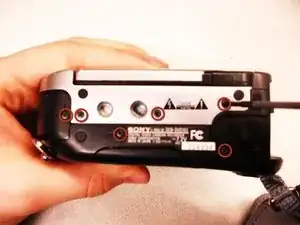
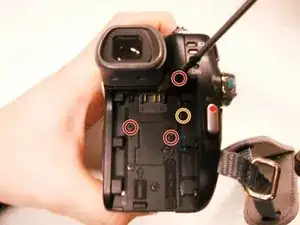
Remove the three 4.5 mm screws beneath the battery.
-
Remove the 2.9 mm screw from the right corner.
-
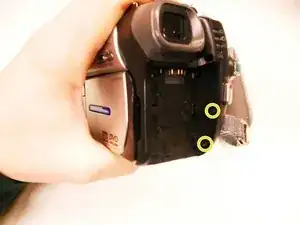
Remove the two 4.5 mm screws from the battery's right wall.
-
-
-
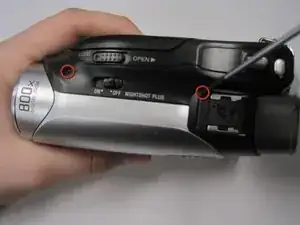
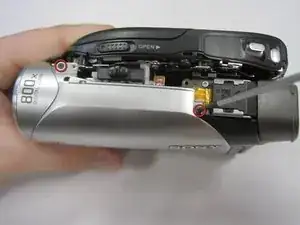
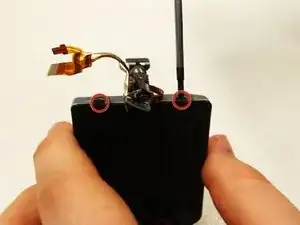
Remove the two 4.5 mm screws at the top of the camera.
-
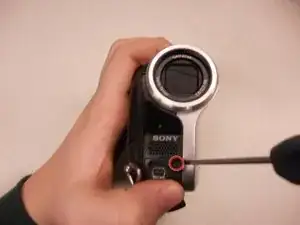
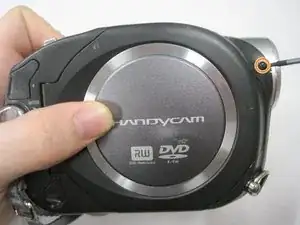
Remove the 4.5 mm screw from the disk side of the camera (next to the lens).
-
-
-
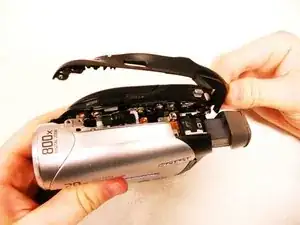
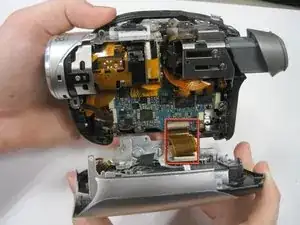
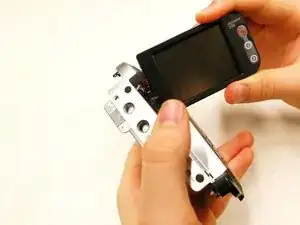
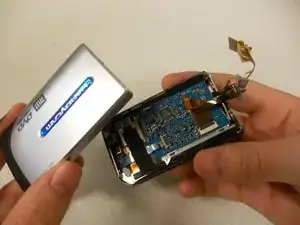
Gently pull apart the outer silver case and screen.
-
Remove the copper wire strip to detach the case from the camera.
-
-
-
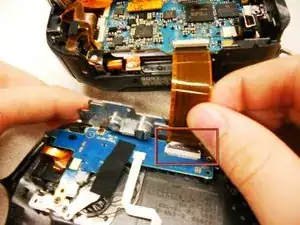
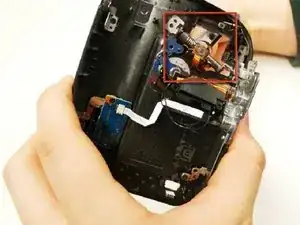
Remove the copper strip from the housing that connects the outer casing to the entire of the camera.
-
-
-
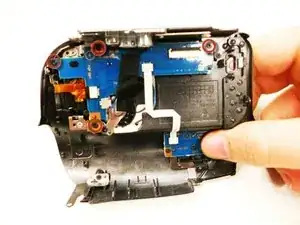
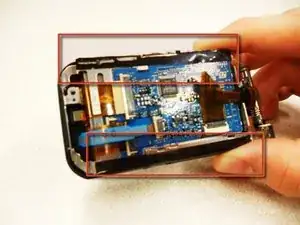
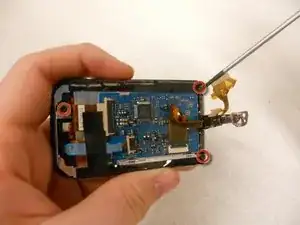
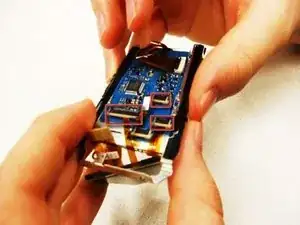
Remove (4) 2.9mm screws from the L-shaped circuit board. They are marked with red circles in the slide.
-
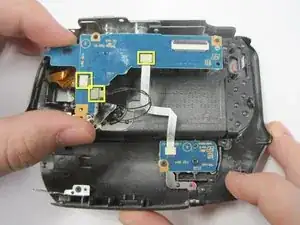
Remove the (3) wire strips connected to the camera so you can pull off the L-shaped circuit board.
-
Remove the single wire strip that is connected to the bottom of the circuit board.
-
-
-
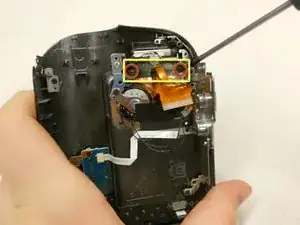
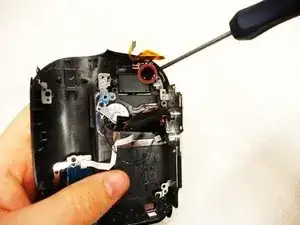
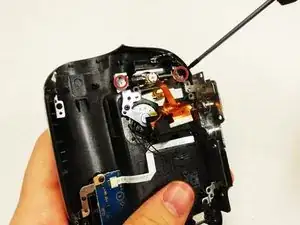
Remove the (2) 4.5mm screws.
-
Remove the small black holder from above the base of the LCD screen.
-
-
-
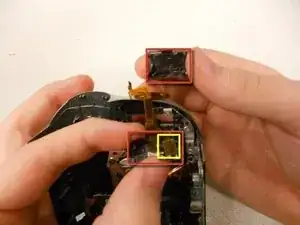
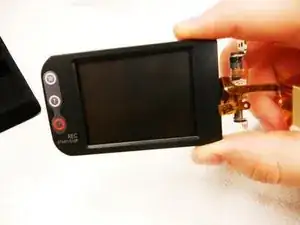
Remove the silver and black, front and back casings from the base of the screen.
-
Remove one copper strip from the inside of the bottom case.
-
-
-
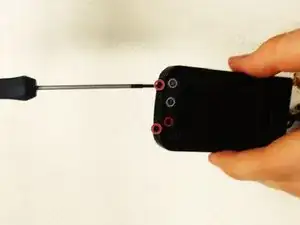
Remove (2) 5.4mm screws that are securing the screen to the cover, from the base of the LCD.
-
-
-
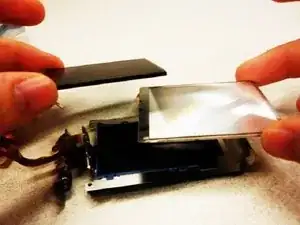
Pull off the silver cover on the screen, which will reveal the circuit board from behind the screen itself.
-
Pull off the black tape stuck to both sides of the circuit board.
-
-
-
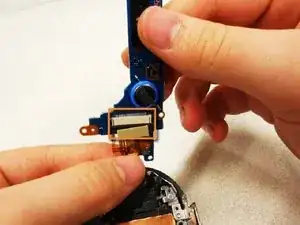
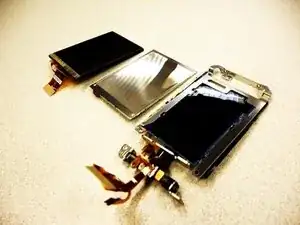
Remove the (3) copper strips to remove both the screen and the back light.
-
Replace what is broken.
-
To reassemble your device, follow these instructions in reverse order.
