Introdução
The audio and video connectors on a Sony Handycam CCD-TR5 are essential for transmitting sound and image signals to provide external audio and visuals. Over time, these ports can wear out, loosen, or sustain damage after repeated use, which may result in poor signal. Replacing these connectors is necessary when the playback and/or connection becomes unreliable.
Ferramentas

-
-
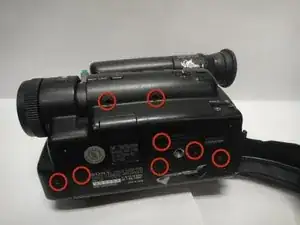
Use a Phillips #00 screwdriver to remove the eight screws located on the bottom of the camera.
-
-
-
Use a Phillips #00 screwdriver to remove the two top microphone screws.
-
Remove the microphone and cassette side cover.
-
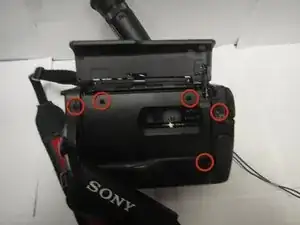
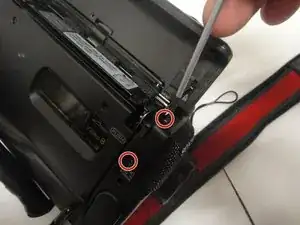
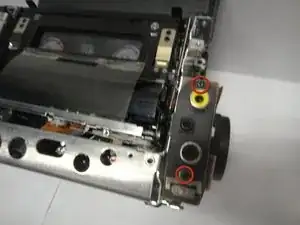
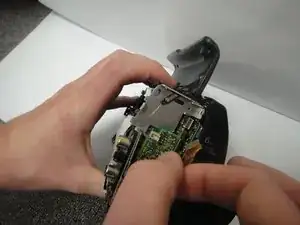
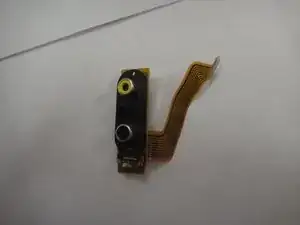
To reassemble your device, follow these instructions in reverse order.

Um comentário
Hey where can I get this replacement part?? Miami, USA thx
gerardzz -