Introdução
This can be time consuming if this is your first time taking apart the phone. The replacement of the motherboard is very straight forward; however, if a full replacement is necessary it may be more cost effective to replace the phone. Use this guide if you are having hardware issues and find it appropriate to replace the phone's chipset.
Ferramentas


-
-
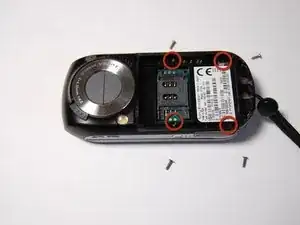
Locate the four 6mm screws on the back of the phone.
-
Using a small Phillips head screwdriver, remove the four screws.
-
-
-
Flip the phone over and slide it open.
-
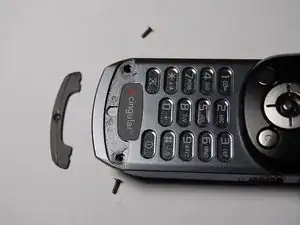
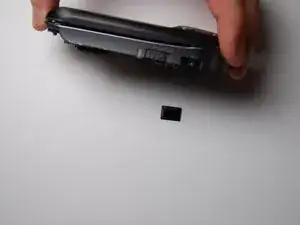
Using the prying tool, remove the plastic piece covering the microphone.
-
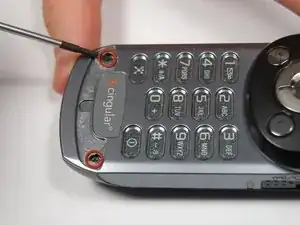
Locate and remove the two 6mm screws located under the plastic piece and remove them using a small Phillips screwdriver.
-
-
-
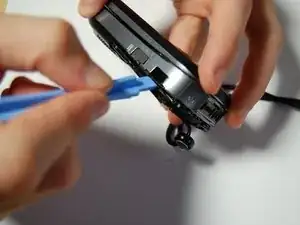
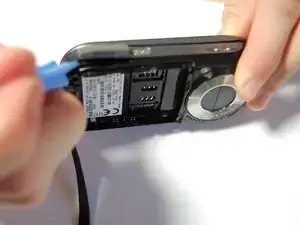
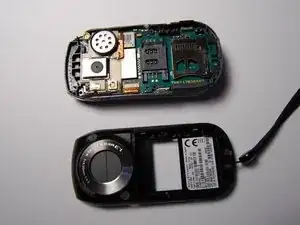
Use the plastic opening tool to remove the black plastic cover from the rest of the phone.
-
It is best to start from the bottom of the phone by the memory card slot.
-
-
-
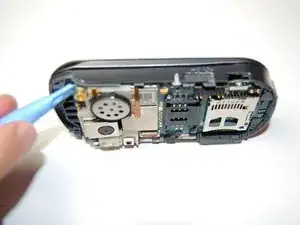
Using the plastic opening tool, slide around the motherboard to loosen it.
-
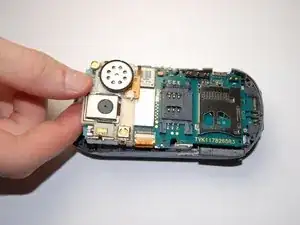
Lift the motherboard up, but not completely, as in order to remove it you need to lift and pull.
-
-
-
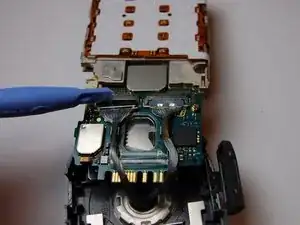
Using the plastic opening tool, separate the connectors to the screen.
-
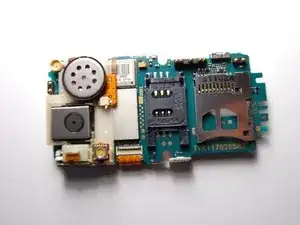
Once the old motherboard is removed insert the new one if desired, and then reassemble the phone.
-
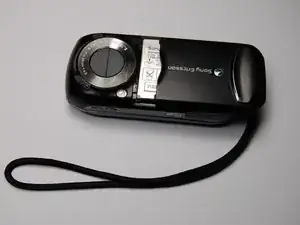
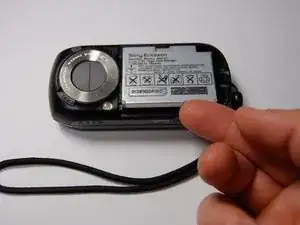
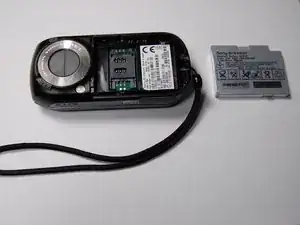
To reassemble your device, follow these instructions in reverse order.
