Introdução
Make sure you have the necessary tools in order to complete the front cover replacement for the Sony Cyber Shot WX80 and be sure to have a steady hand when dealing with the smaller and more fragile parts.


Peças
-
-
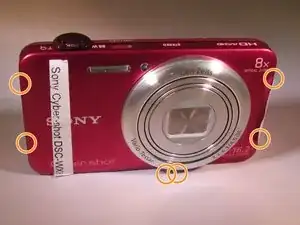
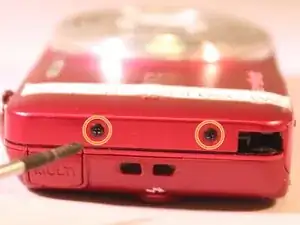
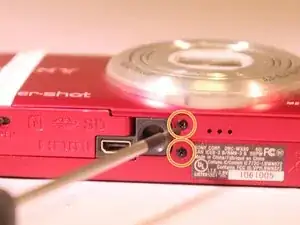
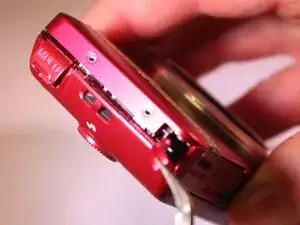
Begin by removing all six screws holding the outer chassis together with the Phillips #00 screwdriver.
-
-
-
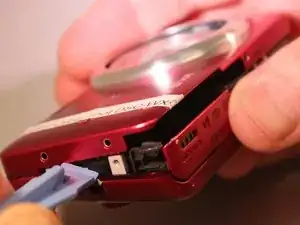
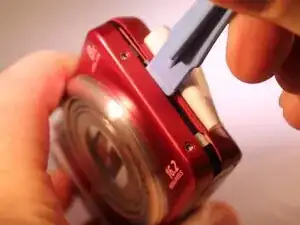
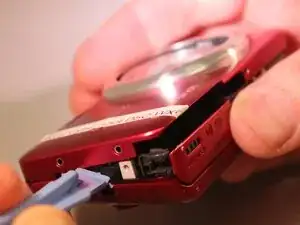
Pry the front cover off gently. Use a plastic opening tool if available.
-
Now that you have removed the front cover you can replace it!
-
Conclusão
To reassemble your device, follow these instructions in reverse order.