Introdução
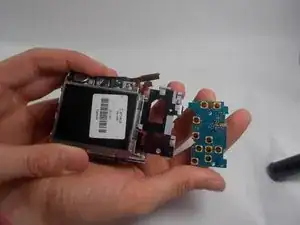
The process of replacing the motherboard of the Sony Cyber-Shot DSC-S90 can be fairly simple, if the proper precautions are taken. The motherboard is the main circuit board that manages the camera's functions such as power, image processing, and display. If you're seeing problems like the camera not turning on, a blank screen or distorted screen, or the buttons aren't responding, the motherboard is most likely faulty and needs to be replaced.
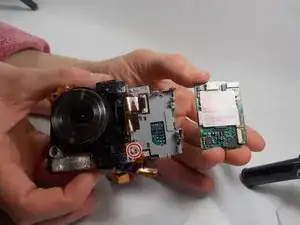
Before starting the repair, turn off the camera and remove the batteries to prevent any damage. Work on a static-free surface, such as an anti-static mat, to protect the camera’s internal components. This repair mainly involves removing the ribbon cables, outer casing, and battery terminal of the camera. Once those are out of the way, the old motherboard should come out easily, and the new board can be installed by following these steps in reverse.
Ferramentas


-
-
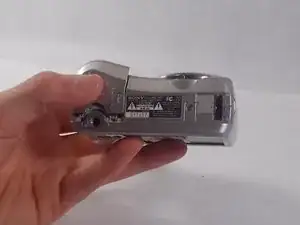
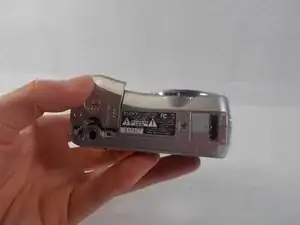
Hold down the "open"button (gray oval with arrow pointing upwards) on the battery port door.
-
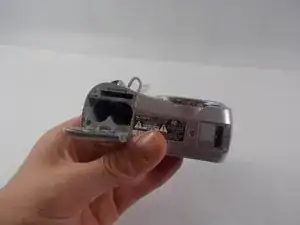
While holding the button downwards, slide the door upwards to unlock and open the door.
-
-
-
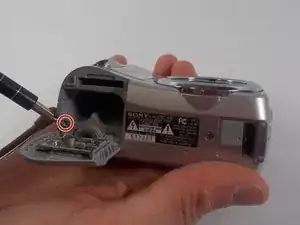
Remove the 2mm Phillips #00 screw under the battery port door.
-
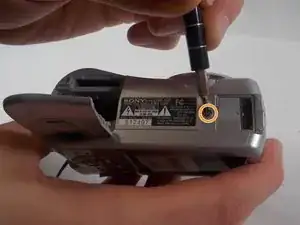
Remove the 2mm Phillips #00 screw towards the right of the bottom-side of the camera.
-
-
-
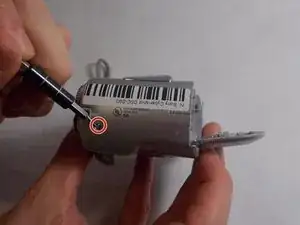
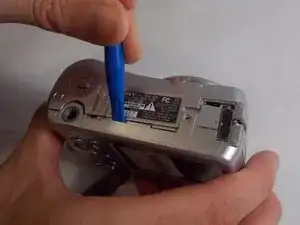
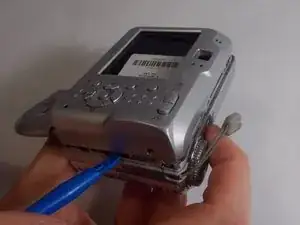
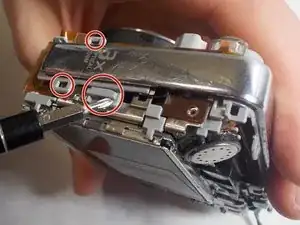
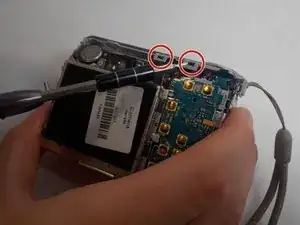
Use an opening tool to unlock the front case from the main body of the camera. Use the tool on the right side and bottom of the camera with the LCD screen facing you.
-
-
-
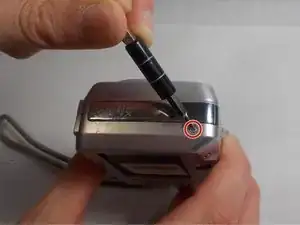
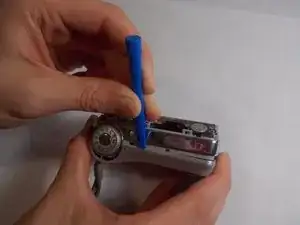
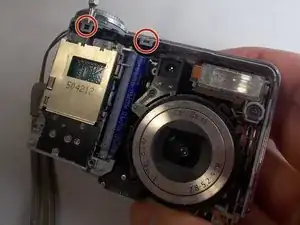
Use an opening tool to unlock the front case from the main body of the camera. Use the tool on the top of the camera.
-
-
-
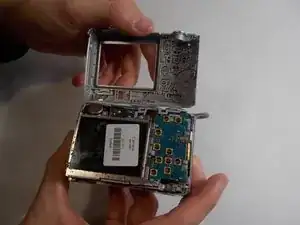
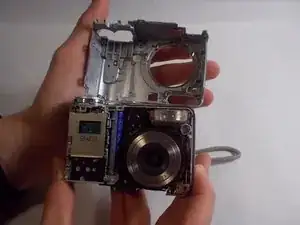
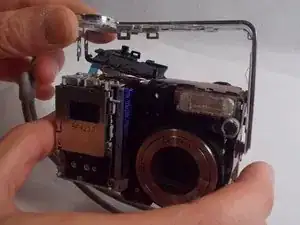
Release all clips and latches keeping the casing in place using a spudger, opening tool, or screwdriver.
-
-
-
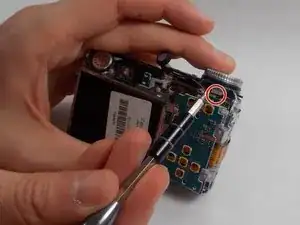
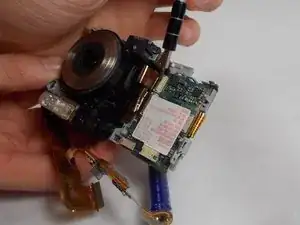
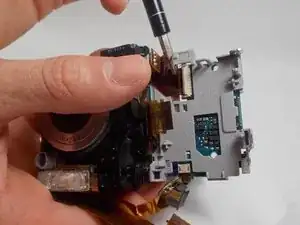
Disconnect the ribbon cables on top of the battery terminal using a spudger or screwdriver.
-
-
-
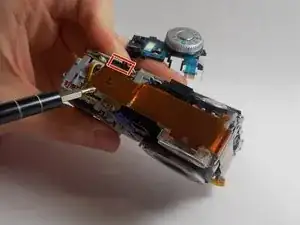
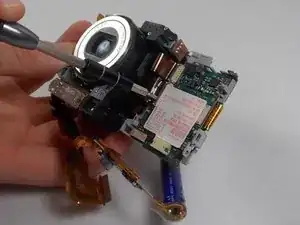
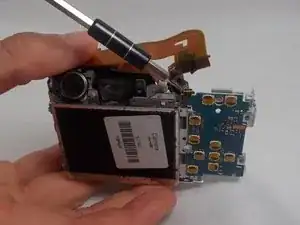
Disconnect the remaining ribbon cable on the side of the camera using a spudger or screwdriver.
-
-
-
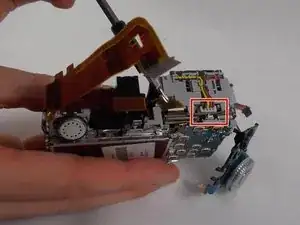
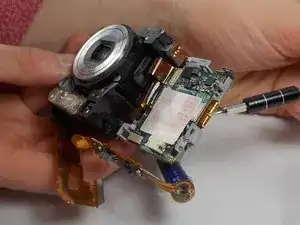
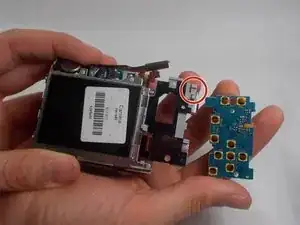
Once the battery terminal is unclipped, pull this ribbon cable out with a spudger or screwdriver to finish freeing the battery terminal.
-
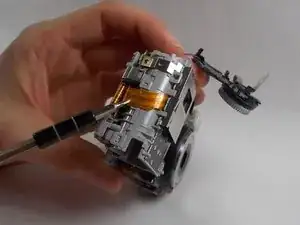
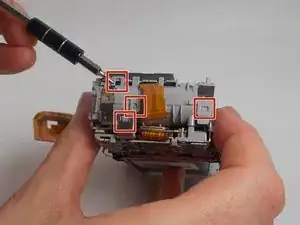
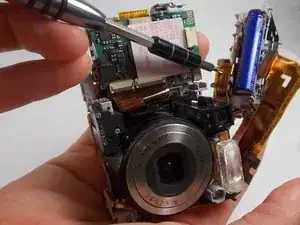
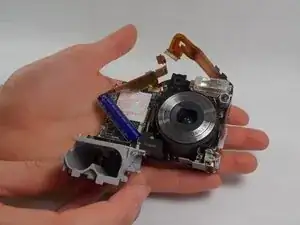
To reassemble your device, follow these instructions in reverse order. Take your e-waste to an R2 or e-Stewards certified recycler.
