Introdução
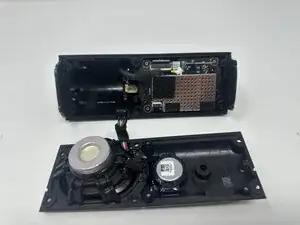
If your Sonos Roam 2 speaker is no longer delivering high-quality sound—or producing no sound at all—this guide will walk you through how to replace the speaker driver.
The speaker driver is the component responsible for generating audio. If it's damaged, you may notice reduced volume, distorted sound, or complete audio failure.
When removing the speaker driver, take care not to pull it out too quickly. Doing so could damage the connection to the PCB (printed circuit board).


-
-
Stand the speaker on either end so that it's vertical.
-
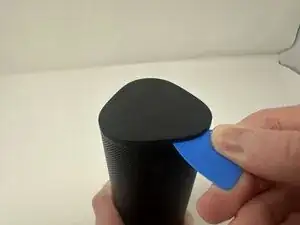
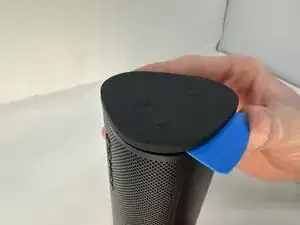
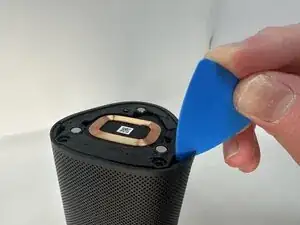
Wedge your opening pick between the speaker and the rubber triangle on the end of the speaker.
-
Wiggle the pick back and forth and drag the pick around the edges to break through this adhesive.
-
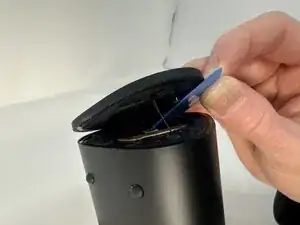
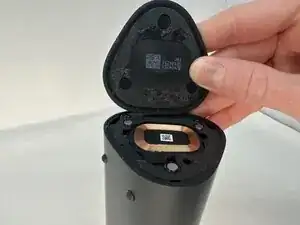
Completely remove the rubber triangle.
-
-
-
Flip the speaker over and begin working on the rubber triangle on the other side.
-
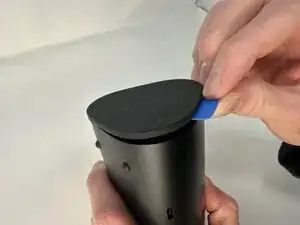
Wedge your opening pick between the speaker and the rubber triangle. Wiggle the pick back and forth and drag the pick around the edges to break through the adhesive.
-
Completely remove the rubber triangle.
-
-
-
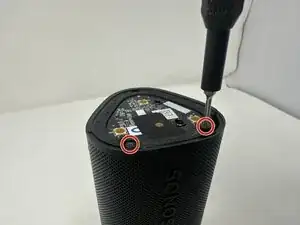
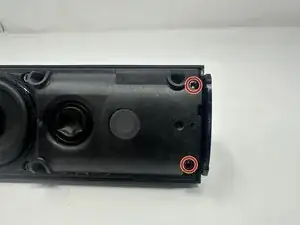
Remove the two 7.5 mm screws using a T6 Torx screwdriver.
-
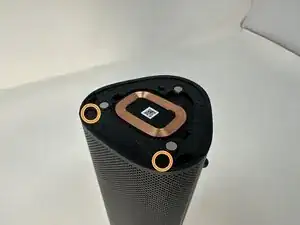
Flip the speaker over and remove the other two 7.5 mm screws using a T6 Torx screwdriver.
-
-
-
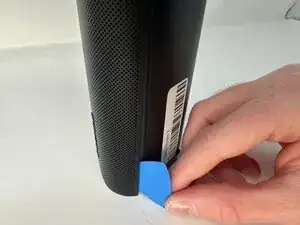
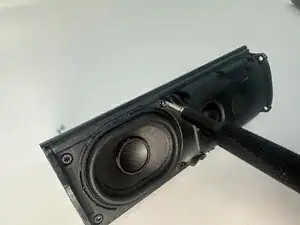
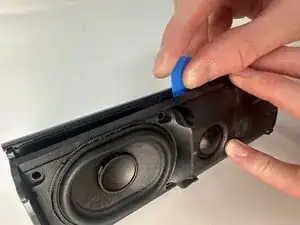
Insert your opening pick between the outer shell and the main body.
-
Work your way along the seam from top to bottom, gently prying at intervals to break the adhesive bond.
-
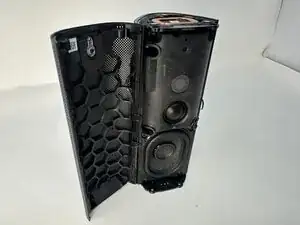
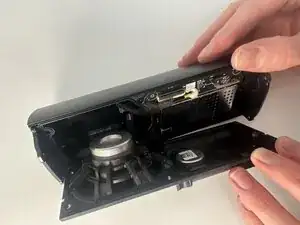
When the outer shell is adequately loosened, lift and remove the outer shell from the speaker assembly.
-
-
-
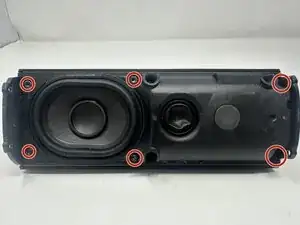
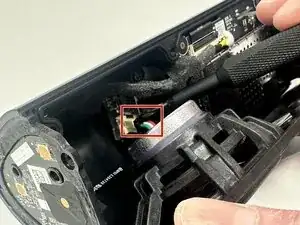
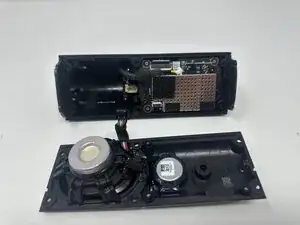
Press the connector release tab and gently pull the speaker driver free, taking care not to strain the attached wires.
-
To reassemble your device, follow these instructions in reverse order.