Introdução
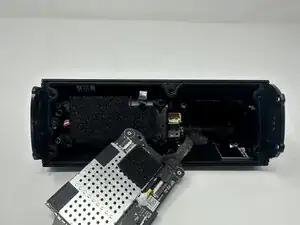
If your Sonos Roam 2 speaker is experiencing persistent issues such as power failure, connectivity problems, or complete unresponsiveness, the motherboard (printed circuit board) may be the culprit. This guide will walk you through the process of replacing the motherboard to restore full functionality.
Before you begin, ensure that the issue isn't caused by a faulty battery or charging port, as those components are easier to replace and may resolve the problem.
During disassembly, take care when handling internal components. Several connectors and wires are attached to the PCB, and they must be disconnected gently to avoid damage.


-
-
Stand the speaker on either end so that it's vertical.
-
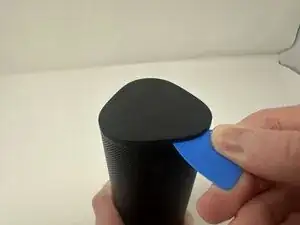
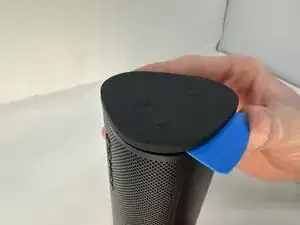
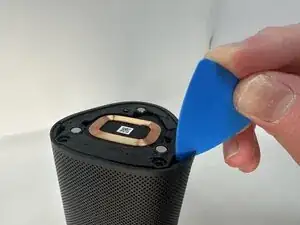
Wedge your opening pick between the speaker and the rubber triangle on the end of the speaker.
-
Wiggle the pick back and forth and drag the pick around the edges to break through this adhesive.
-
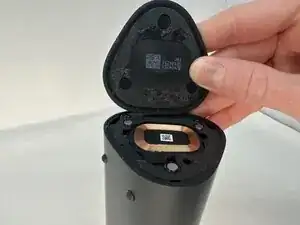
Completely remove the rubber triangle.
-
-
-
Flip the speaker over and begin working on the rubber triangle on the other side.
-
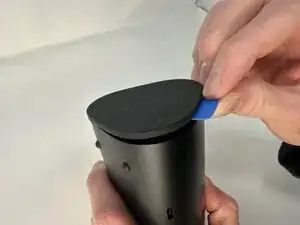
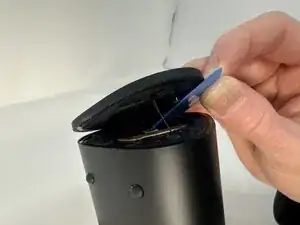
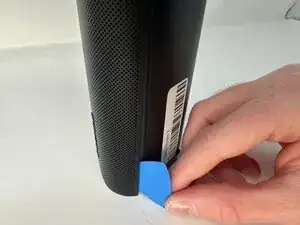
Wedge your opening pick between the speaker and the rubber triangle. Wiggle the pick back and forth and drag the pick around the edges to break through the adhesive.
-
Completely remove the rubber triangle.
-
-
-
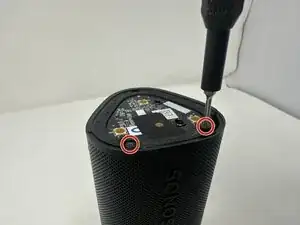
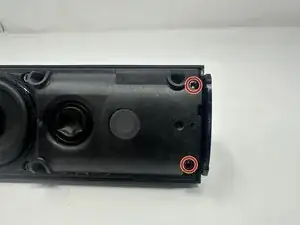
Remove the two 7.5 mm screws using a T6 Torx screwdriver.
-
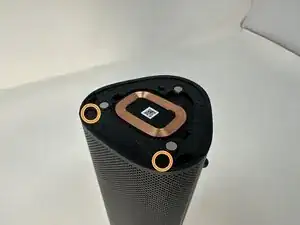
Flip the speaker over and remove the other two 7.5 mm screws using a T6 Torx screwdriver.
-
-
-
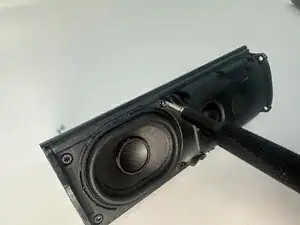
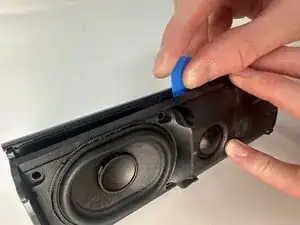
Insert your opening pick between the outer shell and the main body.
-
Work your way along the seam from top to bottom, gently prying at intervals to break the adhesive bond.
-
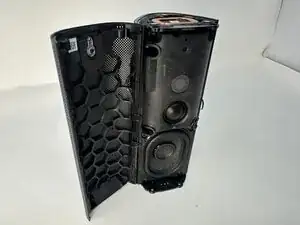
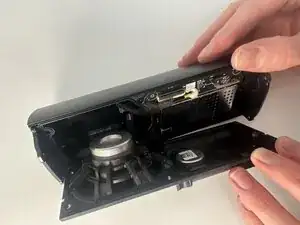
When the outer shell is adequately loosened, lift and remove the outer shell from the speaker assembly.
-
-
-
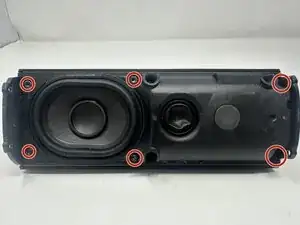
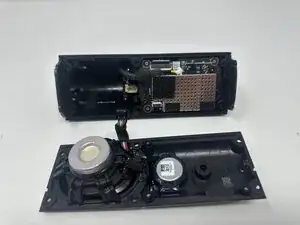
Press the connector release tab and gently pull the speaker driver free, taking care not to strain the attached wires.
-
-
-
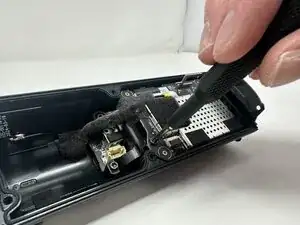
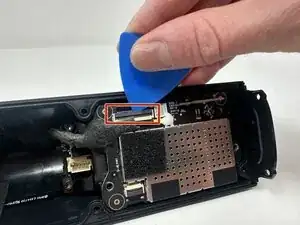
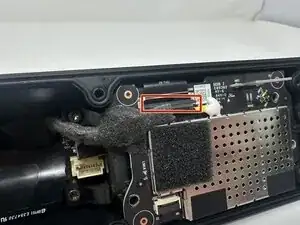
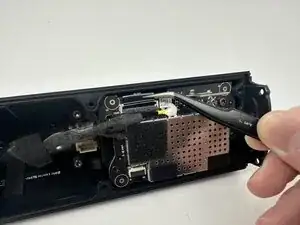
Use your opening pick and tweezers to pry out the black connector.
-
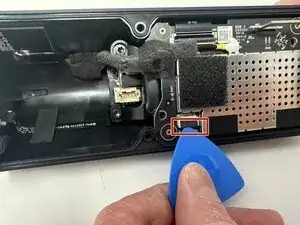
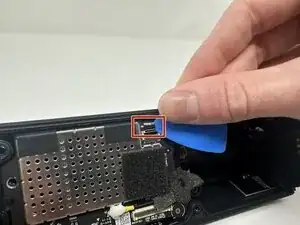
Flip the speaker to better access the smaller black connector.
-
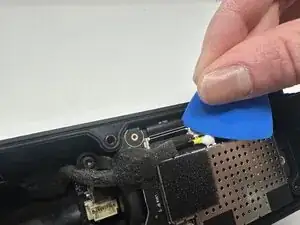
Use the opening pick to pry out the smaller black connector.
-
-
-
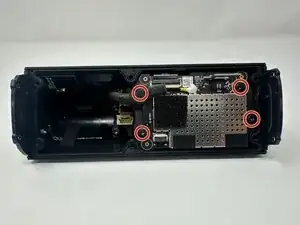
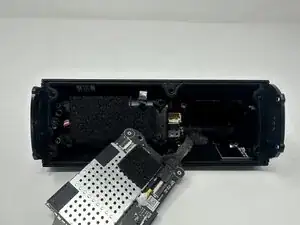
Pull the motherboard off of the battery case.
-
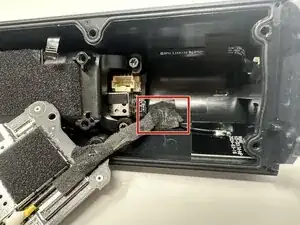
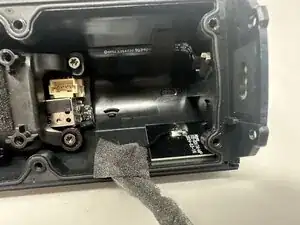
The motherboard wire encased in foam is partly attached to the speaker via a weak adhesive.
-
Gently pull the wire to break the adhesive.
-
-
-
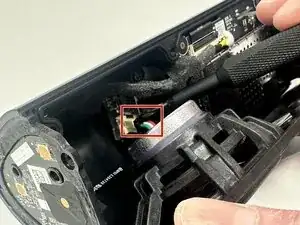
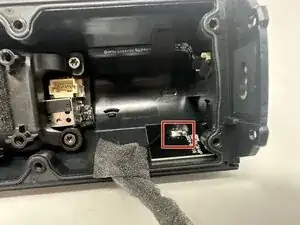
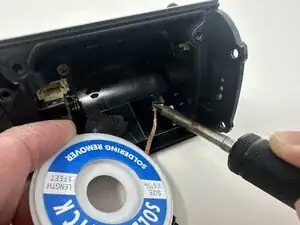
The wire is welded onto the speaker. Use the soldering iron to melt the metal keeping it on the speaker.
-
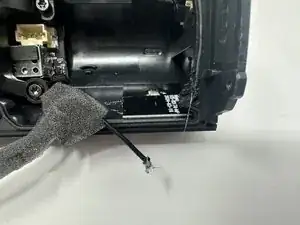
Completely remove the wire from the speaker. Remove the motherboard.
-
To reassemble your device, follow these instructions in reverse order.