Introdução
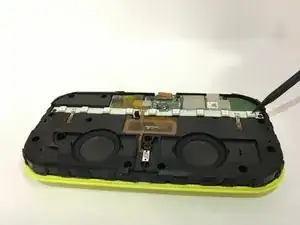
This guide is for the Motorola X Sol Republic Deck, on how to replace the LED lights that make the pattern on the top face light up in multiple colors. This is a status light. It allows for the Sol Republic Deck to indicate when you are receiving a call, when searching for or connecting to a device, and its current battery life. You'll likely need to replace the LED when the lights stop turning on all together.
Warning: When handling the interior of this device, make sure it is powered down completely. Removing the ZIF connector should ONLY be done if the device is powered down completely.
Ferramentas


-
-
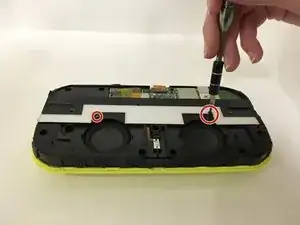
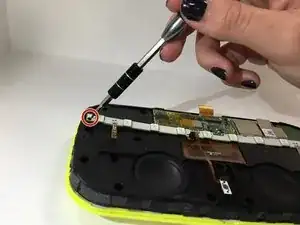
Using a Phillips #00 Screwdriver, unscrew the two three-tenth cm screws and remove them.
-
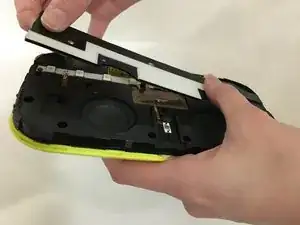
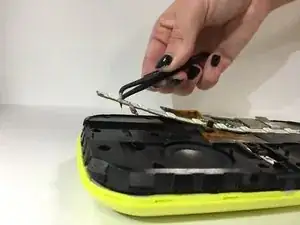
Once the screws have been removed, lift the SOL plate revealing the LED Light strip.
-
-
-
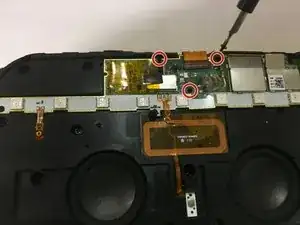
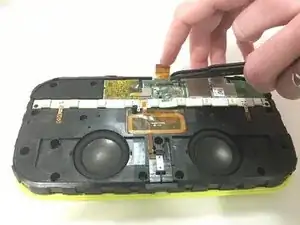
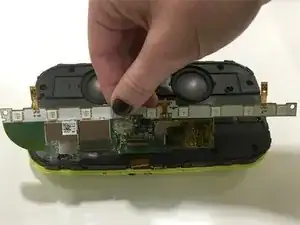
Using a Phillips #00 Screwdriver, unscrew the two three-tenth screws that hold down the LED light strip at both ends.
-
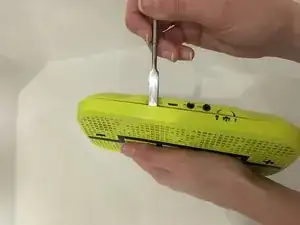
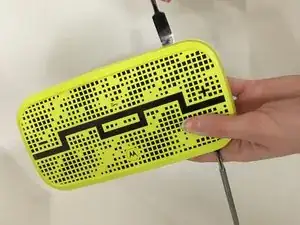
To reassemble your device, follow these instructions in reverse order.
