Introdução
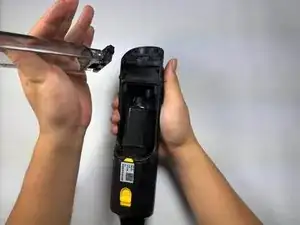
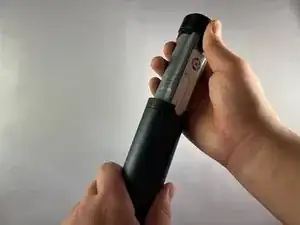
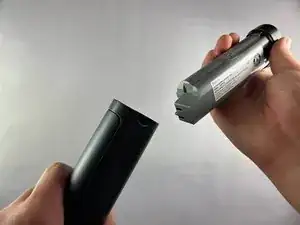
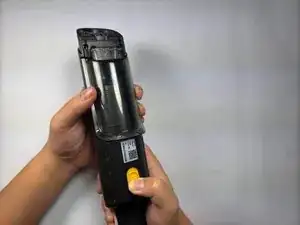
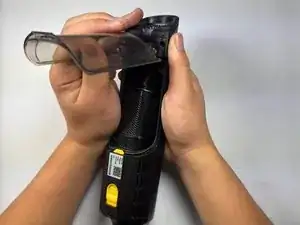
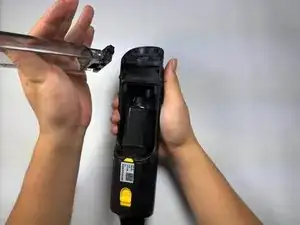
The dust cover is the clear plastic cover that keeps debris from flying everywhere. It can be opened by pushing down on the yellow release button. It can be helpful to remove the dust cover after using the vacuum to help you get a better clean. This will also give you better access to the fabric filter and filter cups. Follow this guide to learn how to replace the dust cover from your Shark Wandvac Power Pet WV410BL if it is damaged.
Ferramentas

-
-
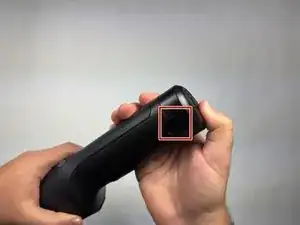
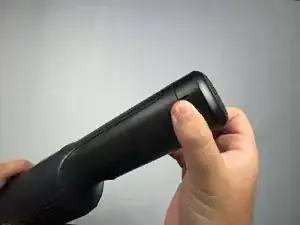
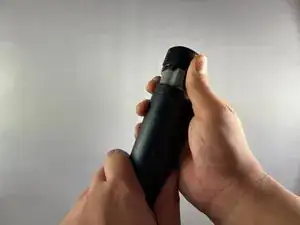
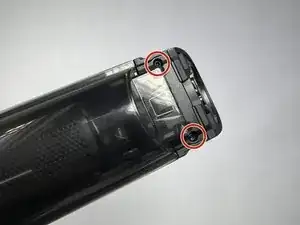
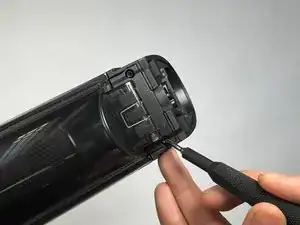
Use a Torx T3 screwdriver to remove the two screws that attach the dust cover to the vacuum.
-
Conclusão
To reassemble your device, follow these instructions in reverse order.
