
Introdução
As the vacuum turns on, it pulls air through the motor, creating a suction effect through the system. Particles that reach the motor can damage it and reduce efficiency of the system over time.
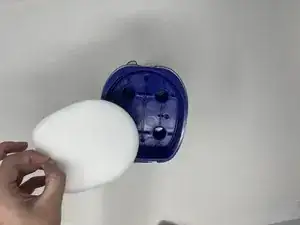
A damaged or soiled pre-motor and felt filter can cause a lot of problems for your Shark Rocket IX141, ranging from low suction to overheating. The pre-filter catches large dust particles before they reach the post-motor filter. If the pre-motor and felt filter are not working properly, they can cause additional damage to the post-motor filter and the motor itself. Use this guide to quickly and easily replace your pre-motor and felt filter.
-
-
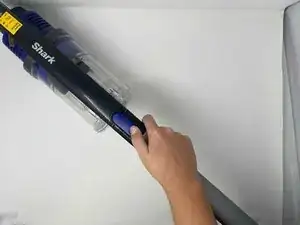
Remove the handle base from stick portion of the vacuum for easiest handling. Press the indigo button and slide the handle base away from the stick.
-
-
-
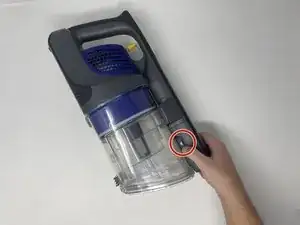
Flip the handle base onto its left side and locate the grey button with an arrow pointing toward the dust cup.
-
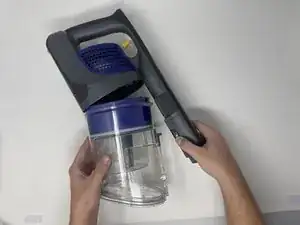
Press the button and gently pull the dust cup from the motor and handle.
-



To reassemble your device, follow these instructions in reverse order.