Introdução
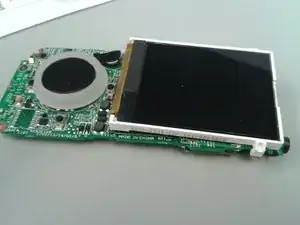
This guide needs additional information to complete the procedure. The LCD screen is attached to the motherboard and cannot be replaced without specialized tools.
Ferramentas


-
-
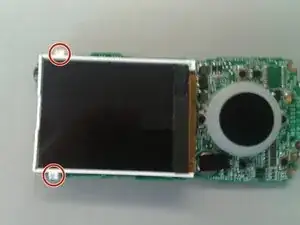
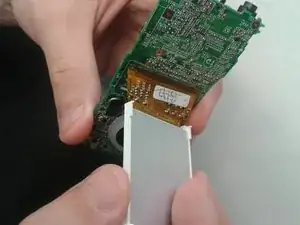
Release the small plastic clips that hold the screen to the motherboard. These are the clips that snap in and out to keep the screen in place.
-
Conclusão
To reassemble your device, follow these instructions in reverse order.

Um comentário
You can't just peel the screen off! This guide is lying! This kills the screen!