Introdução
Use this guide to remove the rear case cover of your SanDisk Sansa C250.
The rear case cover of the device must be removed before you are able to remove the front case cover. Removing the front face cover is necessary to access the internal battery and memory board of the device. If you need to remove the front case of your device after following this guide, instructions on removing the front case can be found here: SanDisk Sansa C250 Front Case Cover Replacement


-
-
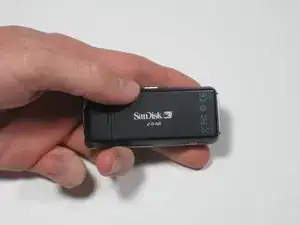
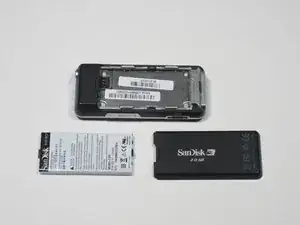
To remove the back cover, slide the back cover toward the top of the device with your thumb.
-
-
-
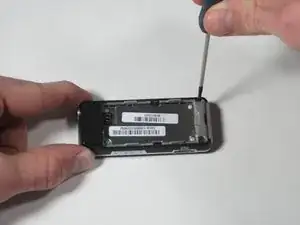
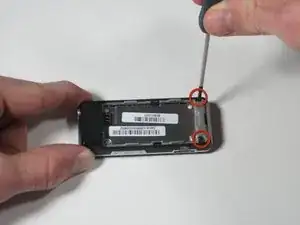
Using a Phillips head screwdriver, remove the two black .265" screws at the base of the device.
-
-
-
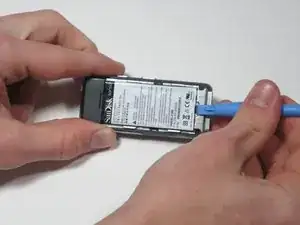
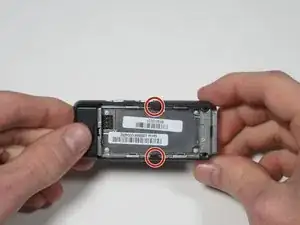
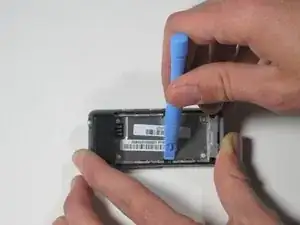
Near the middle of the device, locate the two plastic arms of the case cover.
-
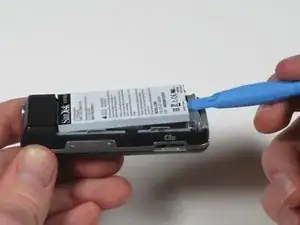
Using the plastic pry tool, pry up the two arms of the case to free them from the sides.
-
-
-
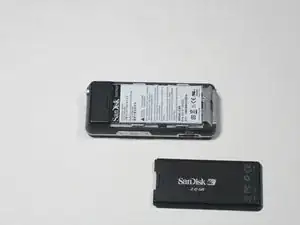
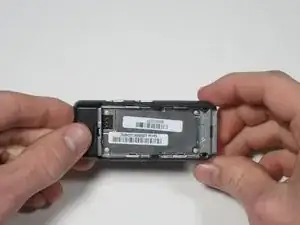
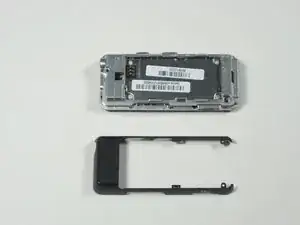
To remove the rear case cover, slide the rear case cover toward the top of the device with your thumb to release it.
-
To reassemble your device, follow these instructions in reverse order.
