Introdução

Ferramentas

  1. npchHO21xJfrDDEI
    npchHO21xJfrDDEI
    VY1GwIf3H5RlsqmY
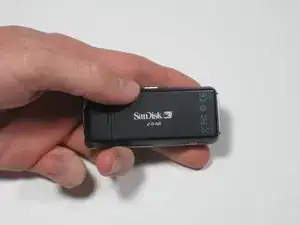
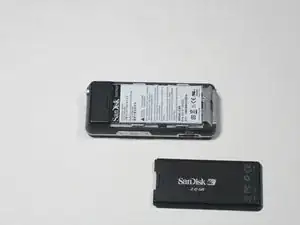
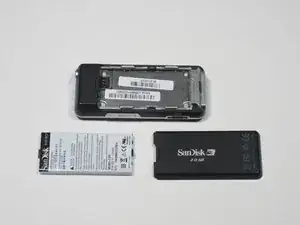
    • To remove the back cover, slide the back cover toward the top of the device with your thumb.

  2. DnimKdVjUVCxF2fq
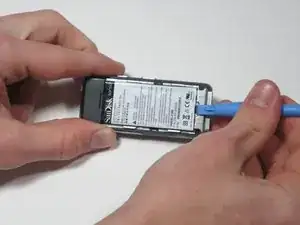
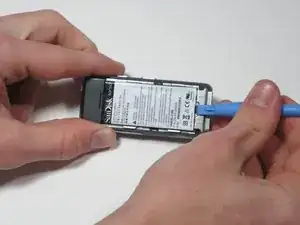
    • Wedge the plastic pry tool under the edge of the battery.

    • An iFixIt opening tool can be used in place of a plastic pry tool in this step and the following steps.

  3. RNTwrTNEjX1jRhtj
    RNTwrTNEjX1jRhtj
    ZWOMLNTF4JX2bRNP
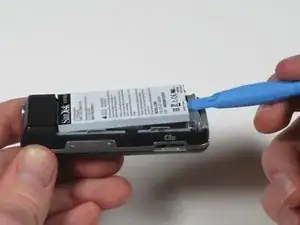
    • With the plastic pry tool, gently lift up. The battery should lift up and out.

Conclusão

To reassemble your device, follow these instructions in reverse order.

Nicolas Coffey

Membro desde: 27/01/12

58 Reputação

0 comentários