Introdução
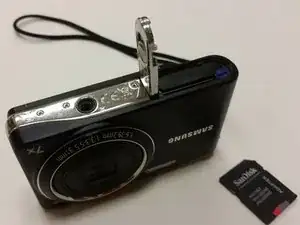
This guide will provide the user with the information needed to replace the SD card on a Samsung PL200 camera. A new SD card allows storage for photos and videos. The card’s speed can enhance the camera’s efficiency. Usually, replacing the SD card is due to maximum storage usage or wear and tear from the previous card.
-
-
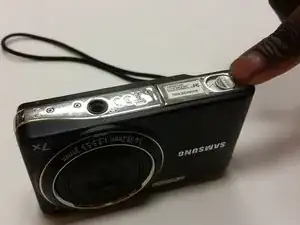
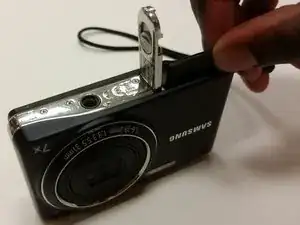
Push the battery cover over to access battery/SD card compartment on the bottom.
-
Slide this button in the direction that the arrow is pointing to release and open the spring loaded battery/sd compartment door.
-
-
-
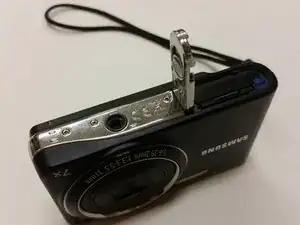
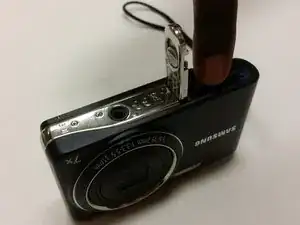
Once the battery/SD card compartment is opened, simply push the SD card down to activate the spring loaded ejector to raise SD card.
-
Use your fingers to remove the old SD card.
-
Close the battery/SD card compartment.
-
To reassemble your device, follow these instructions in reverse order.
