Introdução
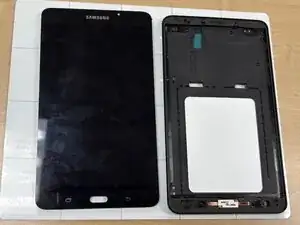
This is a screen replacement guide for a Samsung Galaxy tablet A 7.0. During all steps, handle every component with care as they are very delicate electronic parts. Ensure to keep wary of the screen panels one wrong movement can cause serious damage to the display when put back together.


-
-
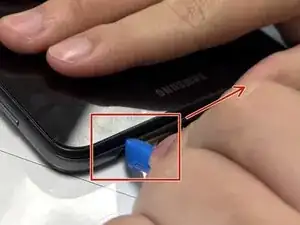
Insert the plastic opening tool into the seam between the back and front covers, starting at a corner of the tablet to create a gap.
-
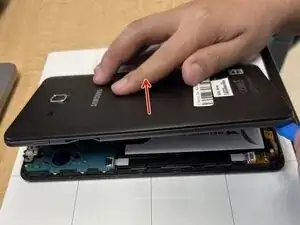
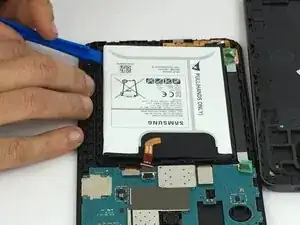
Slide an opening pick along the edge of the rear cover to release the clips.
-
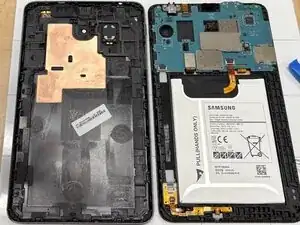
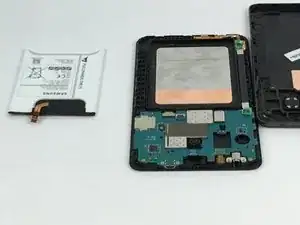
Carefully separate the back and front panel.
-
-
-
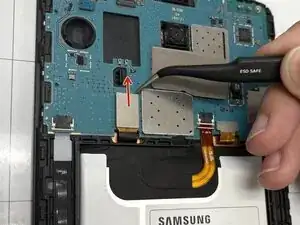
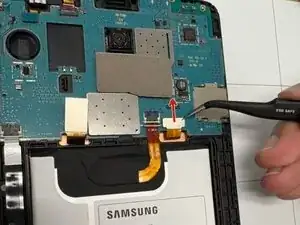
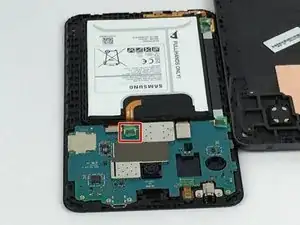
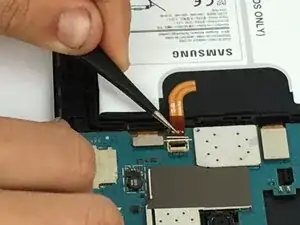
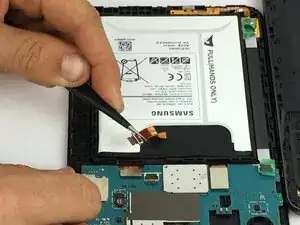
Place a spudger or an opening tool under the press connector edge and pry straight up to disconnect it.
-
Disconnect the smaller press connector.
-
-
-
Flip the top cover over so the screen is facing up.
-
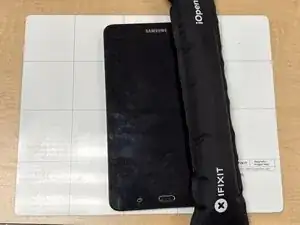
Use an iOpener to soften the adhesive around the tablet’s edges. Follow this guide for instructions on how to use the iOpener.
-
Place it on all 4 sides of the screen to loosen the adhesive assuring the iOpener and the screen get 20 seconds of contact with all 4 sides of the screen.
-
-
-
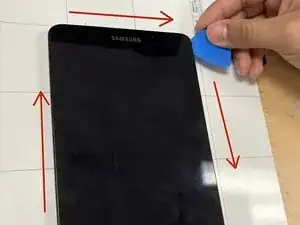
After the adhesive has loosened, insert an opening pick between the top cover and screen.
-
Slide the pick around all 4 sides of the screen.
-
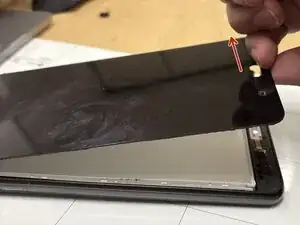
Use your fingers to gently lift the screen from the frame.
-
-
-
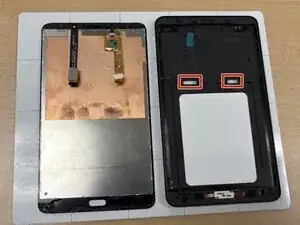
Before you completely separate the screen, slide the two cables through the mid-frame to release them.
-
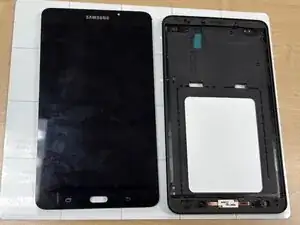
To reassemble your device, follow these instructions in reverse order. Take your e-waste to an R2 or e-Stewards certified recycler.