Introdução
This guide will teach you how to replace or access the sim card in the Samsung Galaxy S7 Active.
Ferramentas

-
-
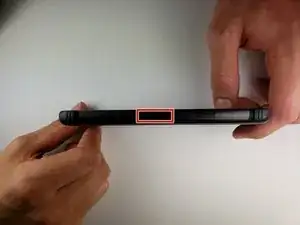
Use the spudger to press in on the Sim card tray eject button.
-
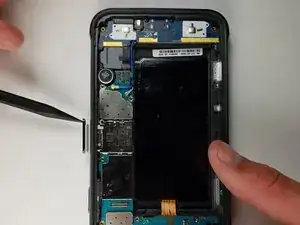
Use the spudger or your hand to take the tray out.
-
Conclusão
To reassemble your device, follow these instructions in reverse order.
