Introdução
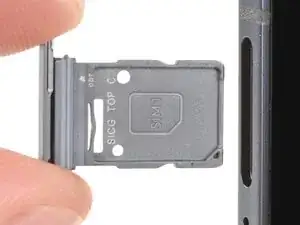
Follow this guide to remove or replace the SIM card tray in your Samsung Galaxy S25 Edge smartphone.
Ferramentas

-
-
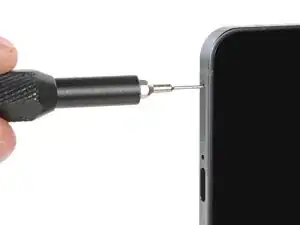
Insert a SIM eject tool, SIM eject bit, or straightened paperclip into the SIM card tray hole on the bottom edge of your phone.
-
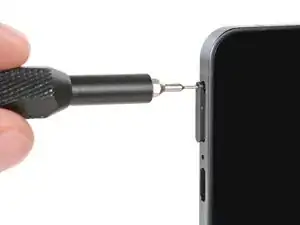
Firmly press the SIM eject tool into the hole to eject the SIM card tray.
-
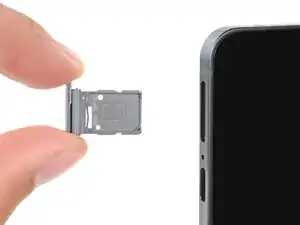
Remove the SIM card tray.
-
Conclusão
Repair didn’t go as planned? Try some basic troubleshooting, or ask our Answers Community for troubleshooting help.
