Introdução
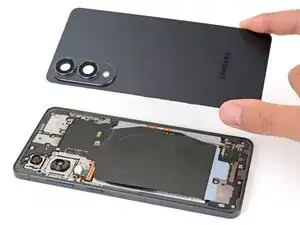
Follow this guide to replace a broken or cracked back cover on your Samsung Galaxy S25 Edge smartphone.
You'll need replacement back cover adhesive to complete this repair.


-
-
Heat an iOpener and lay it on the bottom edge of the back cover for two minutes to soften the adhesive.
-
-
-
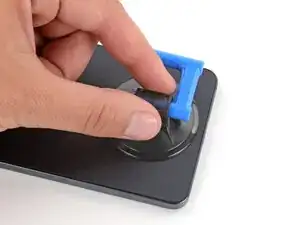
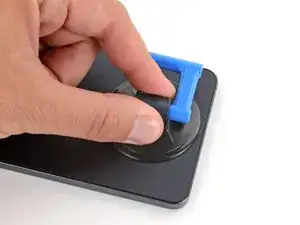
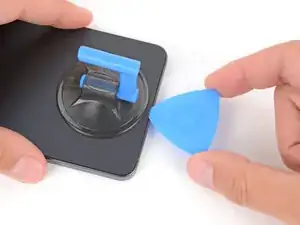
Apply a suction handle near the center of the back cover's bottom edge, as close to the edge as possible.
-
-
-
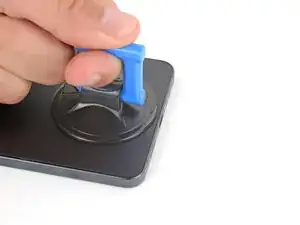
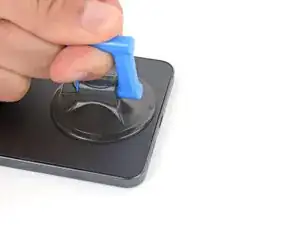
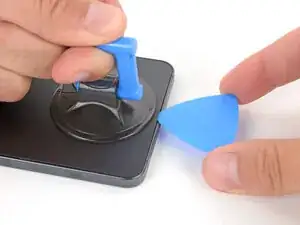
Pull up on the suction handle with strong, steady force until a gap forms between the cover and frame.
-
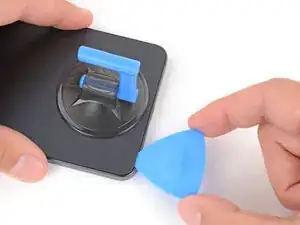
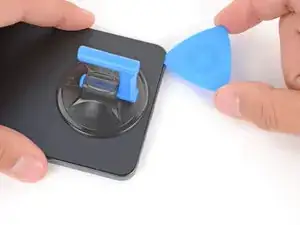
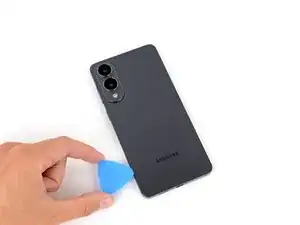
Insert the tip of an opening pick into the gap.
-
-
-
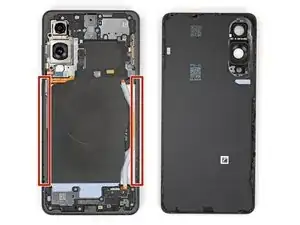
The back cover is secured with adhesive around the perimeter of the frame. Use this picture as a reference while you separate the adhesive.
-
-
-
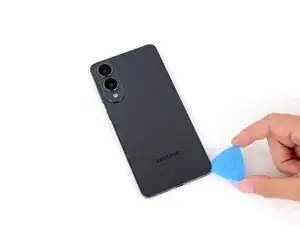
Slide your opening pick along the bottom edge to separate the adhesive securing the back cover.
-
-
-
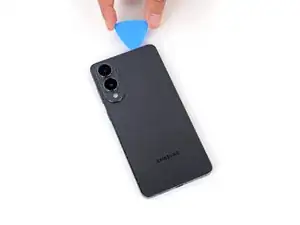
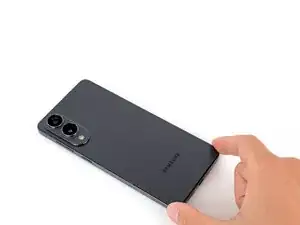
Continue sliding your pick around the entire perimeter of the back cover to separate all the remaining adhesive.
-
-
-
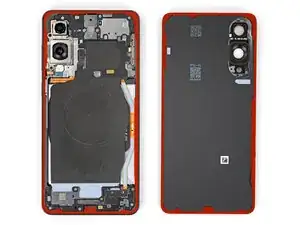
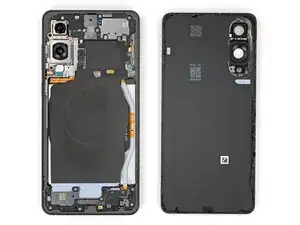
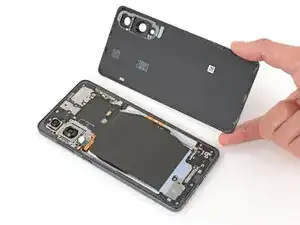
Remove the back cover.
-
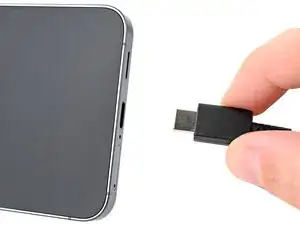
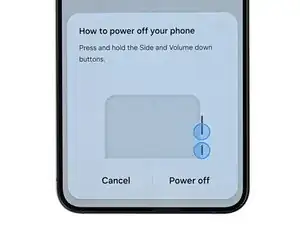
This is a good point to power on your phone and test all functions before sealing it up. Be sure to power your phone back down completely before you continue working.
-
Check your rear cameras for any smudges and gently wipe them with a clean lint–free cloth if necessary.
-
Your replacement back cover adhesive will be applied to either the frame or the back cover. Use cutouts and contours to see where it lines up best. If it matches the back cover, follow this guide. If it matches the frame, use this guide.
-

Repair didn’t go as planned? Try some basic troubleshooting, or ask our Answers Community for troubleshooting help.
