Introdução

This guide shows how to remove and replace the SIM/Micro SD card tray for the Samsung Galaxy S10e.

  1. bMbrSsLNTQpKdLWs
    bMbrSsLNTQpKdLWs
    rdDHCJl214SNuZoe
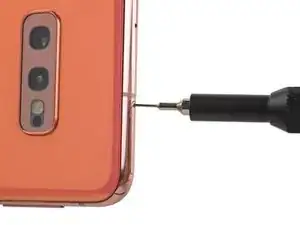
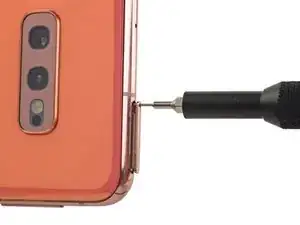
    • Insert a SIM card eject tool, bit, or a straightened paperclip into the small hole in the SIM card tray.

    • If you accidentally inserted the SIM eject tool into a different hole, don’t worry! You most likely haven’t damaged anything.

    • Press firmly to eject the tray.

  2. gPF3M33MGr2Yg2Jh
    gPF3M33MGr2Yg2Jh
    py4IEiBeBJnFNSf1
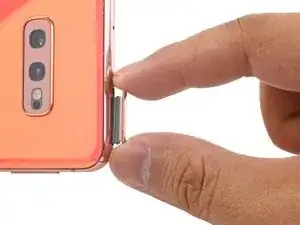
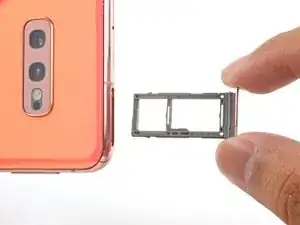
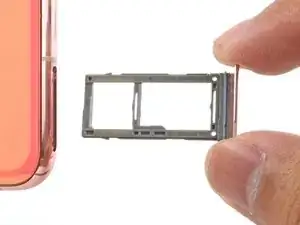
    • Pull the tray straight out to remove it.

    Definitely do this step. I forgot. Now my sim card won't read. Pays to have instructions up to follow even if like me you definitely know what you doing and won't forget any simple steps then pay for it later.

    EPSILON RHO RHO -

Conclusão

To reassemble your device, follow these instructions in reverse order.

After you've completed the repair, follow this guide to test your repair.

Arthur Shi

Membro desde: 03/01/18

326105 Reputação

0 comentários