Introdução
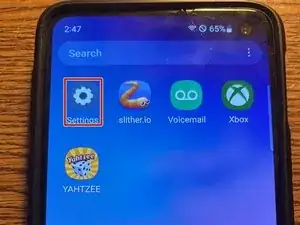
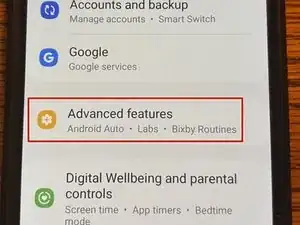
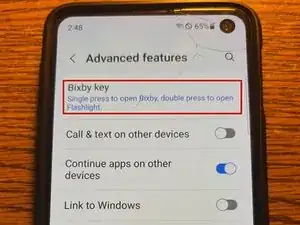
If you are trying to remap the bixby button on your Samsung Galaxy S10e (Or any other Samsung from the S9 to S10 series), you've come to the right place. There is a way to remap this button through the settings app, so don't worry about damaging your phone. Let's get to it.
-
-
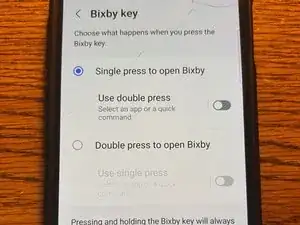
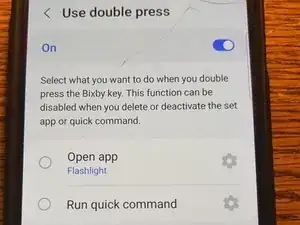
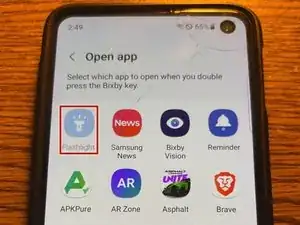
Using the "Single press to open Bixby" option, turn on "Use double press" and click on the text.
-
Conclusão
Enjoy the added functionality of your phone!
