Introdução


-
-
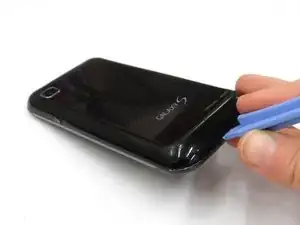
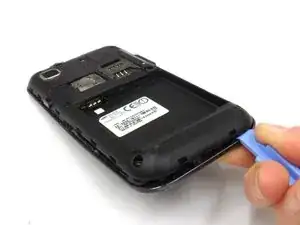
Locate the small slit on the bottom edge of the device between the back and front cases.
-
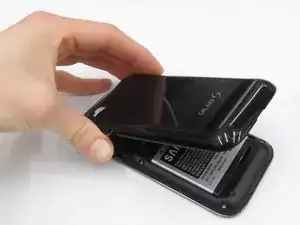
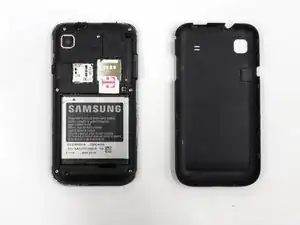
Pop the back case off by inserting your finger and pulling the case away from the phone.
-
-
-
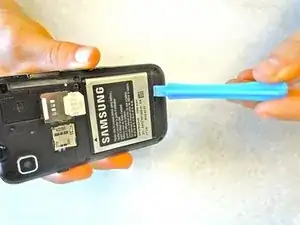
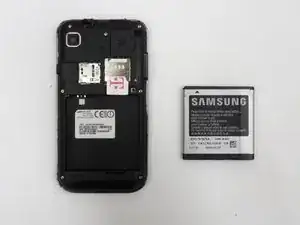
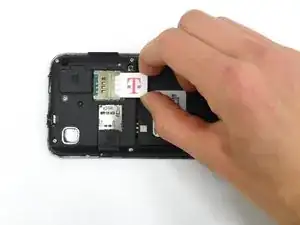
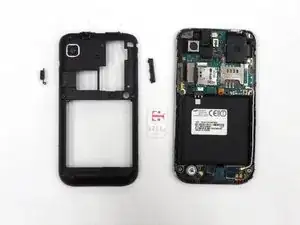
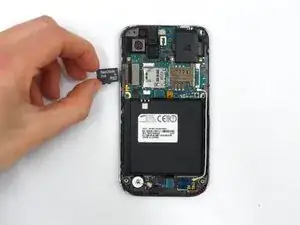
Remove SIM card by pushing down and away from the slot, then pulling it out toward the bottom edge of the phone.
-
-
-
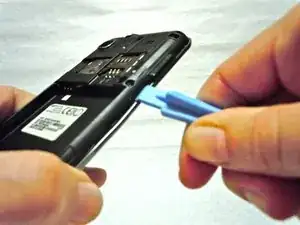
Staring near the power button, use a plastic opening tool to disengage the plastic clips securing the midframe.
-
-
-
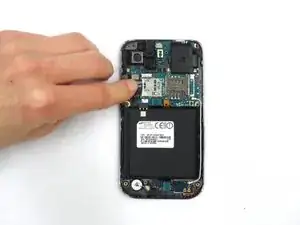
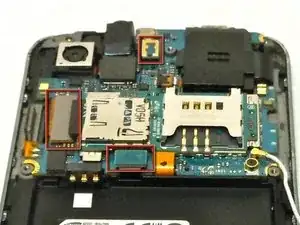
Locate the three snap on ribbon cable connectors on the motherboard.
-
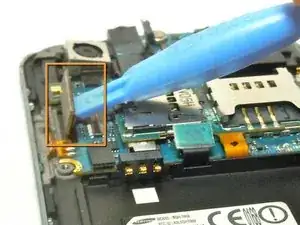
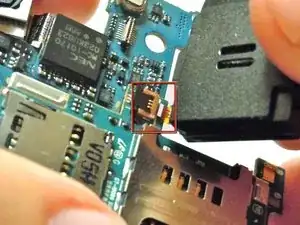
Carefully disconnect the ribbon cable connectors using the Plastic Opening Tools.
-
-
-
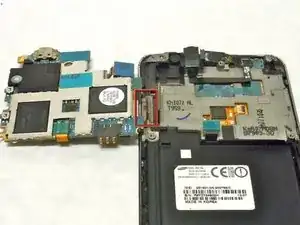
With the three ribbon cable connectors detached, the motherboard can be folded over to the left.
-
The motherboard will still be connected to the body of the phone by the power button's ribbon cable, which is glued in place.
-
-
-
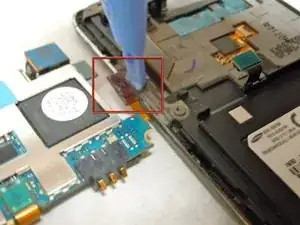
Remove the power button ribbon cable from the body of the phone by using the Plastic Opening Tools.
-
-
-
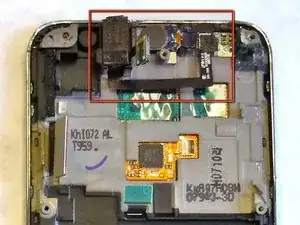
With the motherboard removed, the Headset Jack and Ear Speaker are now accessible.
-
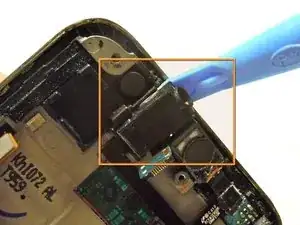
Use the Plastic Opening Tools to gently pry up the Headphone Jack to remove it from the body of the phone.
-
-
-
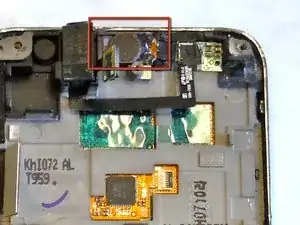
Disconnect the Ear Speaker from the body of the phone be gently prying up the speaker using the Plastic Opening Tools.
-
The connection holding the Ear Speaker in place is the same kind as the snap on ribbon cables that were disconnected in a previous step.
-
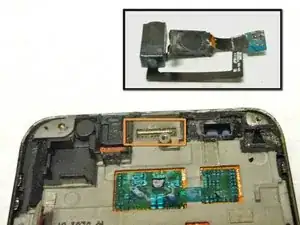
With the Headphone Jack and Ear Speaker both disconnected from the body of the phone, they can be removed from the phone and set aside.
-
-
-
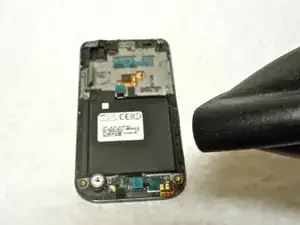
Use a heat gun or hairdryer to loosen the adhesive that secures the touch panel to the screen assembly.
-
-
-
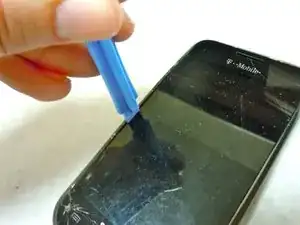
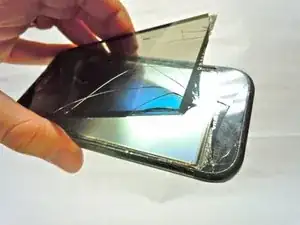
Use a plastic opening tool or guitar pick to carefully remove the touch panel from the screen assembly.
-
Start from the top edge and carefully wedge your tool between the screen and frame.
-
Carefully slide your tool along the framework.
-
-
-
Locate the small slit on the bottom edge of the device between the back and front cases.
-
Pop the back case off by inserting your finger and pulling the case away from the phone.
-
-
-
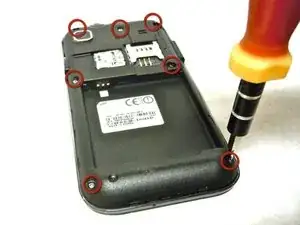
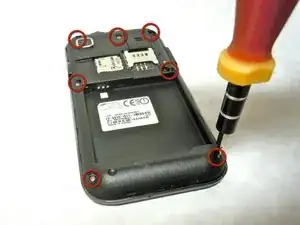
Locate the seven screws on the plastic casing.
-
Using the Phillips #00 Screwdriver, remove all seven screws.
-
Be careful not to lose any of these small screws.
-
-
-
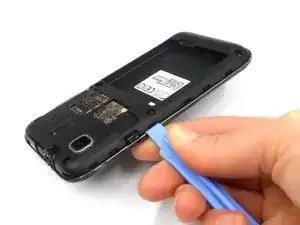
Once all seven screws have been removed, use the Plastic Opening Tools to gently release the plastic snaps around the seam of the black casing.
-
Be careful not to break any of the plastic snaps.
-
-
-
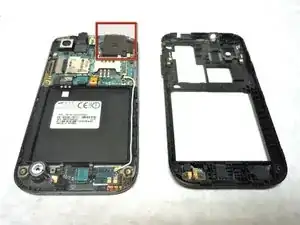
After all the plastics snaps have been released, the black plastic casing will come off easily.
-
Locate the speaker.
-
-
-
Using the Plastic Opening Tools, carefully lift the golden-brown clamp holding down the speaker's ribbon cable.
-
Remove the speaker by gently pulling it.
-
To reassemble your device, follow these instructions in reverse order.