Introdução
If your Samsung Galaxy Chromebook Go 14 is experiencing weak Wi-Fi signals, frequent disconnects, or complete loss of wireless connectivity, the internal Wi-Fi card may be failing. Luckily, the Wi-Fi card in the XE345XDA is a replaceable module, making it possible to restore your wireless performance without replacing the entire device.
Before you begin the repair, power off the laptop and disconnect the charging adaptor and any peripheral devices.
Ferramentas


-
-
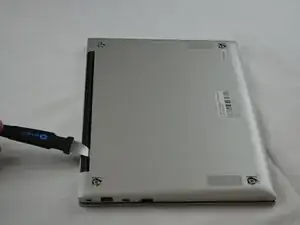
Insert an opening tool into the space between the bottom and top cover.
-
Slide the opening tool around the perimeter of the device to release the clips securing the bottom cover.
-
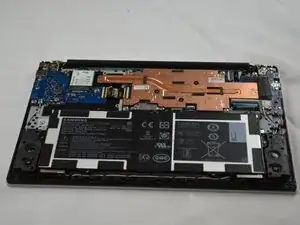
Pry off the bottom of your Chromebook.
-
-
-
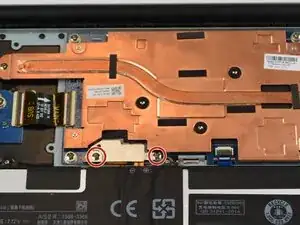
Remove the two 3.53 mm PH00 screws holding down the silver metal cover.
-
Remove the silver cover from the battery connector.
-
-
-
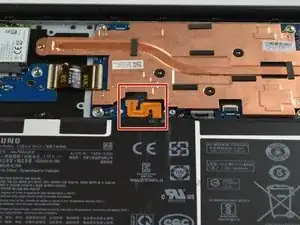
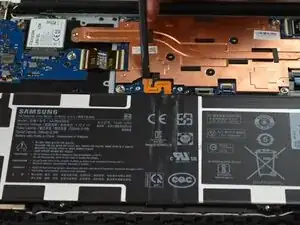
Place a spudger or an opening tool under the edge of the battery connector and pry straight up to disconnect it.
-
-
-
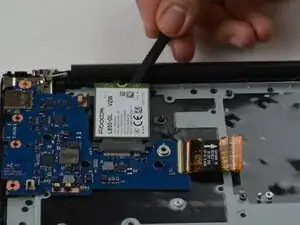
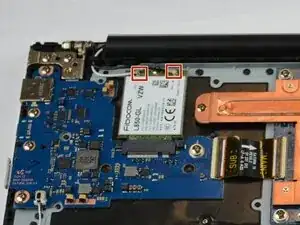
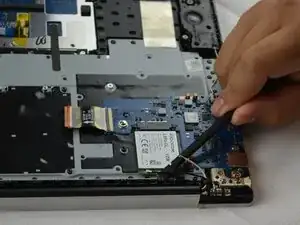
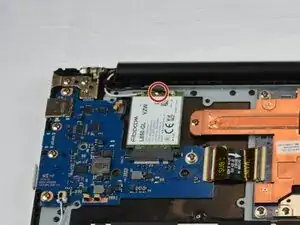
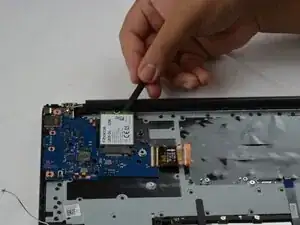
Slide a thin, ESD-safe pry tool or angled tweezers under the metal neck of the coaxial connector on the Wi-Fi card (as close to the head as possible) and lift straight up from the board.
-
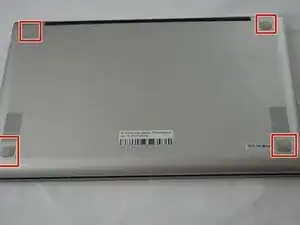
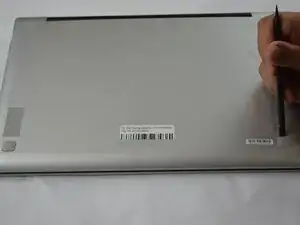
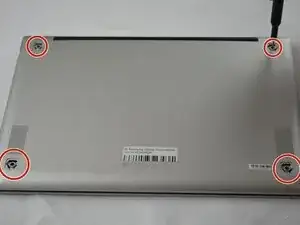
To reassemble your device, follow these instructions in reverse order. Take your e-waste to an R2 or e-Stewards certified recycler.