Introdução
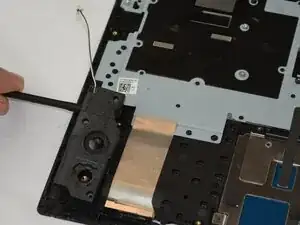
If your Samsung Galaxy Chromebook’s speakers are crackling, distorted, or silent, it may be time for a replacement. This guide will show you how to replace the left and right speakers.
Ferramentas


-
-
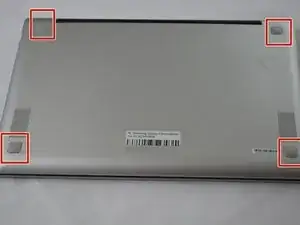
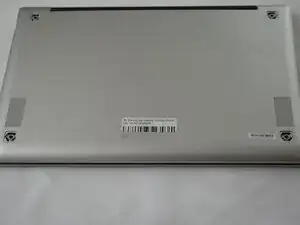
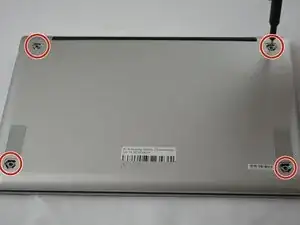
Use the Phillips #00 screwdriver to remove the four 4.32 mm screws underneath each rubber sole.
-
-
-
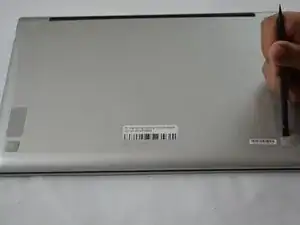
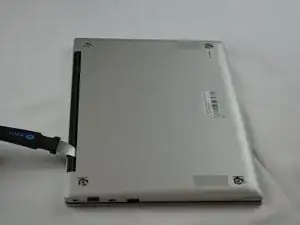
Insert an opening tool into the space between the bottom and top cover.
-
Slide the opening tool around the perimeter of the device to release the clips securing the bottom cover.
-
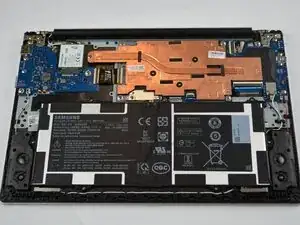
Pry off the bottom of your Chromebook.
-
-
-
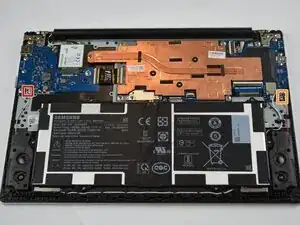
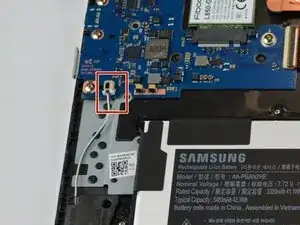
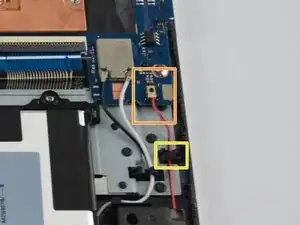
Disconnect the two speaker cables from the respective board:
-
Pinch the white connector for the right speaker cable and gently pull it from the socket.
-
If that doesn't work, use the point of a spudger to push on alternating sides of the right speaker connector to "walk" it out of its socket.
-
Gently pull the left speaker connector up and out of the socket.
-
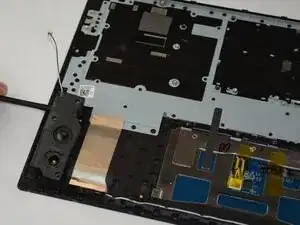
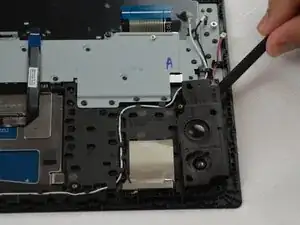
Release the speaker cables from the cable guides.
-
To reassemble your device, follow these instructions in reverse order. Take your e-waste to an R2 or e-Stewards certified recycler.