Introdução
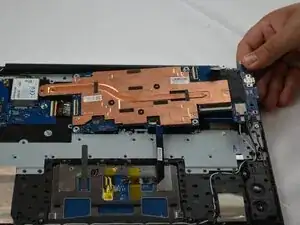
If your Samsung Galaxy Chromebook is experiencing power issues, overheating, charging failures, or complete system failure, the motherboard may need to be replaced.


-
-
Insert an opening tool into the space between the bottom and top cover.
-
Slide the opening tool around the perimeter of the device to release the clips securing the bottom cover.
-
Pry off the bottom of your Chromebook.
-
-
-
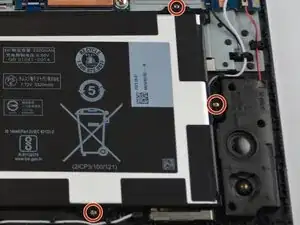
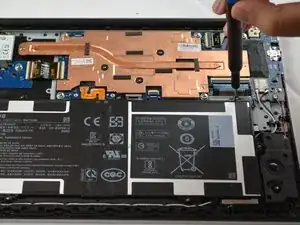
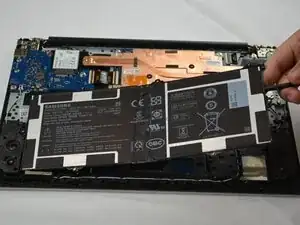
Use the Phillips #00 screwdriver to remove the seven silver 3 mm screws securing the battery.
-
-
-
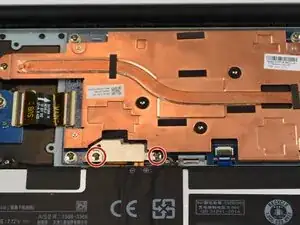
Remove the two 4 mm PH00 screws holding down the silver metal cover.
-
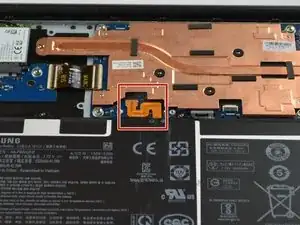
Remove the silver cover from the battery connector.
-
-
-
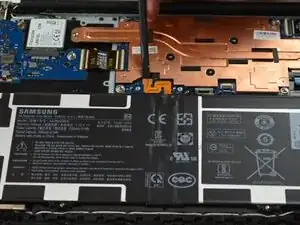
Place a spudger or an opening tool under the edge of the battery connector and pry straight up to disconnect it.
-
-
-
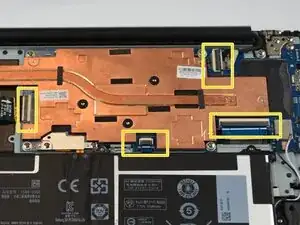
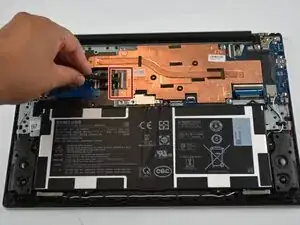
Use a spudge or a clean fingernail to flip up the locking flap on the four ZIF connectors—this is the unlocked position.
-
Gently pull the ribbon cables out of their sockets using tweezers or your fingers.
-
-
-
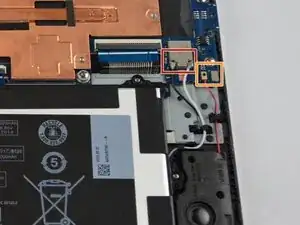
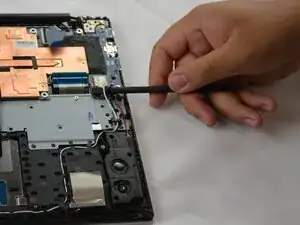
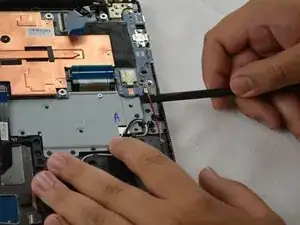
Slide a thin, ESD-safe pry tool or angled tweezers under the metal neck of the coaxial connector (as close to the head as possible) and lift straight up from the board.
-
Disconnect the speaker connection in the bottom right by pulling up and out.
-
-
-
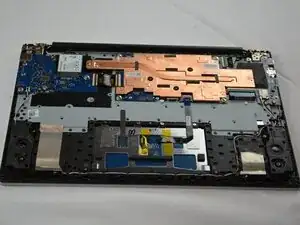
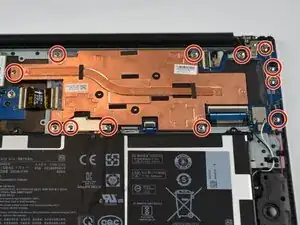
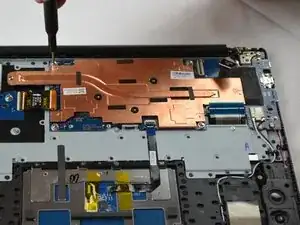
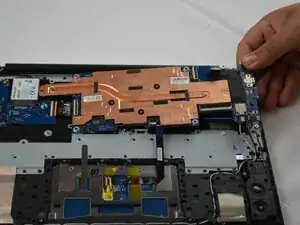
Use the #00 Phillips screwdriver to remove the twelve silver 3.5 mm screws securing the motherboard.
-
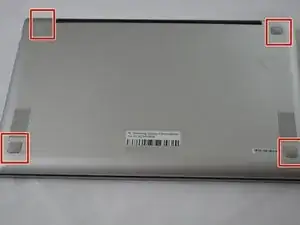
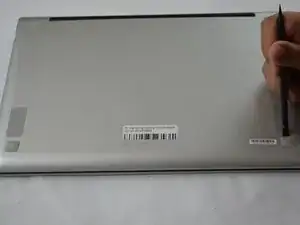
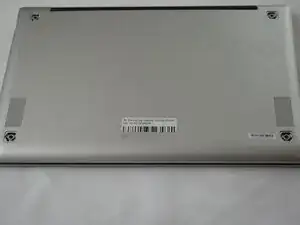
To reassemble your device, follow these instructions in reverse order. Take your e-waste to an R2 or e-Stewards certified recycler.