Introdução
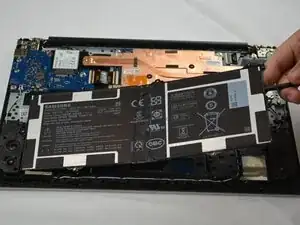
If your Samsung Galaxy Chromebook Go 14 XE345XDA no longer holds a charge, drains quickly, or shuts down unexpectedly, the battery may need to be replaced.


-
-
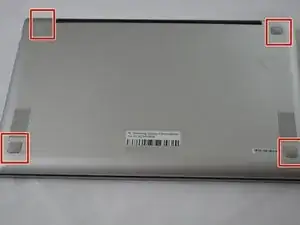
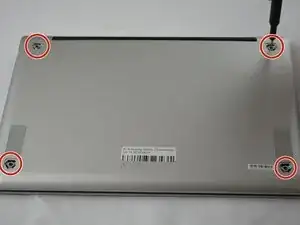
Insert an opening tool into the space between the bottom and top cover.
-
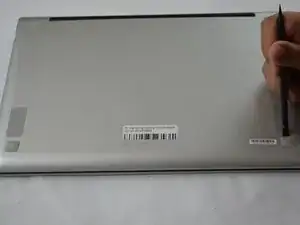
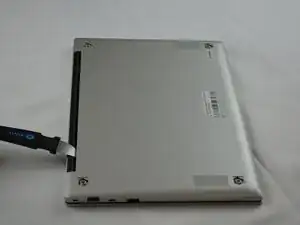
Slide the opening tool around the perimeter of the device to release the clips securing the bottom cover.
-
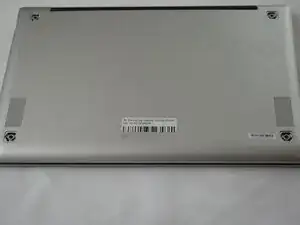
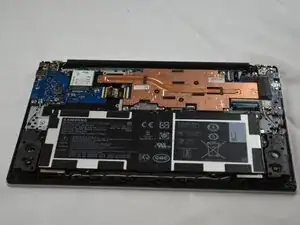
Pry off the bottom of your Chromebook.
-
-
-
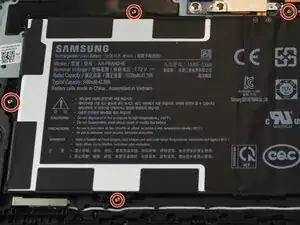
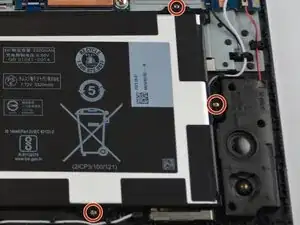
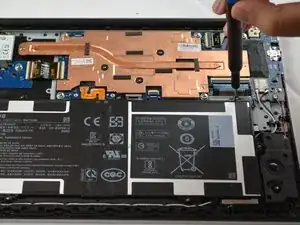
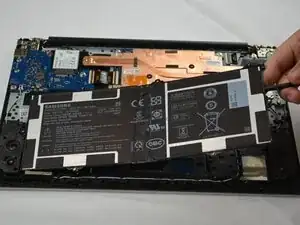
Use the Phillips #00 screwdriver to remove the seven silver 3 mm screws securing the battery.
-
-
-
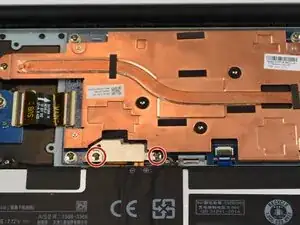
Remove the two 4 mm PH00 screws holding down the silver metal cover.
-
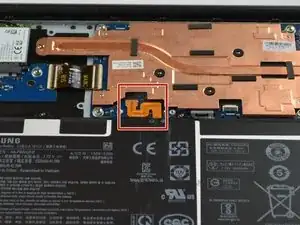
Remove the silver cover from the battery connector.
-
-
-
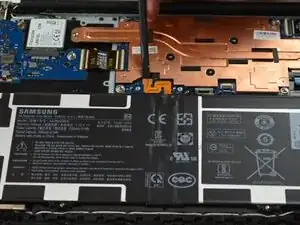
Place a spudger or an opening tool under the edge of the battery connector and pry straight up to disconnect it.
-
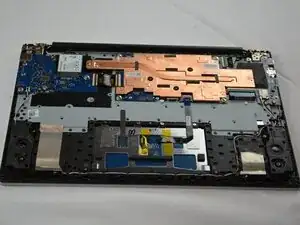
To reassemble your device, follow these instructions in reverse order. Take your e-waste to an R2 or e-Stewards certified recycler.
For optimal performance, calibrate your newly installed battery after completing this guide.