Introdução
-
-
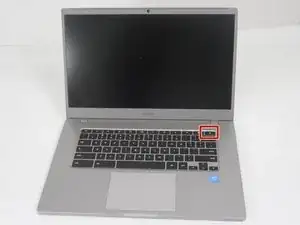
Hold the power button on the keyboard until the device powers off.
-
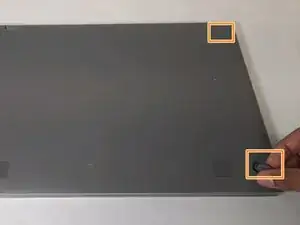
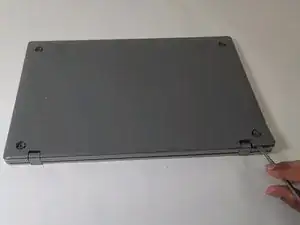
Close the device and flip it over.
-
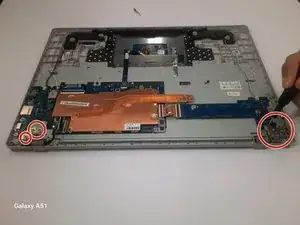
Remove the four rubber sockets on each corner of the device with your fingers.
-
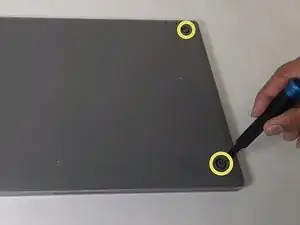
Remove the four 4.6 mm screws with a Phillips #00 screwdriver.
-
-
-
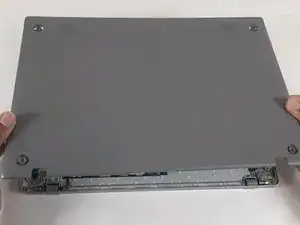
Starting near the hinges, use a metal spudger to gently pry the back off. Continue along the edges until the back is completely detached.
-
-
-
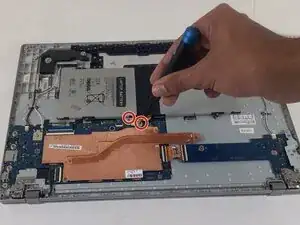
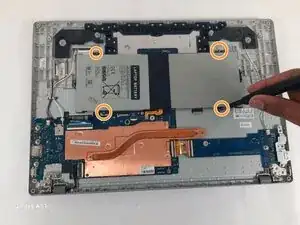
Locate a long gray box labeled “Laptop Battery.”
-
Remove the two 4 mm screws with a Phillips #00 screwdriver.
-
After removing the screws, remove the gray piece labeled “bracket battery BA61 - 03983A.” This piece is located over the golden band connecting the battery and the motherboard.
-
-
-
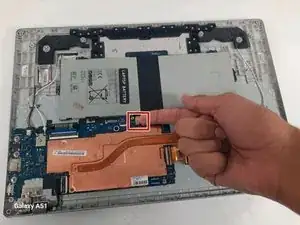
Unplug the golden band that connects the battery to the motherboard.
-
Use the Phillips #000 screwdriver to remove the four 4 mm screws holding the battery in place.
-
-
-
Face the hinge side towards you.
-
Remove three 4.6 mm Phillips #000 screws from the left and right hinges
-
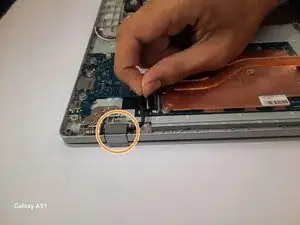
Pull out the black film connected to the motherboard in the white slot.
-
-
-
Open up the Chromebook.
-
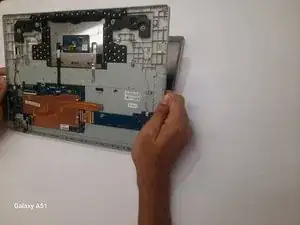
Separate the keyboard and screen and put the keyboard off to the side.
-
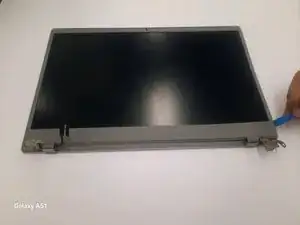
Use the iFixit opening tool to pop the outer edge of the screen up.
-
-
-
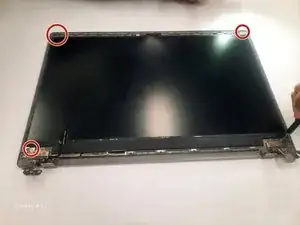
Remove the four 3mm Phillips #000 screws.
-
Lift the screen up slowly.
-
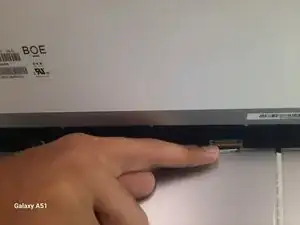
Find the black wire on the back and lift the metal clamp.
-
Pull the black film to remove the wire.
-
To reassemble your device, follow these instructions in reverse order.