Introdução
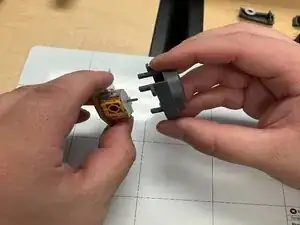
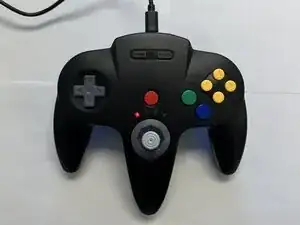
This guide will teach you how to replace the joystick of an SAFFUN N64 controller.


-
-
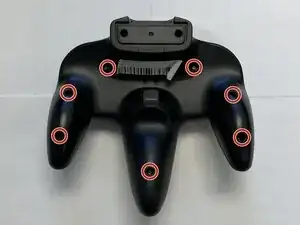
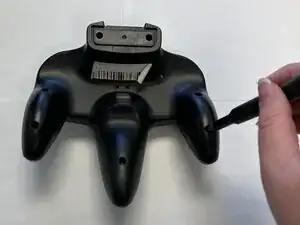
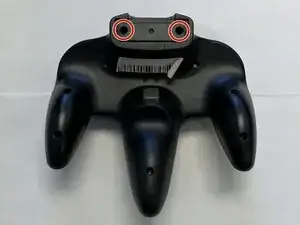
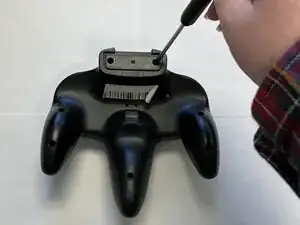
Slide an opening pick along the edge of the rear cover to release the clips.
-
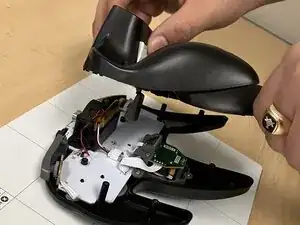
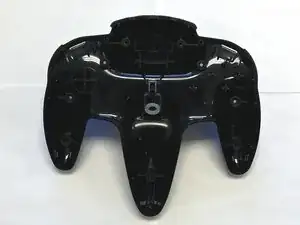
Gently remove the back plate from the controller.
-
-
-
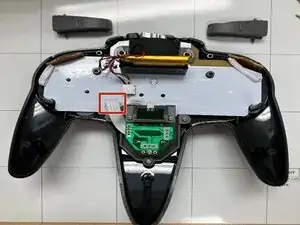
Locate the joystick ribbon marked by the RED arrow.
-
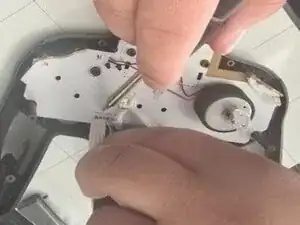
Using a desoldering pump to vacuum the molten solder from the circut.
-
No need to unsolder the Z button only the ribbon of the joystick is needed.
-
-
-
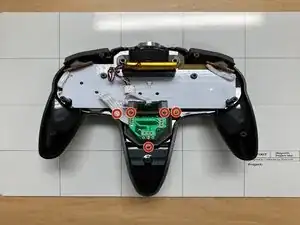
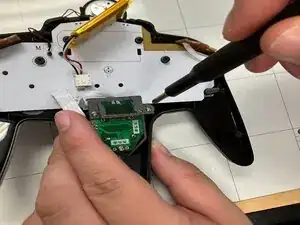
Use a Phillips #1 screwdriver to remove the five 7.3 mm screws.
-
Set aside the Z drive holder and keep the joystick.
-
-
-
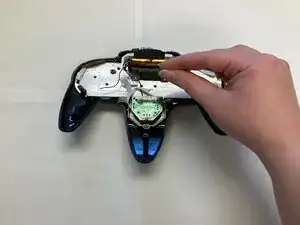
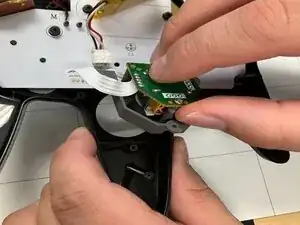
After removing the screws and the Z button holder gently raise the joystick and put the controller aside.
-
-
-
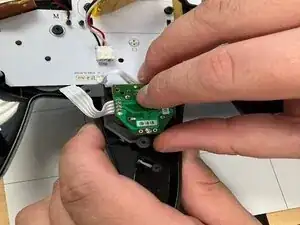
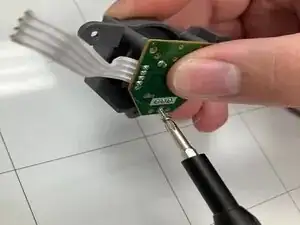
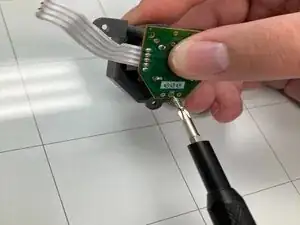
Use a Phillips #1 screwdriver to remove the remaining 3.9 mm screw from the center of the joystick board.
-
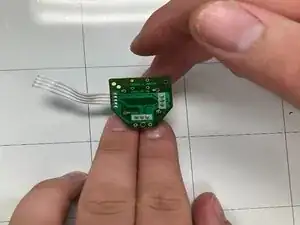
Set aside the joystick board.
-
-
-
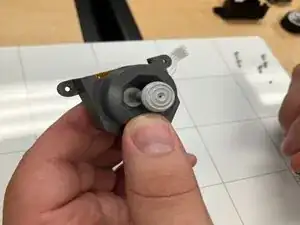
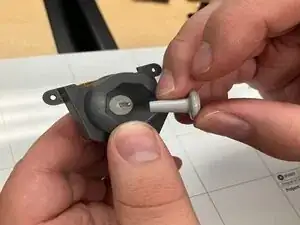
Remove the analog stick by using your finger and pulling towards your person.
-
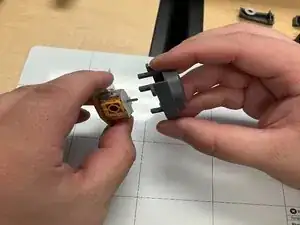
One removed use your fingers to remove the joystick from its container.
-
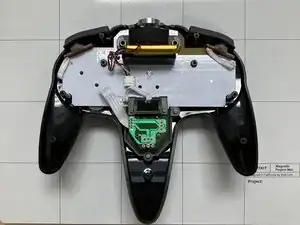
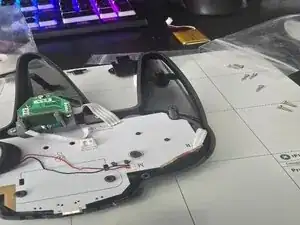
To reassemble your device, follow these instructions in reverse order.