Introdução
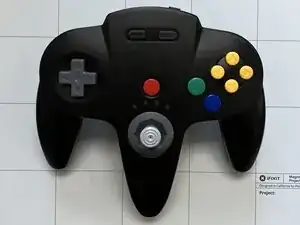
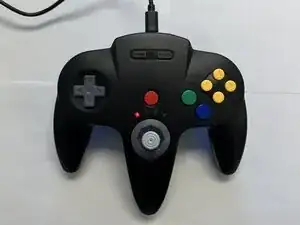
This guide explains how to remove and replace the buttons on the SAFFUN Wireless N64 controller. Button replacement may be necessary if the buttons feel unresponsive or stick during gameplay. The procedure requires basic disassembly of the controller housing and careful handling of internal components. Before beginning, make sure the controller is powered off and disconnected from any device.


-
-
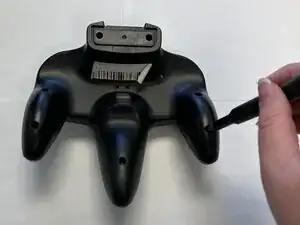
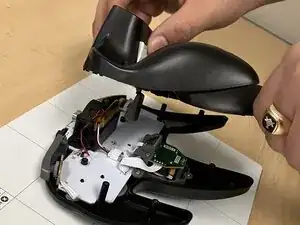
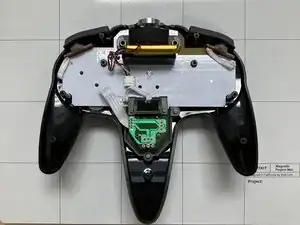
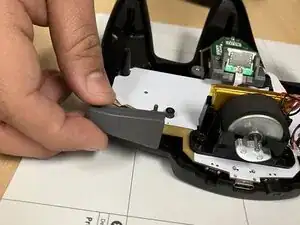
Slide an opening pick along the edge of the rear cover to release the clips.
-
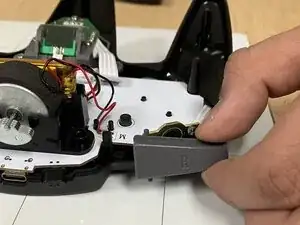
Gently remove the back plate from the controller.
-
-
-
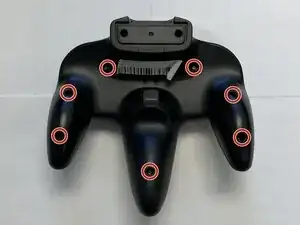
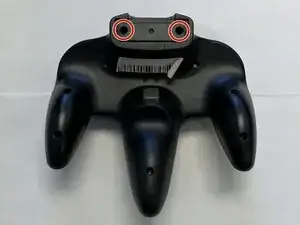
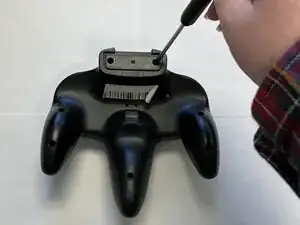
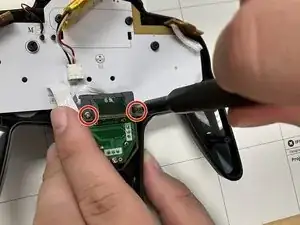
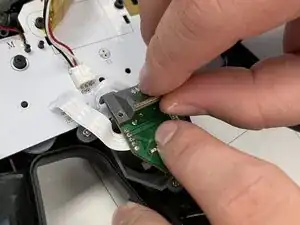
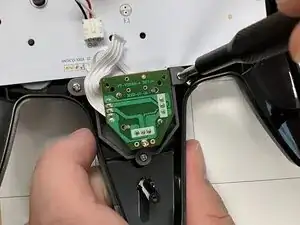
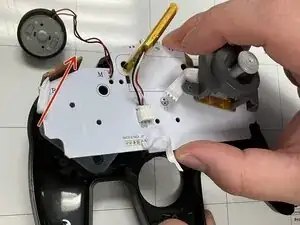
Use a Phillips #1 screwdriver to remove the two 7.2 mm screws on the Z-Button board that reinforces the joystick board.
-
-
-
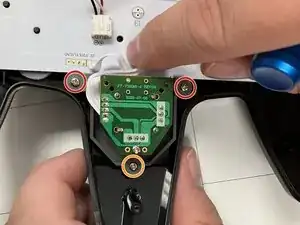
Use a Phillips #1 screwdriver to remove:
-
Two 9.3 mm-long screws
-
One 7.3 mm-long screw
-
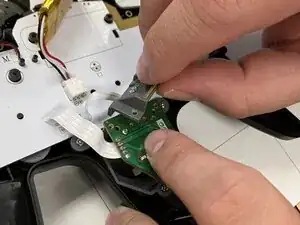
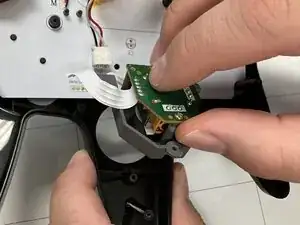
Remove the joystick board.
-
-
-
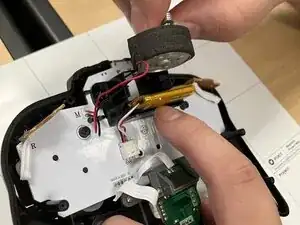
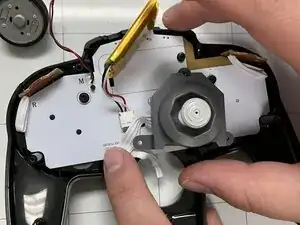
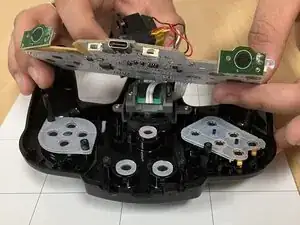
Carefully lift the motherboard by its edges.
-
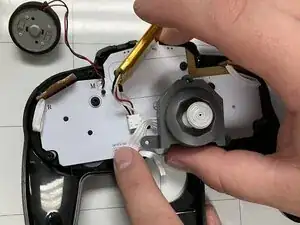
Remove the motherboard and attached joystick assembly from the case.
-
-
-
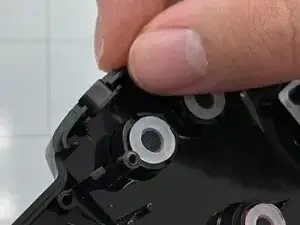
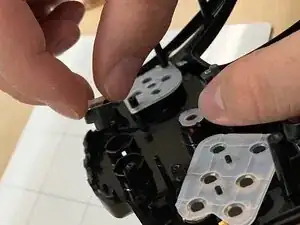
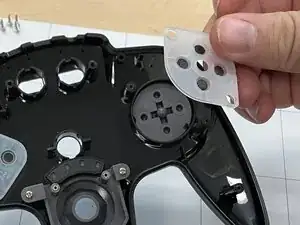
Remove the rubber covering the D-Pad.
-
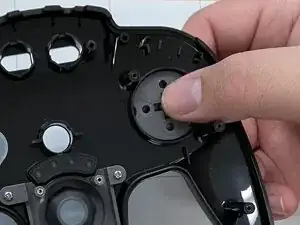
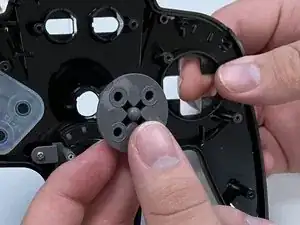
Press the D-Pad outward from the inside of the front plate to remove it.
-
-
-
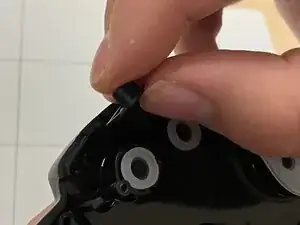
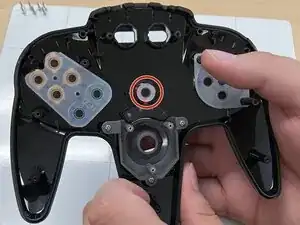
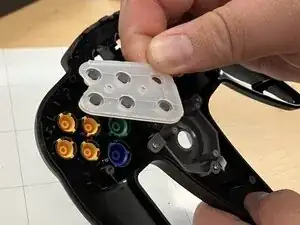
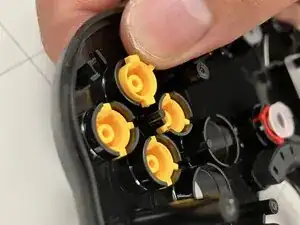
Remove the rubber covering the yellow buttons.
-
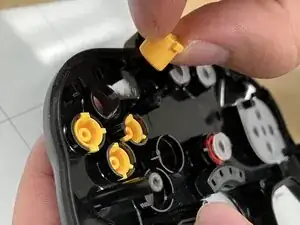
Press each yellow button outward from the inside of the front plate to remove it.
-
-
-
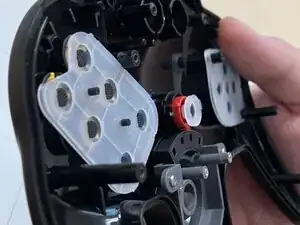
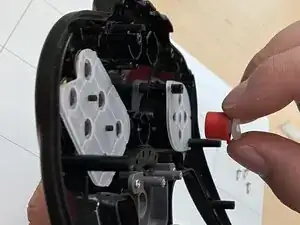
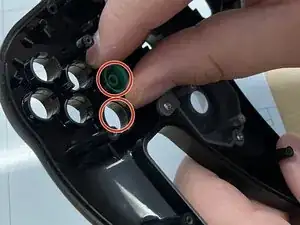
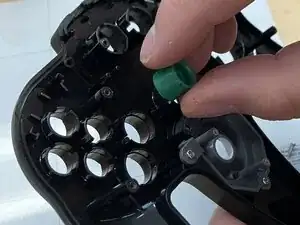
Press the blue and green buttons outward from the inside of the front plate to remove them.
-
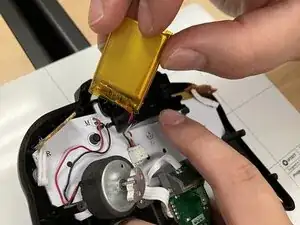
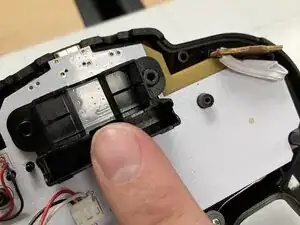
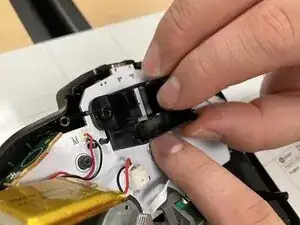
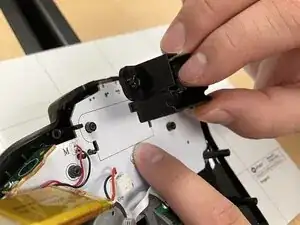
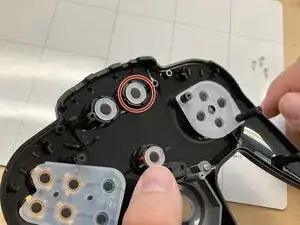
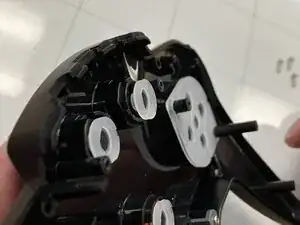
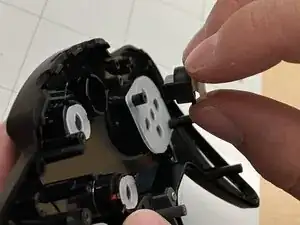
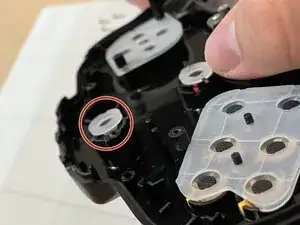
To reassemble your device, follow these instructions in reverse order.