Introdução

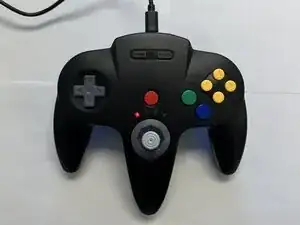
Use this guide to replace the battery in the SAFFUN Wireless N64 Controller.

If the battery is swollen, stop and use caution. Review the guide on handling swollen batteries before proceeding.

  1. 1URhPUQfEtQohHLP
    • Before you begin, make sure the controller is disconnected and the LED indicator light is off.

  2. CRhmOFEINPcIf1Ij
    CRhmOFEINPcIf1Ij
    QDBA3B6XQkRemFdJ
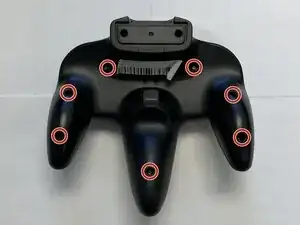
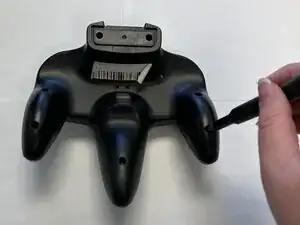
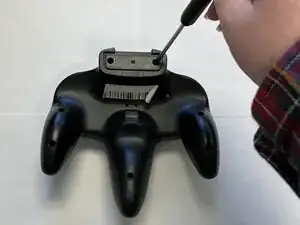
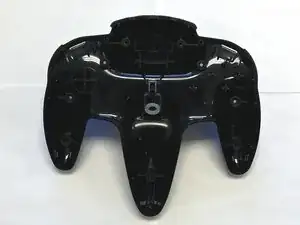
    • Use a Phillips #1 screwdriver to remove the seven 9.3 mm screws from the backplate.

  3. DbIEQB6wCbrMjUYE
    DbIEQB6wCbrMjUYE
    J2jJN1cRtOPli5vN
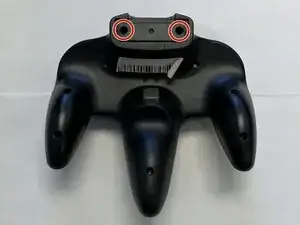
    • Use a Phillips #1 screwdriver to remove the two 9.3 mm screws.

    • Use a screwdriver with a shaft length of at least 60 mm to reach the deep-set screws.

  4. XfctiaDICinM6WqN
    XfctiaDICinM6WqN
    2RtcNInWKkJlHsmM
    jJNZCgkmeInJDhoX
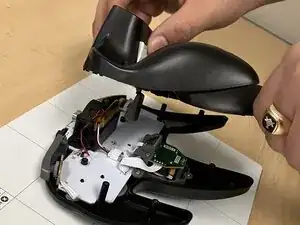
    • Slide an opening pick along the edge of the rear cover to release the clips.

    • Gently remove the back plate from the controller.

  5. hgxhr1kUEZeLvqVO
    hgxhr1kUEZeLvqVO
    GDJhyrM4Yjyp2rpi
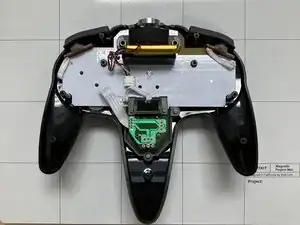
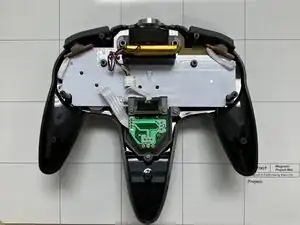
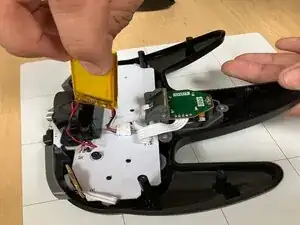
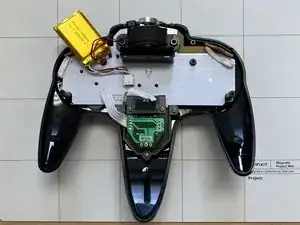
    • Carefully remove the battery from the holder.

    • Don't rip out the wires. The battery is still attached to the controller.

  6. ZsqogIrS2NJkUXQW
    ZsqogIrS2NJkUXQW
    bOEjZErvL4OnVgJT
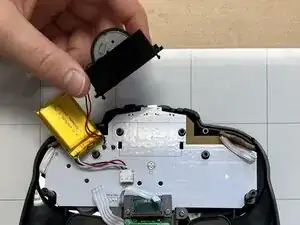
    • Remove the rumble motor and its holder.

  7. IqWJy6U1OVdoFLoq
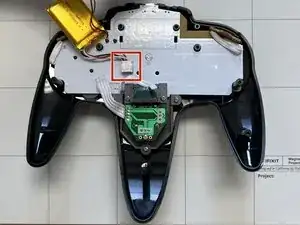
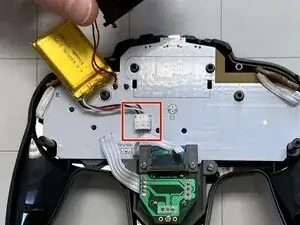
    • Locate the power supply unit (PSU) on the motherboard shown by the red square.

  8. oOrkRrWtGlJhX3El
    oOrkRrWtGlJhX3El
    a1vuSnFCGqbISsjj
    w3nOQx5qNQjxokDs
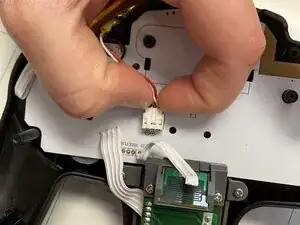
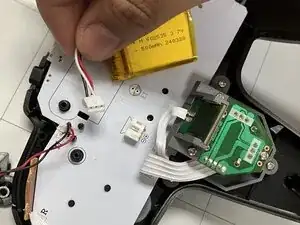
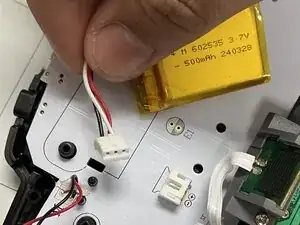
    • Squeeze the side clips on the battery connector and pull the battery cable straight out of its socket on the board.

    • Do not pull on the wires, as this can damage the connector.

Conclusão

To reassemble your device, follow these instructions in reverse order.

Jacob Overcash

Membro desde: 23/09/25

541 Reputação

0 comentários