Introdução
The LEDs on the Rowenta X-O 160 cordless vacuum cleaner can give out intermittently. While the LEDs are off, the device will not react to the remote control and continue running in the last power mode chosen. If the device is switched on using the power button and the LEDs do not light up, power mode is set to "high" and can not be changed until the LEDs light up again.
The underlying problem is a loose connection between the battery and the corresponding connector in the device. It can be fixed by shimming the connector board in the device.
Ferramentas


Peças
-
-
Open battery compartment, remove battery.
-
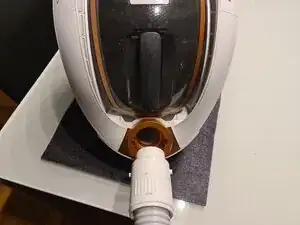
Remove hose (rotate counterclockwise, then pull).
-
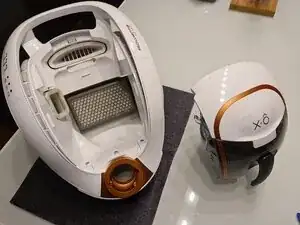
Remove dust container.
-
-
-
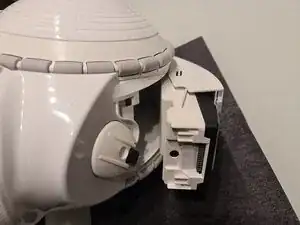
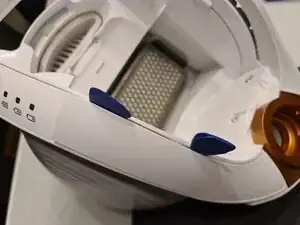
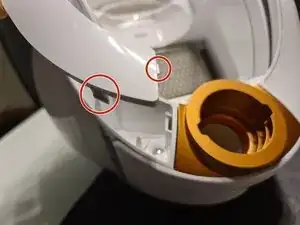
Insert picks, open covers on carrying handle. Start at the top and slide the covers out towards the top to avoid snapping off the tabs at the bottom (image).
-
-
-
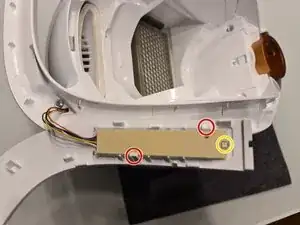
Unclip LED board from cover. Be careful not to break the hook (yellow, right).
-
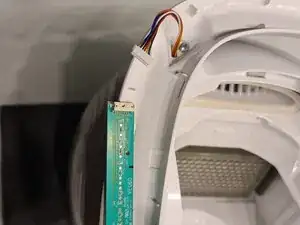
Remove LED board from cable.
-
-
-
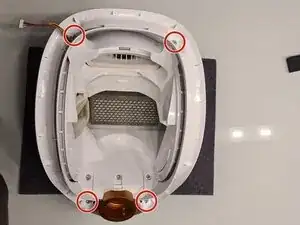
Remove two T15 screws. Remove wheel assemblies.
-
Note: the cast-in text features help with reassembly if the device sits in front of you as shown. "GAUCHE" (French: "left") and "DROITE" (French: "right").
-
-
-
Remove two T15 screws, one of which is easy to miss and requires a long and slim screw driver.
-
-
-
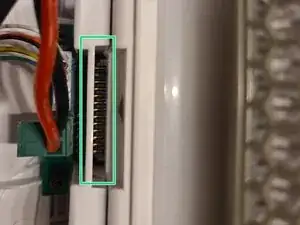
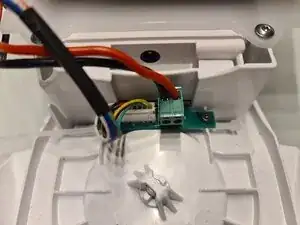
The contact problem that this guide is supposed to help you fix occurs if the connector's pins are too high and only partially engage with the battery's contact pads.
-
A battery can now be inserted to check the alignment of the battery's contacts with the connector. If the connector board's pins are not flush with the battery connector's top, then this is what is causing the problem.
-
-
-
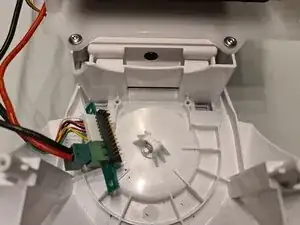
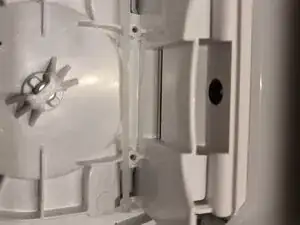
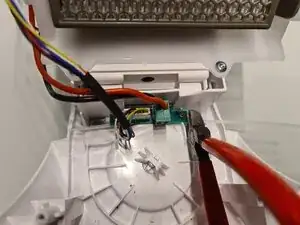
Place a shim on the battery connector board's mounting surface. A piece of nylon zip tie (1 mm thick, 2.7 mm wide) will work perfectly.
-
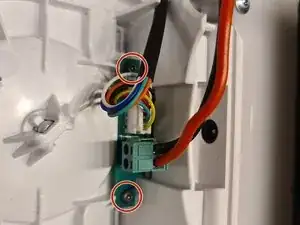
Reinstall the battery connector board on top of the shim.
-
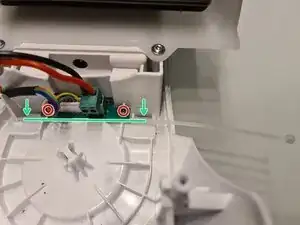
Keep the shim (green) on "your" side of the screw holes (red) as shown. Reinstall the battery connector board, making sure that the shim is gently pushing the board into the correct direction. If necessary, reinsert the battery to check alignment.
-
-
-
GENTLY tighten the battery connector board's screws. Keep in mind that this is pretty much a hack and that the components are now mechanically loaded in an unintended way. Over-tightening the screws may easily cause damage.
-
Thoroughly test the device before reassembly.
-
Reassemble the device, following steps 1-6 in reverse order.
-
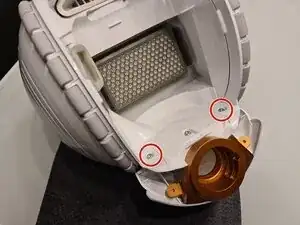
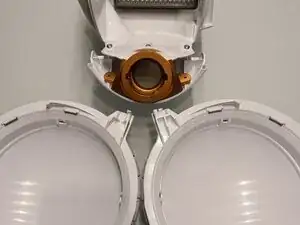
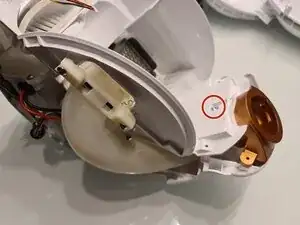
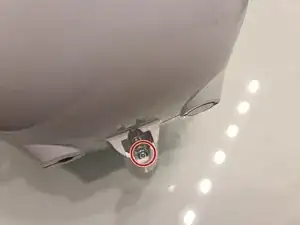
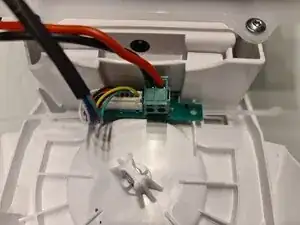
This guide describes shimming the battery connector board to improve engagement of its pins with the battery's connector.
A straightforward mechanical hack that requires almost no special tools, one low-cost "spare part" and no expert skills.
