Introdução

  1. fpivgg5CYQWWKSgw
    fpivgg5CYQWWKSgw
    wQ2YFDT1H3iMhwNP
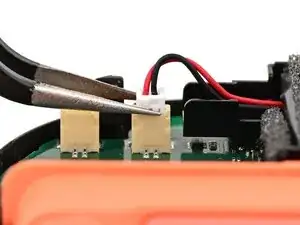
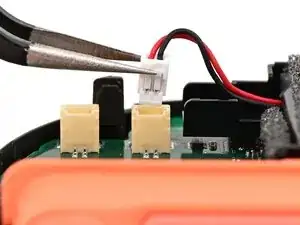
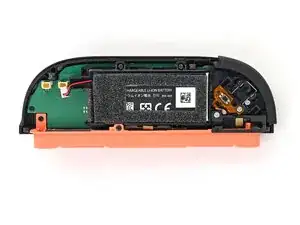
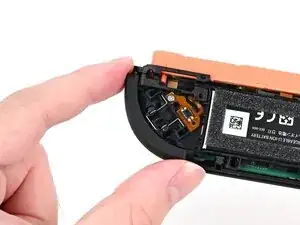
    • Use tweezers or your fingers to firmly grip the battery cable's white JST connector and pull straight away from its socket to disconnect it.

    • Once partially lifted, reposition your fingers/tweezers to beneath the connector's upper lip to increase your grip.

  2. 4LcjHXFWHB5pbeTW
    4LcjHXFWHB5pbeTW
    qTsfHX5VsKNrJUms
    JKrSnHtZtucr3Rqx
    • If your JIS 00 driver is able to access the screw underneath the trigger button, you may skip this step.

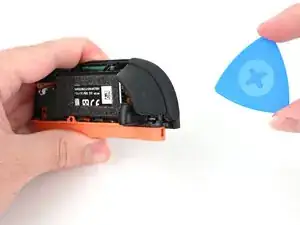
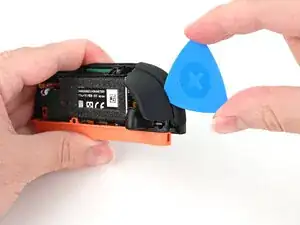
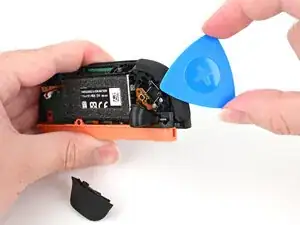
    • Insert an opening pick between the bumper (R) and trigger (ZR) buttons at the top of the controller.

    • Use the opening pick to pry the trigger away from the bumper until it pops off the controller.

    • You can lightly hold the ZR button with your finger to avoid launching it.

  3. fxGma6aW23T6dLFT
    fxGma6aW23T6dLFT
    uaxnXpqvQidXHPiL
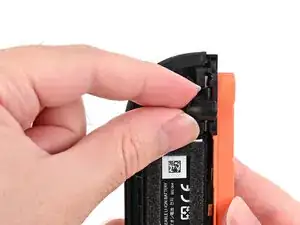
    • Pick up the release button and remove it.

  4. Wcn3gOAkThBsxkoY
    Wcn3gOAkThBsxkoY
    F1y6mSk4IqZgTXPQ
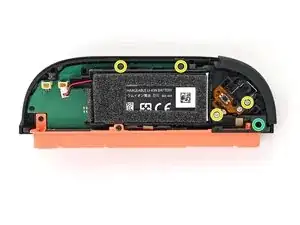
    • Use a JIS 00 driver to remove the five screws securing the midframe:

    • Four 3.9 mm‑long silver screws

    • One 6.2 mm‑long black screw

  5. OOZlHyJLuZD3rONl
    OOZlHyJLuZD3rONl
    eAiuM5QkqZepNxw2
    • Hold the midframe lightly in place.

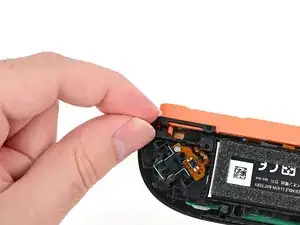
    • Pull the bumper (R) button off its mounting pegs and remove it.

    • The midframe will lift slightly when removing this button.

  6. uuVlnoewAdQy6xeQ
    uuVlnoewAdQy6xeQ
    Tb2VbAs5JgnmbwVq
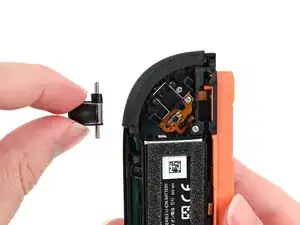
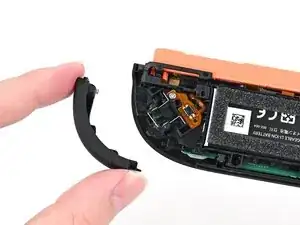
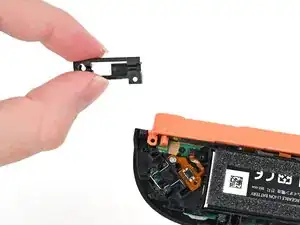
    • Pick up the release button mounting bracket and remove it.

  7. FTJVbmYd5wI3pAXP
    FTJVbmYd5wI3pAXP
    mtYLgXla1jGU3T5S
    2f4SQZuAXqv5HPWO
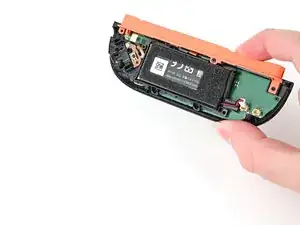
    • Use the back cover to prop up the controller while you work.

    • The buttons on the front of the controller should rest on the back cover's lip to keep it stable.

  8. g2TnWcUTsTXpvkGl
    g2TnWcUTsTXpvkGl
    JqaQUOsHvJ4NyWuT
    Li23yID1AT13pRTB
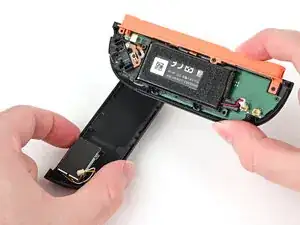
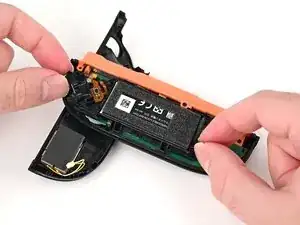
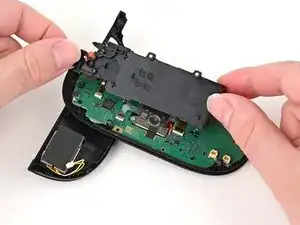
    • Flip the controller's mid-frame over so it rests on the Joy-Con's inner edge (the edge with the shoulder buttons).

  9. NDNg5O21cDkP6Yct
    NDNg5O21cDkP6Yct
    pKQApb1hWkXpHZby
    hhQm1aslK34OFfB2
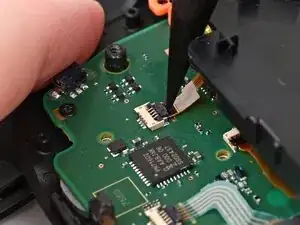
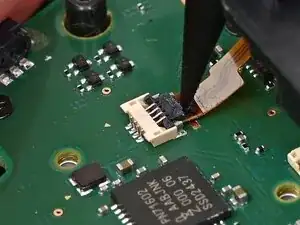
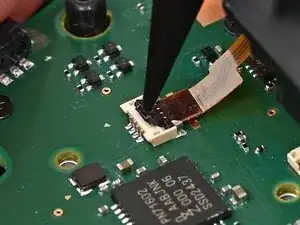
    • Use the point of a spudger to flip up the locking flap on the midframe cable ZIF connector, located on the controller's board.

  10. r5IdcgNLfDVX3c6t
    r5IdcgNLfDVX3c6t
    wKaClNMKELE56TQa
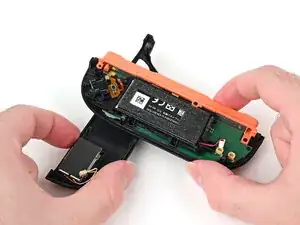
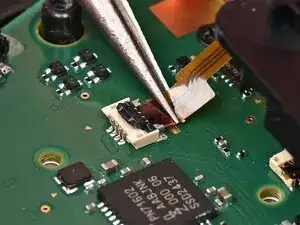
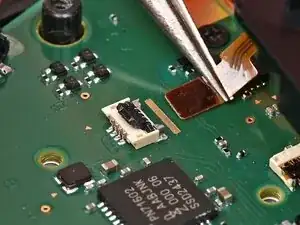
    • Use tweezers or your fingers to gently pull the cable out of its socket.

  11. sSImFUYNMWOMfXDB
    sSImFUYNMWOMfXDB
    THNoITR3WdbThJBy
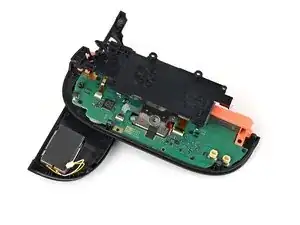
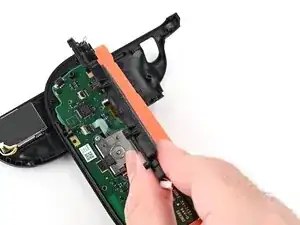
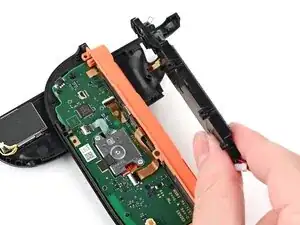
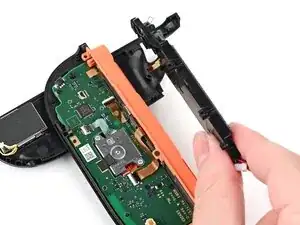
    • Pick up and remove the midframe.

Conclusão

To reassemble your device, follow these instructions in reverse order.

Nick Schultz

Membro desde: 24/03/24

45909 Reputação

0 comentários