Introdução
-
-
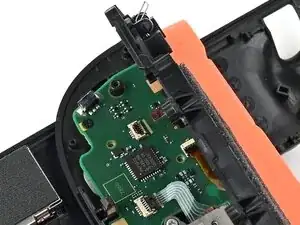
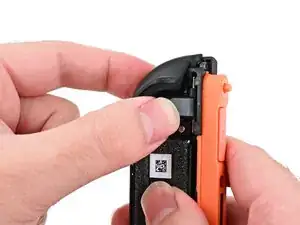
Make sure the locking flap is flipped up on the midframe cable ZIF connector.
-
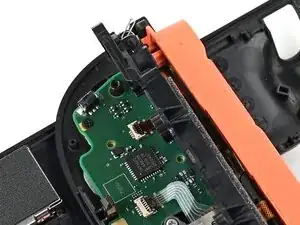
Reposition the midframe so its ribbon cable is aligned with its socket on the board.
-
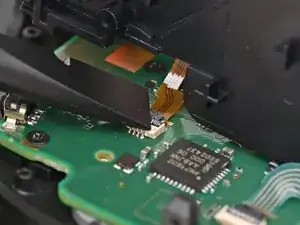
Push the ribbon cable into its connector by moving the midframe. If needed, use tweezers to fully seat the cable. The darker brown tab at the tip of the cable should end at the golden line on the board.
-
-
-
Align the two springs on the bumper with their two posts on the midframe, and press it into place.
-
-
-
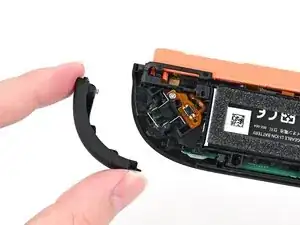
Align the release button mounting bracket with its screw holes and press it in the frame so it snaps into place.
-
-
-
Use a JIS 00 driver to install the two screws securing the release button bracket.
-
One 3.9 mm‑long silver screw
-
One 6.2 mm‑long black screw
-
-
-
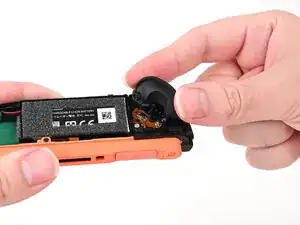
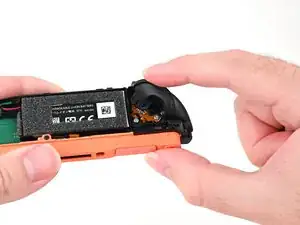
Align the trigger button with the top of the controller, with the "ZR" engraving facing out.
-
Set the trigger button onto its metal spring. Ensure the legs of the spring are seated properly in their channels on the midframe.
-
Press firmly on the trigger button to snap it into place.
-
-
-
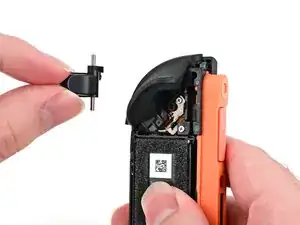
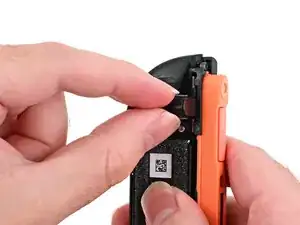
Hold the release button so its smooth face is perpendicular to the controller.
-
Insert the release button into its bracket.
-
-
-
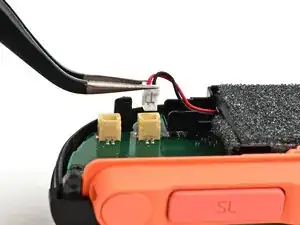
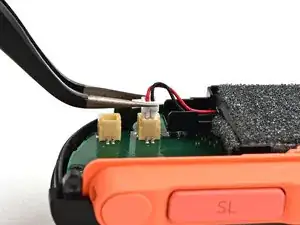
Align the battery connector with its socket on the board.
-
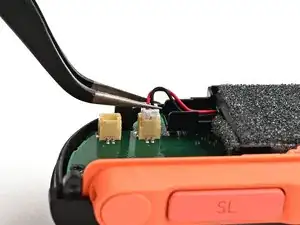
Press down on the connector until it's fully seated.
-
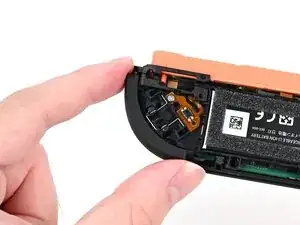
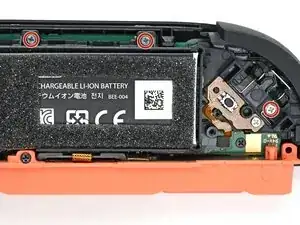
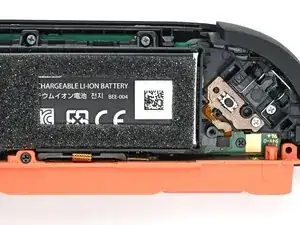
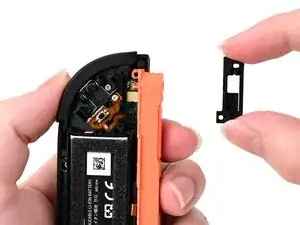
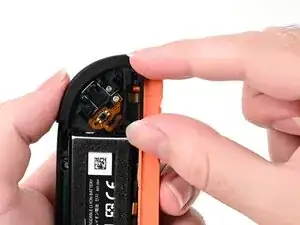
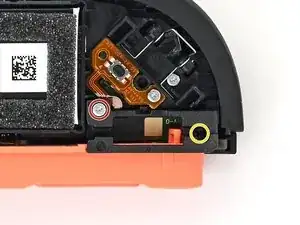
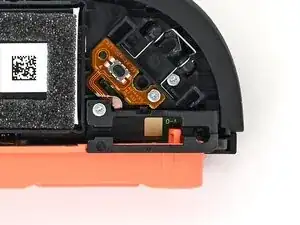
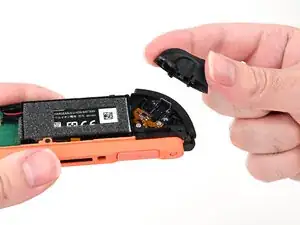
To reassemble your device, follow these instructions in reverse order.
